# @likecoin/qr-code-styling
> Add a style and an image to your QR code
Latest version **1.6.6** (published 2024-09-18) · MIT license · 0 weekly downloads
## Install
```sh
npm install @likecoin/qr-code-styling
pnpm add @likecoin/qr-code-styling
yarn add @likecoin/qr-code-styling
bun add @likecoin/qr-code-styling
```
## Health
**Score 35/100 (D)** — status: maintenance-mode.
Positive: has types; no vulnerabilities; high quality score.
Warnings: low downloads; no esm support.
Negative: stale; low maintenance score.
## Facts
| | |
|---|---|
| Version | 1.6.6 |
| Published | 2024-09-18 |
| First published | 2023-12-03 |
| Weekly downloads | 0 |
| License | MIT |
| TypeScript types | bundled |
| Module format | CommonJS |
| Dependencies | 1 |
| Unpacked size | 258.3 KB |
| Known vulnerabilities | 0 |
| Install scripts | no |
| GitHub stars | 0 |
| Author | Denys Kozak |
| Maintainers | aurora22, nwingt, williamchong007 |
| Keywords | qr, qrcode, qr-code, js, qrjs, qrstyling, styling, qrbranding, branding, qrimage, image, qrlogo, logo, design |
## Links
- npm: https://www.npmjs.com/package/@likecoin/qr-code-styling
- Repository: https://github.com/likecoin/qr-code-styling
- Homepage: https://qr-code-styling.com
- Issues: https://github.com/kozakdenys/qr-code-styling/issues
- npm.io page: https://npm.io/package/@likecoin/qr-code-styling
## Dependencies (1)
- [qrcode-generator](https://npm.io/package/qrcode-generator.md) ^1.4.3
## Alternatives
- [@mapbox/jsonlint-lines-primitives](https://npm.io/package/@mapbox/jsonlint-lines-primitives.md) — 5.3M weekly downloads
- [reftools](https://npm.io/package/reftools.md) — 3.5M weekly downloads
- [@hey-api/openapi-ts](https://npm.io/package/@hey-api/openapi-ts.md) — 3.5M weekly downloads
- [@mapbox/geojson-rewind](https://npm.io/package/@mapbox/geojson-rewind.md) — 2.4M weekly downloads
- [turbo-stream](https://npm.io/package/turbo-stream.md) — 1.7M weekly downloads
## Recent versions
- 1.6.6 (latest) — 2024-09-18
- 1.6.5 — 2024-09-17
- 1.6.4 — 2023-12-03
- 1.6.3 — 2023-12-03
- 1.6.2 — 2023-12-03
- 1.6.1 — 2023-12-03
## README
# QR Code Styling
[](https://www.npmjs.org/package/qr-code-styling)
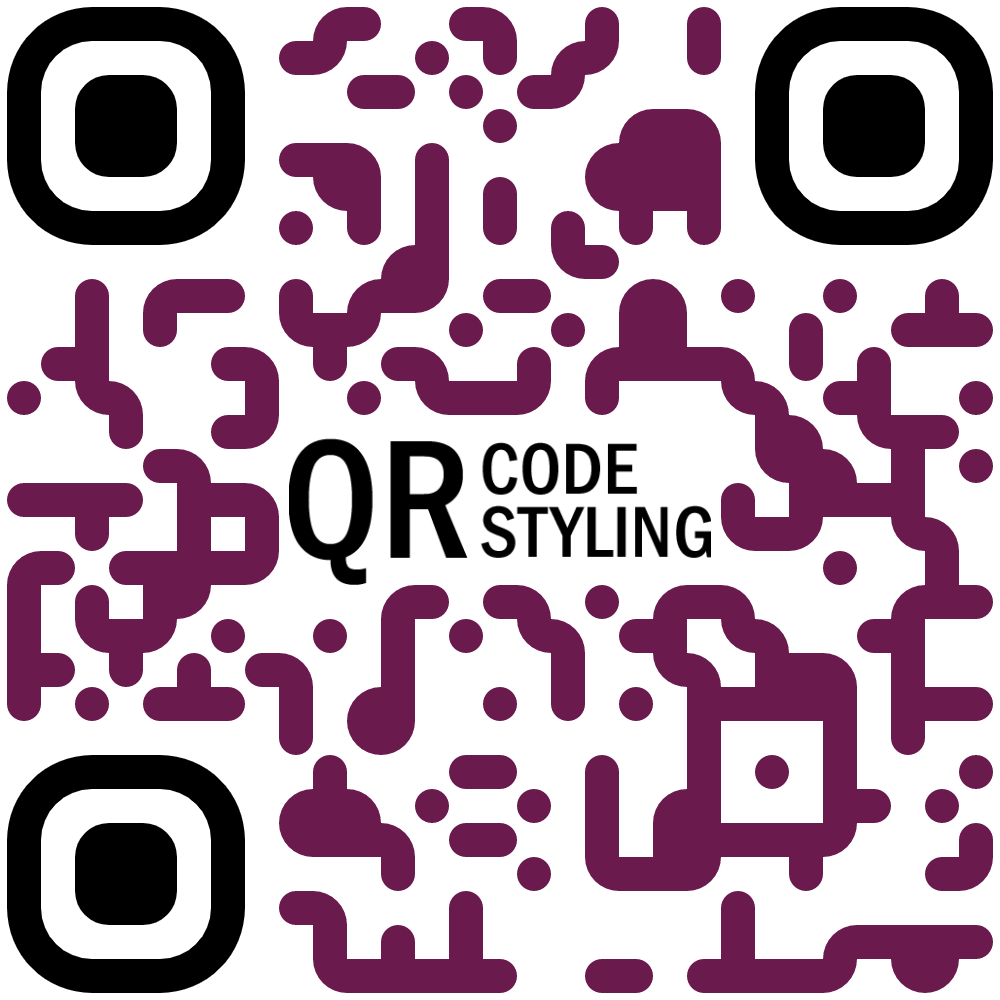
JavaScript library for generating QR codes with a logo and styling.
Try it here https://qr-code-styling.com
If you have issues / suggestions / notes / questions, please open an issue or contact me. Let's create a cool library together.
### Examples


### Installation
```
npm install qr-code-styling
```
### Usage
```HTML
QR Code Styling
```
---
[**React example (Codesandbox)**](https://codesandbox.io/s/qr-code-styling-react-example-l8rwl?file=/src/App.js)
[**Angular example (Codesandbox)**](https://codesandbox.io/s/agitated-panini-tpgb2?file=/src/app/app.component.ts)
---
[**React example (source)**](https://github.com/kozakdenys/qr-code-styling-examples/tree/master/examples/react)
[**Angular example (source)**](https://github.com/kozakdenys/qr-code-styling-examples/tree/master/examples/angular)
[**Vue example (source)**](https://github.com/kozakdenys/qr-code-styling-examples/tree/master/examples/vue)
---
### API Documentation
#### QRCodeStyling instance
`new QRCodeStyling(options) => QRCodeStyling`
Param |Type |Description
-------|------|------------
options|object|Init object
`options` structure
Property |Type |Default Value|Description
-----------------------|-------------------------|-------------|-----------------------------------------------------
width |number |`300` |Size of canvas
height |number |`300` |Size of canvas
type |string (`'canvas' 'svg'`)|`canvas` |The type of the element that will be rendered
data |string | |The date will be encoded to the QR code
image |string | |The image will be copied to the center of the QR code
margin |number |`0` |Margin around canvas
qrOptions |object | |Options will be passed to `qrcode-generator` lib
imageOptions |object | |Specific image options, details see below
dotsOptions |object | |Dots styling options
cornersSquareOptions |object | |Square in the corners styling options
cornersDotOptionsHelper|object | |Dots in the corners styling options
backgroundOptions |object | |QR background styling options
`options.qrOptions` structure
Property |Type |Default Value
--------------------|--------------------------------------------------|-------------
typeNumber |number (`0 - 40`) |`0`
mode |string (`'Numeric' 'Alphanumeric' 'Byte' 'Kanji'`)|
errorCorrectionLevel|string (`'L' 'M' 'Q' 'H'`) |`'Q'`
`options.imageOptions` structure
Property |Type |Default Value|Description
------------------|---------------------------------------|-------------|------------------------------------------------------------------------------
hideBackgroundDots|boolean |`true` |Hide all dots covered by the image
imageSize |number |`0.4` |Coefficient of the image size. Not recommended to use ove 0.5. Lower is better
margin |number |`0` |Margin of the image in px
crossOrigin |string(`'anonymous' 'use-credentials'`)| |Set "anonymous" if you want to download QR code from other origins.
`options.dotsOptions` structure
Property|Type |Default Value|Description
--------|------------------------------------------------------------------------------|-------------|-------------------
color |string |`'#000'` |Color of QR dots
gradient|object | |Gradient of QR dots
type |string (`'rounded' 'dots' 'classy' 'classy-rounded' 'square' 'extra-rounded'`)|`'square'` |Style of QR dots
`options.backgroundOptions` structure
Property|Type |Default Value
--------|------|-------------
color |string|`'#fff'`
gradient|object|
`options.cornersSquareOptions` structure
Property|Type |Default Value|Description
--------|-----------------------------------------|-------------|-----------------
color |string | |Color of Corners Square
gradient|object | |Gradient of Corners Square
type |string (`'dot' 'square' 'extra-rounded'`)| |Style of Corners Square
`options.cornersDotOptions` structure
Property|Type |Default Value|Description
--------|-------------------------|-------------|-----------------
color |string | |Color of Corners Dot
gradient|object | |Gradient of Corners Dot
type |string (`'dot' 'square'`)| |Style of Corners Dot
Gradient structure
`options.dotsOptions.gradient`
`options.backgroundOptions.gradient`
`options.cornersSquareOptions.gradient`
`options.cornersDotOptions.gradient`
Property |Type |Default Value|Description
----------|----------------------------|-------------|---------------------------------------------------------
type |string (`'linear' 'radial'`)|"linear" |Type of gradient spread
rotation |number |0 |Rotation of gradient in radians (Math.PI === 180 degrees)
colorStops|array of objects | |Gradient colors. Example `[{ offset: 0, color: 'blue' }, { offset: 1, color: 'red' }]`
Gradient colorStops structure
`options.dotsOptions.gradient.colorStops[]`
`options.backgroundOptions.gradient.colorStops[]`
`options.cornersSquareOptions.gradient.colorStops[]`
`options.cornersDotOptions.gradient.colorStops[]`
Property|Type |Default Value|Description
--------|----------------|-------------|-----------------------------------
offset |number (`0 - 1`)| |Position of color in gradient range
color |string | |Color of stop in gradient range
#### QRCodeStyling methods
`QRCodeStyling.append(container) => void`
Param |Type |Description
---------|-----------|-----------
container|DOM element|This container will be used for appending of the QR code
`QRCodeStyling.getRawData(extension) => Promise`
Param |Type |Default Value|Description
---------|------------------------------------|-------------|------------
extension|string (`'png' 'jpeg' 'webp' 'svg'`)|`'png'` |Blob type
`QRCodeStyling.update(options) => void`
Param |Type |Description
-------|------|--------------------------------------
options|object|The same options as for initialization
`QRCodeStyling.applyExtension(extension) => void`
Param |Type |Description
---------|----------------------|------------------------------------------------------------------------------------------
extension|(svg, options) => void|Extension is a function that takes svg and previously applied options and modifies an svg
`applyExtension` example
```JS
const extension = (svg, options) => {
const { width, height } = options;
const size = Math.min(width, height);
const border = document.createElementNS("http://www.w3.org/2000/svg", "rect");
const borderAttributes = {
"fill": "none",
"x": (width - size + 40) / 2,
"y": (height - size + 40) / 2,
"width": size - 40,
"height": size - 40,
"stroke": 'black',
"stroke-width": 40,
"rx": 100,
};
Object.keys(borderAttributes).forEach(attribute => {
border.setAttribute(attribute, borderAttributes[attribute]);
});
svg.appendChild(border);
};
```
`QRCodeStyling.deleteExtension() => void`
`QRCodeStyling.download(downloadOptions) => Promise`
Param |Type |Description
---------------|------|------------
downloadOptions|object|Options with extension and name of file (not required)
`downloadOptions` structure
Property |Type |Default Value|Description
---------|------------------------------------|-------------|-----------------------------------------------------
name |string |`'qr'` |Name of the downloaded file
extension|string (`'png' 'jpeg' 'webp' 'svg'`)|`'png'` |File extension
### Building this repo
If you get an error running `npm install` referring to `node-pre-gyp`, this is caused by an attempt to compile the [`canvas` dependency](https://github.com/Automattic/node-canvas#compiling). See Compiling instructions in the README. For example on MacOS you need to install dependencies: `brew install pkg-config cairo pango libpng jpeg giflib librsvg pixman`.
### License
[MIT License](https://raw.githubusercontent.com/kozakdenys/qr-code-styling/master/LICENSE). Copyright (c) 2021 Denys Kozak
---
_Source: https://npm.io/package/@likecoin/qr-code-styling · Machine-readable twin of the npm.io package page. Health data is recomputed on every publish._