# @pmndrs/xr
> VR/AR for threejs
Latest version **6.6.30** (published 2026-05-29) · SEE LICENSE IN LICENSE license · 0 weekly downloads
## Install
```sh
npm install @pmndrs/xr
pnpm add @pmndrs/xr
yarn add @pmndrs/xr
bun add @pmndrs/xr
```
## Health
**Score 60/100 (C)** — status: active.
Positive: has types; esm support; no vulnerabilities; has provenance.
Warnings: low downloads.
## Facts
| | |
|---|---|
| Version | 6.6.30 |
| Published | 2026-05-29 |
| First published | 2024-07-16 |
| Weekly downloads | 0 |
| License | SEE LICENSE IN LICENSE |
| TypeScript types | bundled |
| Module format | ESM + CommonJS |
| Dependencies | 6 |
| Unpacked size | 175.5 KB |
| Known vulnerabilities | 0 |
| Install scripts | no |
| Provenance | attested (GitHub Actions) |
| GitHub stars | 2608 |
| Author | Bela Bohlender |
| Maintainers | abernier, pmndrs01, drcmda, bjornstar, dennissmolek, bela-bohlender, isaacmason, krispyaa |
| Keywords | r3f, xr, ar, vr, three.js, react, typescript |
## Links
- npm: https://www.npmjs.com/package/@pmndrs/xr
- Repository: https://github.com/pmndrs/xr
- Issues: https://github.com/pmndrs/xr/issues
- npm.io page: https://npm.io/package/@pmndrs/xr
## Dependencies (6)
- [iwer](https://npm.io/package/iwer.md) ^2.1.0
- [zustand](https://npm.io/package/zustand.md) ^4.5.2
- [meshline](https://npm.io/package/meshline.md) ^3.3.1
- [@iwer/sem](https://npm.io/package/@iwer/sem.md) ~0.2.5
- [@iwer/devui](https://npm.io/package/@iwer/devui.md) ^1.1.1
- [@pmndrs/pointer-events](https://npm.io/package/@pmndrs/pointer-events.md) ~6.6.30
## Alternatives
- [@mdxeditor/editor](https://npm.io/package/@mdxeditor/editor.md) — 962.4K weekly downloads
- [mmdb-lib](https://npm.io/package/mmdb-lib.md) — 680.9K weekly downloads
- [playcanvas](https://npm.io/package/playcanvas.md) — 36.2K weekly downloads
- [@glw907/cairn-cms](https://npm.io/package/@glw907/cairn-cms.md) — 967 weekly downloads
- [markdown-to-confluence](https://npm.io/package/markdown-to-confluence.md) — 103 weekly downloads
## Recent versions
- 6.6.30 (latest) — 2026-05-29
- 6.5.1-alpha.2 (alpha) — 2025-01-21
- 6.6.29 — 2026-01-06
- 6.6.28 — 2025-11-20
- 6.6.27 — 2025-10-05
- 6.6.26 — 2025-09-09
- 6.6.25 — 2025-08-19
- 6.6.24 — 2025-08-19
- 6.6.23 — 2025-08-19
- 6.6.22 — 2025-08-05
- 6.6.21 — 2025-08-05
- 6.6.20 — 2025-07-19
- 6.6.19 — 2025-07-09
- 6.6.18 — 2025-07-08
- 6.6.17 — 2025-05-17
- … 67 more at https://npm.io/package/@pmndrs/xr/versions
## README

xr
Turn any threejs app into an interactive immersive experience.



```bash
npm install three @pmndrs/xr
```
## What does it look like?
| A simple scene with a mesh that toggles its material color between `"red"` and `"blue"` when clicked through touching or pointing. |  |
| ---------------------------------------------------------------------------------------------------------------------------------- | ----------------------------------------------------------------------------------------- |
```tsx
import { createXRStore } from '@pmndrs/xr'
import { BoxGeometry, Mesh, MeshBasicMaterial, PerspectiveCamera, Scene, WebGLRenderer } from 'three'
import { GLTFLoader } from 'three/examples/jsm/loaders/GLTFLoader.js'
const camera = new PerspectiveCamera(70, 1, 0.01, 100)
const scene = new Scene()
const canvas = document.getElementById('root') as HTMLCanvasElement
const renderer = new WebGLRenderer({ antialias: true, canvas, alpha: true })
const boxMaterial = new MeshBasicMaterial({ color: 'red' })
const box = new Mesh(new BoxGeometry(), boxMaterial)
box.pointerEventsType = { deny: 'grab' }
let red = false
box.addEventListener('click', () => {
red = !red
boxMaterial.color.set(red ? 'red' : 'blue')
})
scene.add(box)
const store = createXRStore(canvas, scene, camera, renderer.xr)
document.getElementById('enter-ar')?.addEventListener('click', () => store.enterAR())
let prevTime: undefined | number
renderer.setAnimationLoop((time, frame) => {
const delta = prevTime == null ? 0 : time - prevTime
prevTime = time
store.update(frame, delta)
renderer.render(scene, camera)
})
function updateSize() {
renderer.setSize(window.innerWidth, window.innerHeight)
renderer.setPixelRatio(window.devicePixelRatio)
camera.aspect = window.innerWidth / window.innerHeight
camera.updateProjectionMatrix()
}
updateSize()
window.addEventListener('resize', updateSize)
```
### How to enable XR for your threejs app?
1. `const store = createXRStore(canvas, scene, camera, renderer.xr)` create a xr store
2. `store.enterAR()` call enter AR when clicking on a button
## Tutorials
_The following tutorials contain code for react-three/fiber but all informations are also applicable for @pmndrs/xr._
- 👌 [Interactions](https://docs.pmnd.rs/xr/tutorials/interactions)
- 🔧 [Options](https://docs.pmnd.rs/xr/tutorials/options)
- 🧊 [Object Detection](https://docs.pmnd.rs/xr/tutorials/object-detection)
- ✴ [Origin](https://docs.pmnd.rs/xr/tutorials/origin)
- 🪄 [Teleport](https://docs.pmnd.rs/xr/tutorials/teleport)
- 🕹️ [Gamepad](https://docs.pmnd.rs/xr/tutorials/gamepad)
- 🎮 [Custom Controller/Hands/...](https://docs.pmnd.rs/xr/tutorials/custom-inputs)
- ⛨ [Guards](https://docs.pmnd.rs/xr/tutorials/guards)
## Roadmap
- 🤳 XR Gestures
- ➕ Multimodal
- ⚓️ Anchors
- 📺 Layers
- 📱 Dom Overlays
- 🕺 Tracked Body
- 🎯 Hit Test
- ↕ pmndrs/controls
## Sponsors
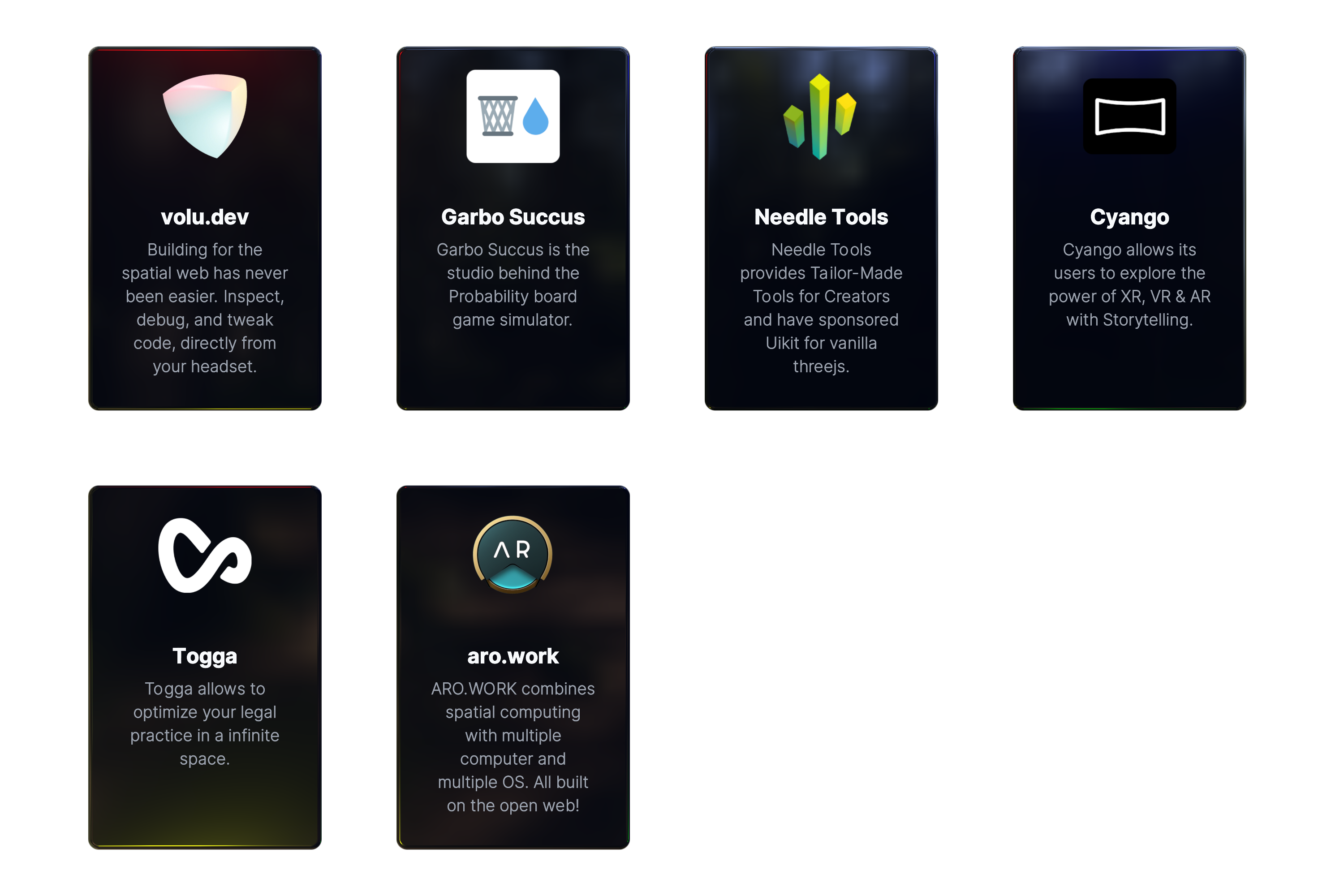
This project is supported by a few companies and individuals building cutting-edge 3D Web & XR experiences. Check them out!
---
_Source: https://npm.io/package/@pmndrs/xr · Machine-readable twin of the npm.io package page. Health data is recomputed on every publish._