# @wniemiec-component-reactnative/transparent-button

> Simple button without background.
Latest version **1.0.1** (published 2021-08-10) · MIT license · 0 weekly downloads

## Install

```sh
npm install @wniemiec-component-reactnative/transparent-button
pnpm add @wniemiec-component-reactnative/transparent-button
yarn add @wniemiec-component-reactnative/transparent-button
bun add @wniemiec-component-reactnative/transparent-button
```

## Health

**Score 15/100 (F)** — status: abandoned.

Positive: no vulnerabilities.

Warnings: low downloads; no types; no esm support.

Negative: abandoned; low maintenance score.

## Facts

| | |
|---|---|
| Version | 1.0.1 |
| Published | 2021-08-10 |
| First published | 2021-08-10 |
| Weekly downloads | 0 |
| License | MIT |
| TypeScript types | none |
| Module format | CommonJS |
| Dependencies | 0 |
| Unpacked size | 155.8 KB |
| Known vulnerabilities | 0 |
| Install scripts | no |
| Author | William Niemiec |
| Maintainers | williamniemiec |
| Keywords | wniemiec, component, reactnative, transparent-button, transparent, button |

## Links

- npm: https://www.npmjs.com/package/@wniemiec-component-reactnative/transparent-button
- Repository: https://github.com/wniemiec-components-reactnative/transparent-button
- Homepage: https://github.com/wniemiec-components-reactnative/transparent-button#readme
- Issues: https://github.com/wniemiec-components-reactnative/transparent-button/issues
- npm.io page: https://npm.io/package/@wniemiec-component-reactnative/transparent-button

## Recent versions

- 1.0.1 (latest) — 2021-08-10
- 1.0.0 — 2021-08-10

## README

![](https://github.com/wniemiec-component-reactnative/transparent-button/blob/master/docs/img/logo/logo.jpg)

<h1 align='center'>Transparent button</h1>
<p align='center'>Simple button without background.</p>
<p align="center">
	<a href="https://github.com/wniemiec-component-reactnative/transparent-button/actions/workflows/windows.yml"><img src="https://github.com/wniemiec-component-reactnative/transparent-button/actions/workflows/windows.yml/badge.svg" alt=""></a>
	<a href="https://github.com/wniemiec-component-reactnative/transparent-button/actions/workflows/macos.yml"><img src="https://github.com/wniemiec-component-reactnative/transparent-button/actions/workflows/macos.yml/badge.svg" alt=""></a>
	<a href="https://github.com/wniemiec-component-reactnative/transparent-button/actions/workflows/ubuntu.yml"><img src="https://github.com/wniemiec-component-reactnative/transparent-button/actions/workflows/ubuntu.yml/badge.svg" alt=""></a>
	<a href="https://reactnative.dev/"><img src="https://img.shields.io/badge/React Native-0.60+-D0008F.svg" alt="React Native compatibility"></a>
	<a href="https://www.npmjs.com/package/@wniemiec-component-reactnative/transparent-button"><img src="https://img.shields.io/npm/v/@wniemiec-component-reactnative/transparent-button" alt="Release"></a>
	<a href="https://github.com/wniemiec-component-reactnative/transparent-button/blob/master/LICENSE"><img src="https://img.shields.io/github/license/wniemiec-component-reactnative/transparent-button" alt="License"></a>
</p>
<hr />

## ❇ Introduction
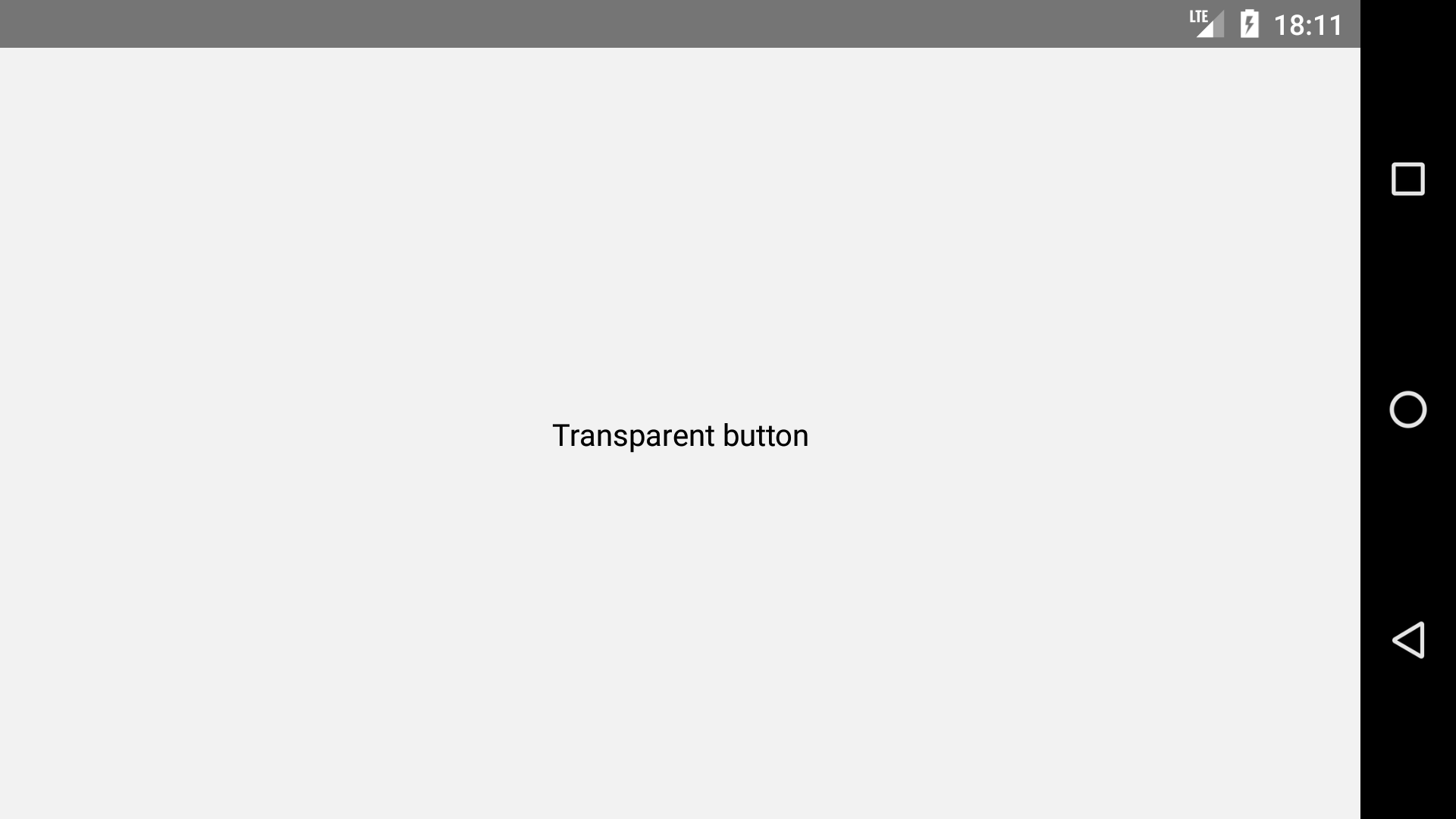
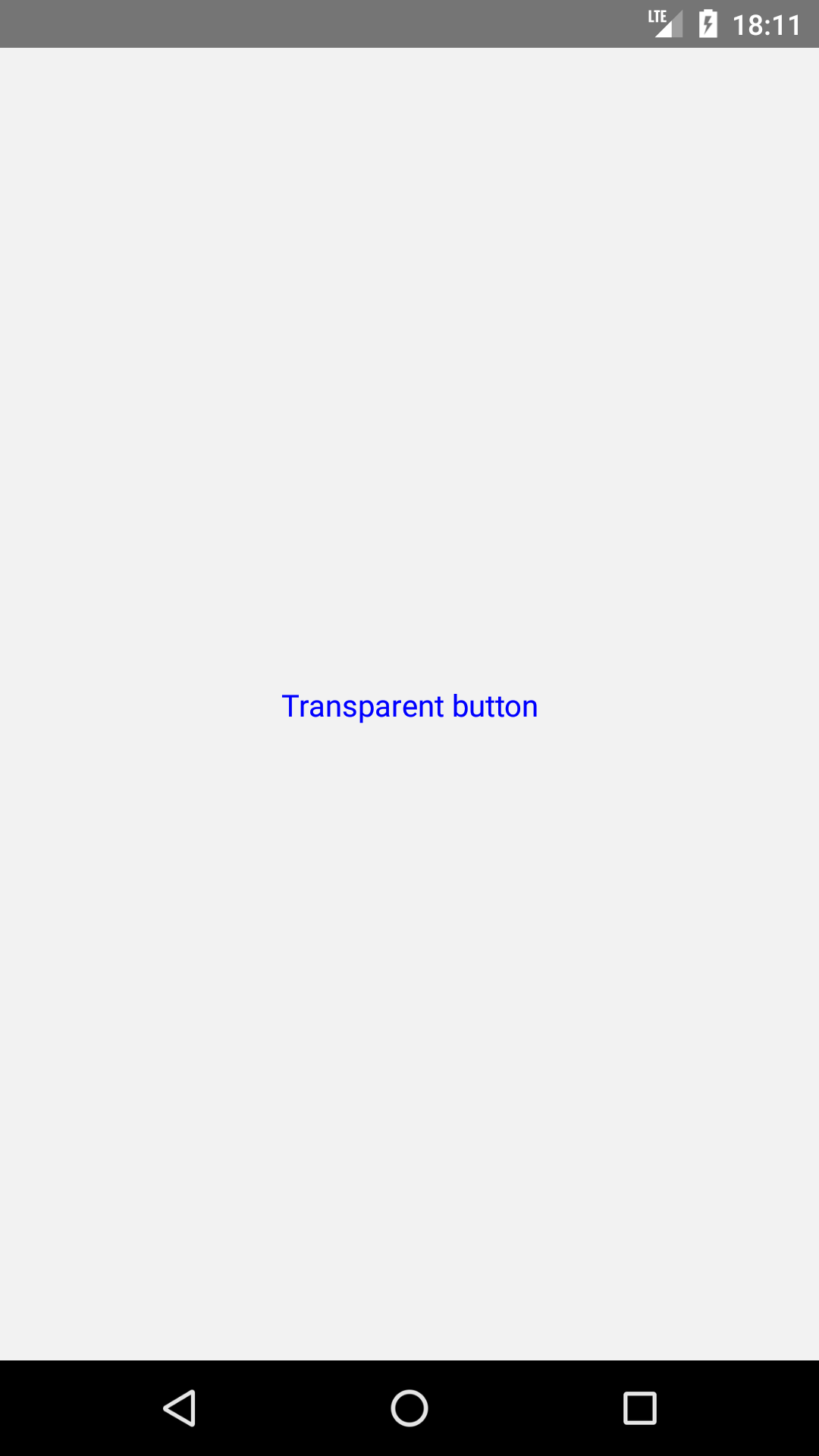
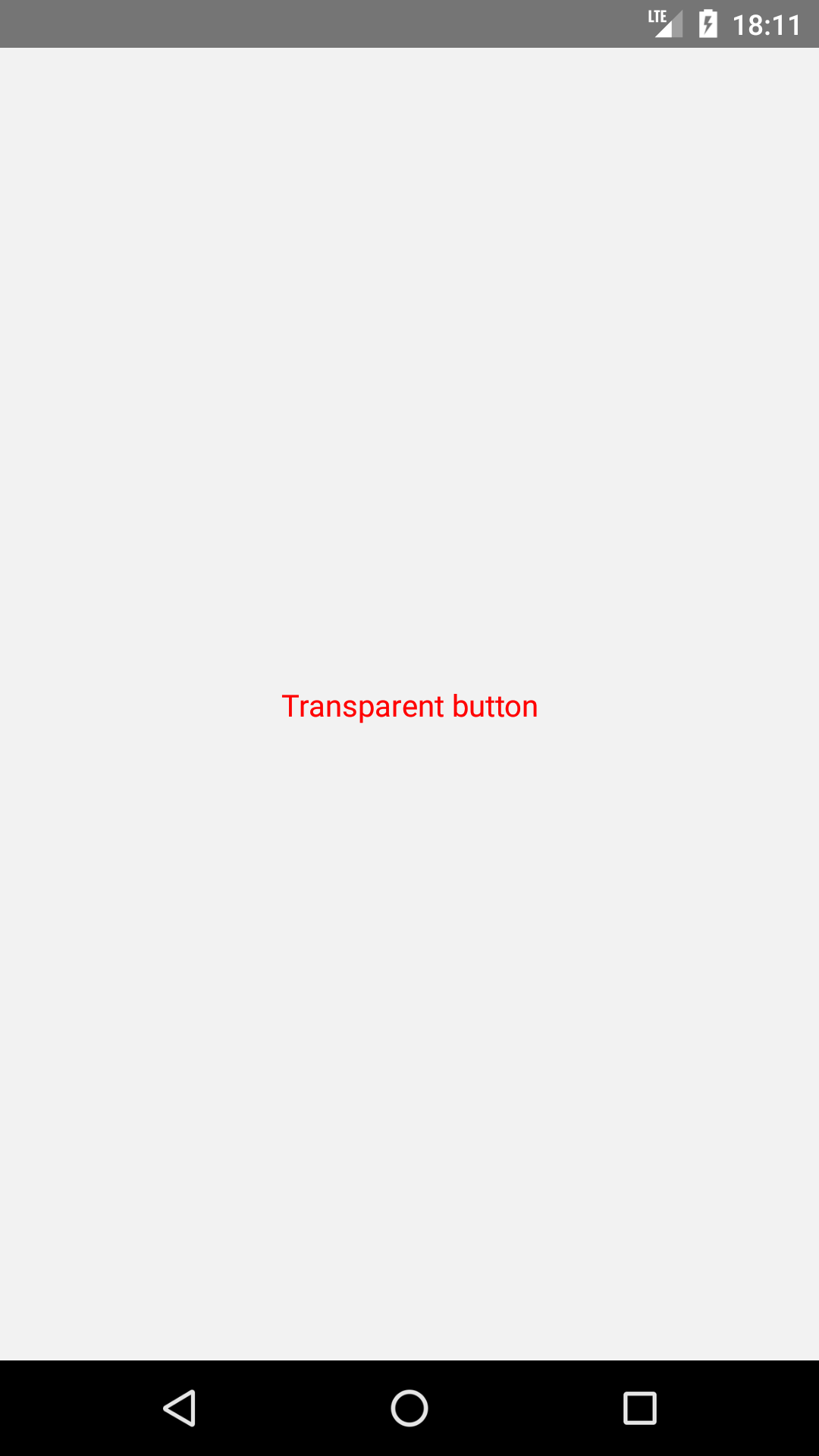
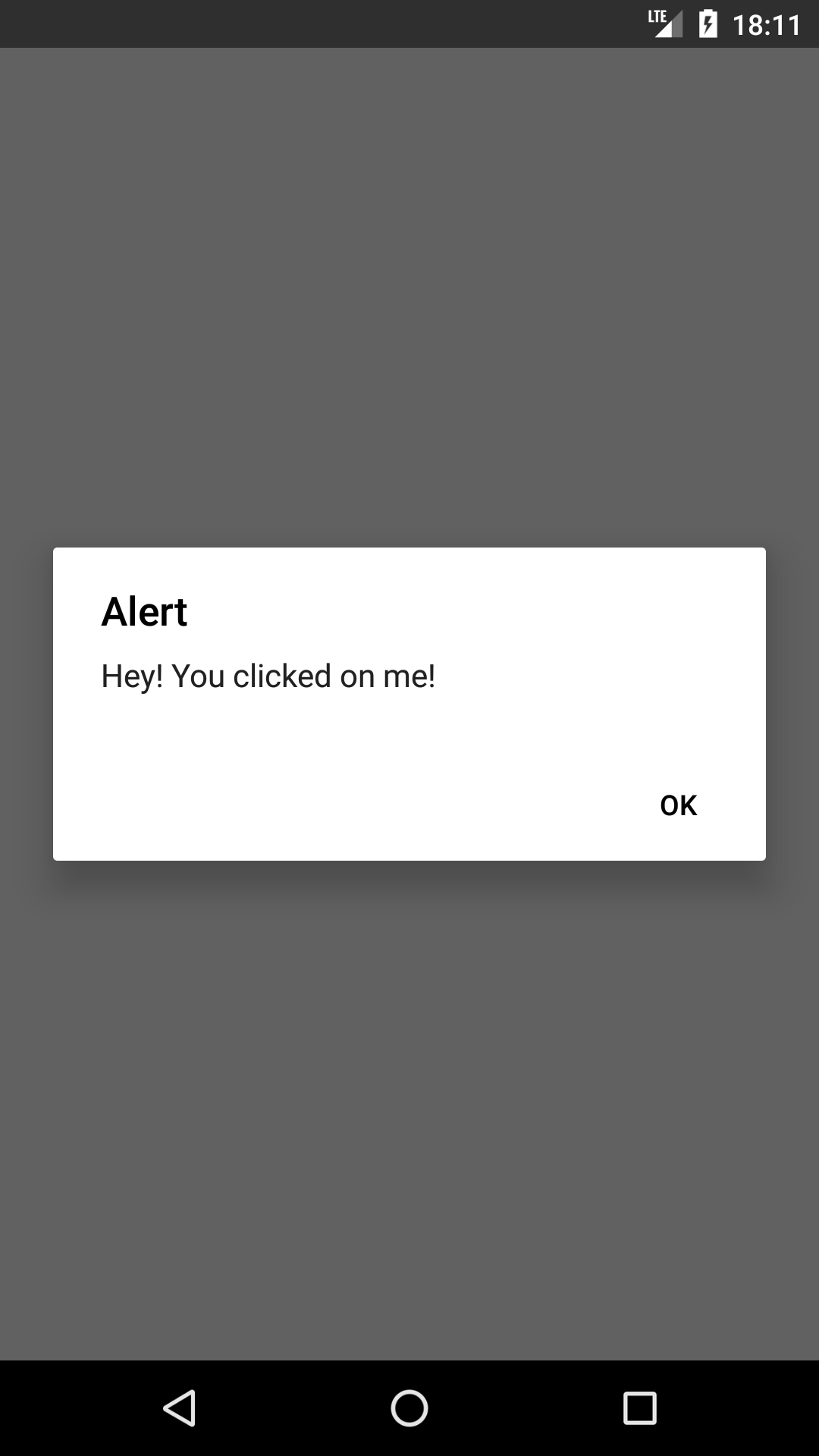
React Native component that allows you to press a button to perform a certain action, in addition to allowing the programmer to choose the button style according to your preference.

## 🖼 Gallery

<div style="display: flex; flex-direction: row; justify-content: center; align-items: center; flex-wrap: wrap"
<img height=400 src="https://raw.githubusercontent.com/wniemiec-component-reactnative/transparent-button/master/docs/img/screens/img1.png" alt="image 1" />

<img height=400 src="https://raw.githubusercontent.com/wniemiec-component-reactnative/transparent-button/master/docs/img/screens/img2.png" alt="image 2" />

<img height=400 src="https://raw.githubusercontent.com/wniemiec-component-reactnative/transparent-button/master/docs/img/screens/img3.png" alt="image 3" />

<img height=400 src="https://raw.githubusercontent.com/wniemiec-component-reactnative/transparent-button/master/docs/img/screens/img4.png" alt="image 4" />

<img height=400 src="https://raw.githubusercontent.com/wniemiec-component-reactnative/transparent-button/master/docs/img/screens/img5.png" alt="image 5" />
</div>

## ❓ How to use
1. Install the component
```
$ npm install --save @wniemiec-component-reactnative/transparent-button
```

2. Import the component
```
import SelectableButton from '@wniemiec-component-reactnative/transparent-button';
```

3. Use it
```
[...]

import React from 'react';
import { View } from 'react-native';

[...]

<View style={{ display: 'flex', flex: 1, justifyContent: 'center', alignItems: 'center' }}>
  <TransparentButton title='Transparent button' onPress={() => alert('Hey! You clicked on me!')} fgColor='blue' />
</View>

[...]
```

## 📖 Documentation
|        Property        |Type|Description|Default|
|----------------|-------------------------------|-----------------------------|--------|
|title |`string`|Button label | - |
|onPress |`function(void): void`|Function that is called when the button is pressed| - |
|selected |`bool`|Clicked status | - |
|fgColor |`string`|Foreground color (in hexadecimal)  |`"#000000"`|
|full |`string`|Button size (`big`, `regular` or `small`)  |`false`|


## 🚩 Changelog
Details about each version are documented in the [releases section](https://github.com/wniemiec-component-reactnative/transparent-button/releases).

## 🤝 Contribute!
See the documentation on how you can contribute to the project [here](https://github.com/wniemiec-component-reactnative/transparent-button/blob/master/CONTRIBUTING.md).

## 📁 Files

### /
|        Name        |Type|Description|
|----------------|-------------------------------|-----------------------------|
|docs |`Directory`|Documentation files|
|src     |`Directory`| Source files|

---
_Source: https://npm.io/package/@wniemiec-component-reactnative/transparent-button · Machine-readable twin of the npm.io package page. Health data is recomputed on every publish._