# aframe-fractal-component
> An A-Frame component for graphing audio responsive points.
Latest version **1.0.6** (published 2018-11-12) · MIT license · 0 weekly downloads
## Install
```sh
npm install aframe-fractal-component
pnpm add aframe-fractal-component
yarn add aframe-fractal-component
bun add aframe-fractal-component
```
## Health
**Score 15/100 (F)** — status: abandoned.
Positive: no vulnerabilities.
Warnings: low downloads; no types; no esm support.
Negative: abandoned; low maintenance score.
## Facts
| | |
|---|---|
| Version | 1.0.6 |
| Published | 2018-11-12 |
| First published | 2018-08-10 |
| Weekly downloads | 0 |
| License | MIT |
| TypeScript types | none |
| Module format | CommonJS |
| Dependencies | 0 |
| Unpacked size | 499.7 KB |
| Known vulnerabilities | 0 |
| Install scripts | no |
| GitHub stars | 12 |
| Author | Tino Fileccia |
| Maintainers | tinof |
| Keywords | aframe, aframe-component, aframe-vr, vr, webvr, fractal, audio, visualizer, 3D |
## Links
- npm: https://www.npmjs.com/package/aframe-fractal-component
- Repository: https://github.com/Tino-F/aframe-fractal-component
- Homepage: https://github.com/Tino-F/aframe-fractal-component#readme
- Issues: https://github.com/Tino-F/aframe-fractal-component/issues
- npm.io page: https://npm.io/package/aframe-fractal-component
## Recent versions
- 1.0.6 (latest) — 2018-11-12
- 1.0.5 — 2018-11-12
- 1.0.4 — 2018-08-25
- 1.0.3 — 2018-08-10
- 1.0.2 — 2018-08-10
- 1.0.1 — 2018-08-10
- 1.0.0 — 2018-08-10
## README
## aframe-fractal-component
[](https://npmjs.org/package/aframe-fractal-component)
[](https://npmjs.org/package/aframe-fractal-component)
An A-Frame component for graphing audio responsive points.
### Installation
#### Browser
Install and use by directly including the [browser files](dist):
```html
My A-Frame Scene
```
#### npm
Install via npm:
```bash
npm install aframe-fractal-component
```
Then require and use.
```js
require('aframe');
require('aframe-fractal-component');
```
### API
| Property | Type | Default | Description |
|---------------------|--------------------|---------------------------------|---------------------------------------------------------------------------|
| audioSource | selector/attribute | * | A-Sound element. |
| fftSize | int | 256 | A non-zero power of two up to 2048, representing the size of the FFT. |
| colors | array | '#f4ee42', '#41f468', '#41dff4' | Array of colors used to describe the frequency. |
| points | int | 100 | Number of points to be plotted. |
| pointSize | int | 1 | Size of individual points. |
| detail | int | 100 | How many material objects to use. |
| scale | int | 1 | The coordinates of each point will be multiplied by this number. |
| logValues | boolean | false | Set to true to log the x, y, and z values of the points to the console. |
| x | string/javascript | t | The function used to determine the x axis of each point based on t. |
| y | string/javascript | t | The function used to determine the y axis of each point based on t. |
| z | string/javascript | t | The function used to determine the z axis of each point based on t. |
## Example
```html
```
### Instructions
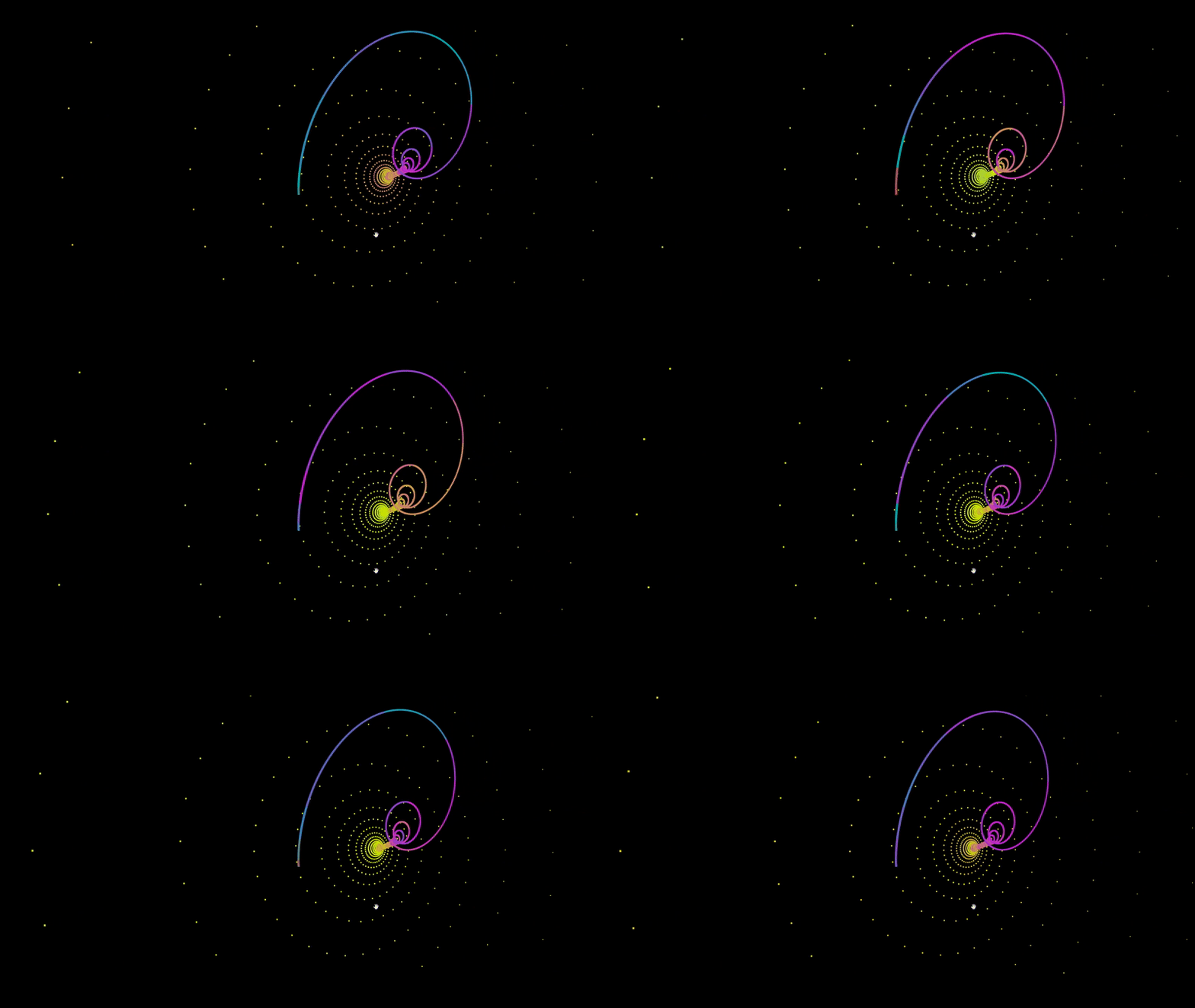
To plot a set of points, you have define f(t) for x, y, and z. In the example at the top of this page I defined f(t) for z as Math.sin(t^2). For each 200 points, it will increment t by 1 and return the value of f(t) in the case of z.
### Previous points
Most attractors determine their values based on the coordinates of the last point. To access the last point that was plotted, simply include prev.x, prev.y, or prev.z in your f(t) function.
---
_Source: https://npm.io/package/aframe-fractal-component · Machine-readable twin of the npm.io package page. Health data is recomputed on every publish._