# click-password
> set up a quadrant in viewport, click in 4 ranges of quadrant to generate a password ,and then to trigger something
Latest version **2.0.0** (published 2023-11-29) · ISC license · 0 weekly downloads
## Install
```sh
npm install click-password
pnpm add click-password
yarn add click-password
bun add click-password
```
## Health
**Score 15/100 (F)** — status: abandoned.
Positive: no vulnerabilities.
Warnings: low downloads; no types; no esm support.
Negative: abandoned; low maintenance score.
## Facts
| | |
|---|---|
| Version | 2.0.0 |
| Published | 2023-11-29 |
| First published | 2019-03-19 |
| Weekly downloads | 0 |
| License | ISC |
| TypeScript types | none |
| Module format | CommonJS |
| Dependencies | 0 |
| Unpacked size | 11.7 KB |
| Known vulnerabilities | 0 |
| Install scripts | no |
| Author | yuancongzhou |
| Maintainers | yuancongzhou |
| Keywords | javascript, click, password |
## Links
- npm: https://www.npmjs.com/package/click-password
- Homepage: https://github.com/congzhou09/click-password.git
- npm.io page: https://npm.io/package/click-password
## Recent versions
- 2.0.0 (latest) — 2023-11-29
- 2.0.0-beta (beta) — 2023-11-29
- 1.1.2 — 2023-02-21
- 1.1.1 — 2020-10-15
- 1.1.0 — 2020-10-12
- 1.0.5 — 2019-08-17
- 1.0.4 — 2019-04-01
- 1.0.3 — 2019-03-19
- 1.0.2 — 2019-03-19
- 1.0.1 — 2019-03-19
- 1.0.0 — 2019-03-19
## README
English | [简体中文](https://github.com/congzhou09/click-password/blob/HEAD/README_CN.md)
---
[](https://badge.fury.io/js/click-password)
### what for
Set up a quadrant in viewport, name of each range is as follows:
```
│
A │ B
──────────────────
C │ D
│
```
after that, clicks in each range can generate a sequence, use this sequence as a password.
If this sequence match the pre-set sequence, pre-set function will be executed.
### usage
Download or install via npm (**npm install click-password**)
```
import ClickPassword from 'click-password';
// init click-password with pre-set sequence(like 'ABADA' or other sequence composed of A, B, C, D) and callback function
new ClickPassword('ABADA', ()=>{
//Callback, Do Something
}, true/*whether print debug logs*/);
```
Or import via script element:
```
```
### tips
● Browser console will print "click-password info: config OK!" after click-password's initialization.
● Callback will be executed as long as pre-set sequence is clicked, match the pre-set sequence from the first click is not necessary.
● Callback will be executed only once, only if the web page is reloaded.
● The declaration file for use with TypeScript is located at "dist/click-password.d.ts".
### example
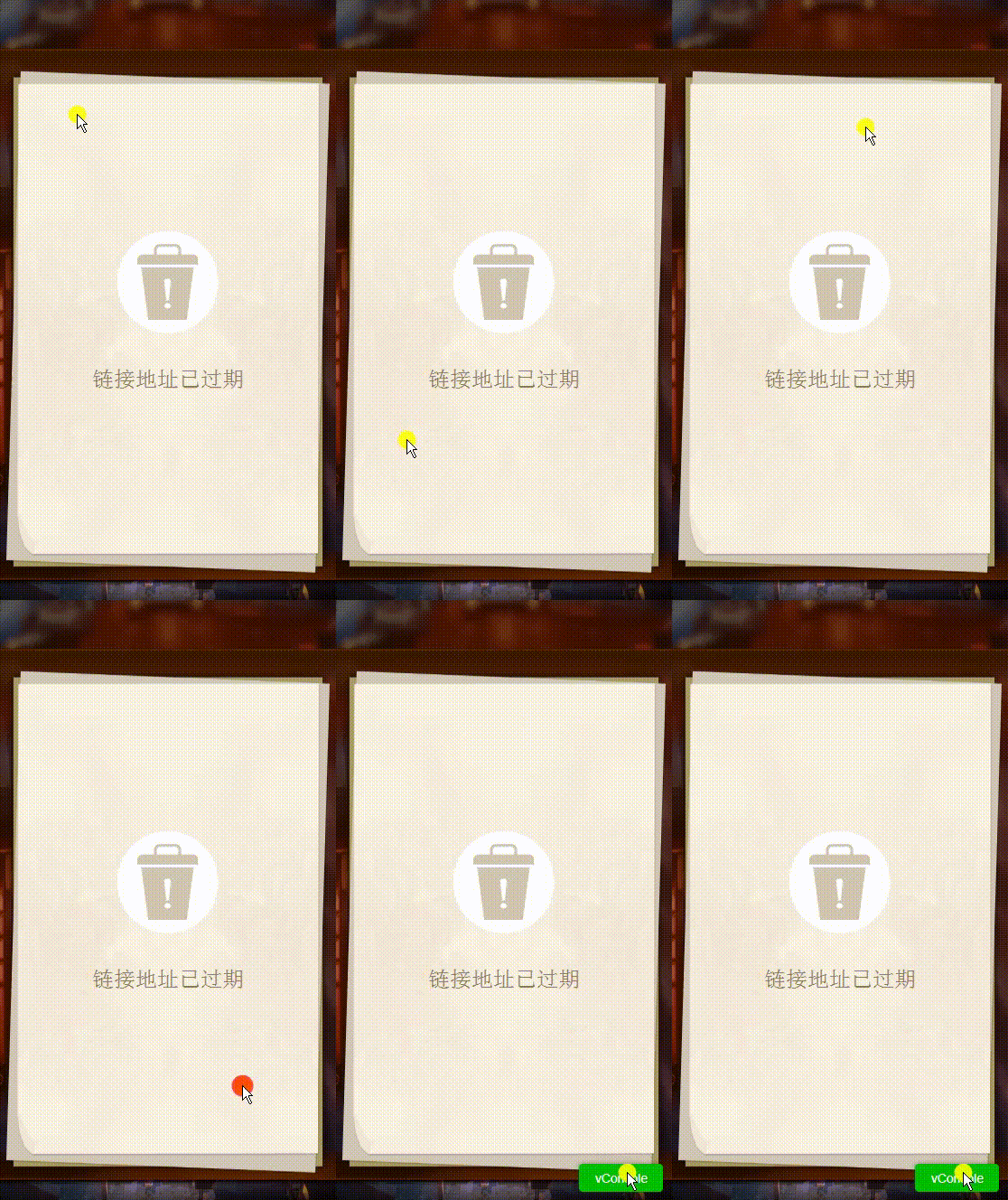
Click 'ACABD' to trigger the show of vConsole(developer tool for mobile web page) in production environment.
---
_Source: https://npm.io/package/click-password · Machine-readable twin of the npm.io package page. Health data is recomputed on every publish._