# gatsby-remark-highlight-code
> Adds stylish cards and syntax highlighting to code blocks in markdown files
Latest version **3.3.0** (published 2023-01-08) · MIT license · 0 weekly downloads
> **Deprecated.** This package is deprecated.
## Install
```sh
npm install gatsby-remark-highlight-code
pnpm add gatsby-remark-highlight-code
yarn add gatsby-remark-highlight-code
bun add gatsby-remark-highlight-code
```
## Health
**Score 10/100 (F)** — status: deprecated.
Negative: deprecated.
## Facts
| | |
|---|---|
| Version | 3.3.0 |
| Published | 2023-01-08 |
| First published | 2019-12-12 |
| Weekly downloads | 0 |
| License | MIT |
| TypeScript types | none |
| Module format | CommonJS |
| Dependencies | 4 |
| Unpacked size | 915.3 KB |
| Known vulnerabilities | 0 |
| Install scripts | no |
| GitHub stars | 66 |
| Author | David Dal Busco |
| Maintainers | peterpeterparker |
| Keywords | gatsby, gatsby-plugin, remark, stencil, stenciljs, web components, prismjs, code, highlight code, code highlighter, highlight, markdown |
## Links
- npm: https://www.npmjs.com/package/gatsby-remark-highlight-code
- Repository: https://github.com/deckgo/gatsby-remark-highlight-code
- Homepage: https://deckdeckgo.com
- Issues: https://github.com/deckgo/gatsby-remark-highlight-code
- npm.io page: https://npm.io/package/gatsby-remark-highlight-code
## Dependencies (4)
- [lodash](https://npm.io/package/lodash.md) ^4.17.21
- [unist-util-visit](https://npm.io/package/unist-util-visit.md) ^2.0.2
- [gatsby-node-helpers](https://npm.io/package/gatsby-node-helpers.md) ^1.2.1
- [mdast-util-to-string](https://npm.io/package/mdast-util-to-string.md) ^1.1.0
## Alternatives
- [@oh-my-pi/pi-natives](https://npm.io/package/@oh-my-pi/pi-natives.md) — 51.8K weekly downloads
- [@capgo/capacitor-light-sensor](https://npm.io/package/@capgo/capacitor-light-sensor.md) — 3.0K weekly downloads
- [@heyhuynhgiabuu/pi-diff](https://npm.io/package/@heyhuynhgiabuu/pi-diff.md) — 492 weekly downloads
- [@lotsa/verdant-lang-asm](https://npm.io/package/@lotsa/verdant-lang-asm.md) — 38 weekly downloads
- [new-era-syntax](https://npm.io/package/new-era-syntax.md) — 20 weekly downloads
## Recent versions
- 3.3.0 (latest) — 2023-01-08
- 3.2.0 — 2022-01-04
- 3.1.0 — 2021-12-01
- 3.0.2 — 2021-11-13
- 3.0.1 — 2021-07-28
- 3.0.0 — 2021-05-22
- 2.2.1 — 2021-05-01
- 2.2.0 — 2021-02-17
- 2.1.1 — 2020-12-10
- 2.1.0 — 2020-09-17
- 2.0.0 — 2020-09-03
- 1.4.7 — 2020-08-21
- 1.4.6 — 2020-08-08
- 1.4.5 — 2020-07-17
- 1.4.4 — 2020-07-06
- … 12 more at https://npm.io/package/gatsby-remark-highlight-code/versions
## README
# gatsby-remark-highlight-code
Adds stylish cards and syntax highlighting to code blocks in markdown files of your [Gatsby](https://www.gatsbyjs.org/) website.
The Web Component behind this feature was created for the web editor for presentations [DeckDeckGo](https://deckdeckgo.com).
It is implemented with [Stencil](https://stenciljs.com) and use [Prism.js](https://prismjs.com) under the hood.
The inspiration for the design of the "Macish" cards comes from the amazing [carbon](https://carbon.now.sh), a tool to create and share beautiful images of your source code, and for the "Ubuntu-ish" from the [article](https://dev.to/codypearce/ubuntu-terminal-in-css-1aeo) of [Cody Pearce](https://twitter.com/codyapearce).
## Design
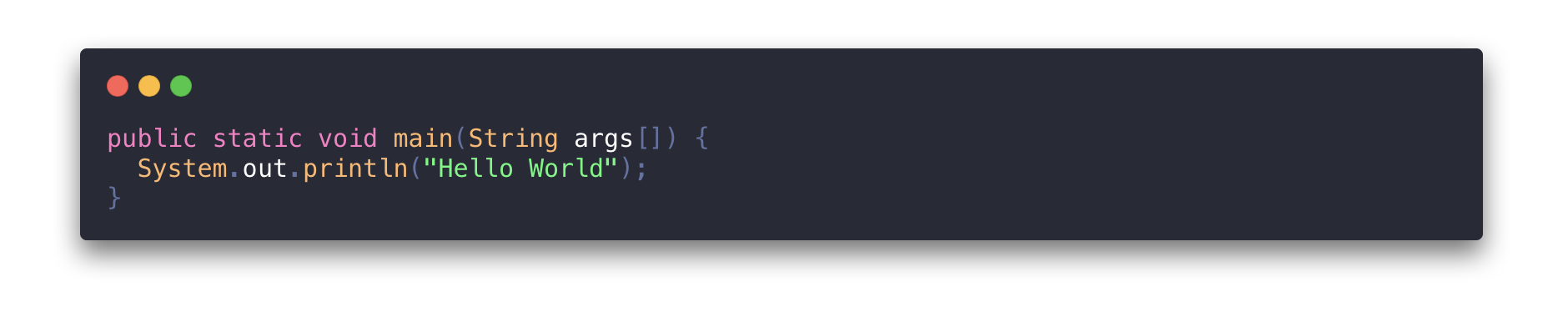
### 1. Carbon
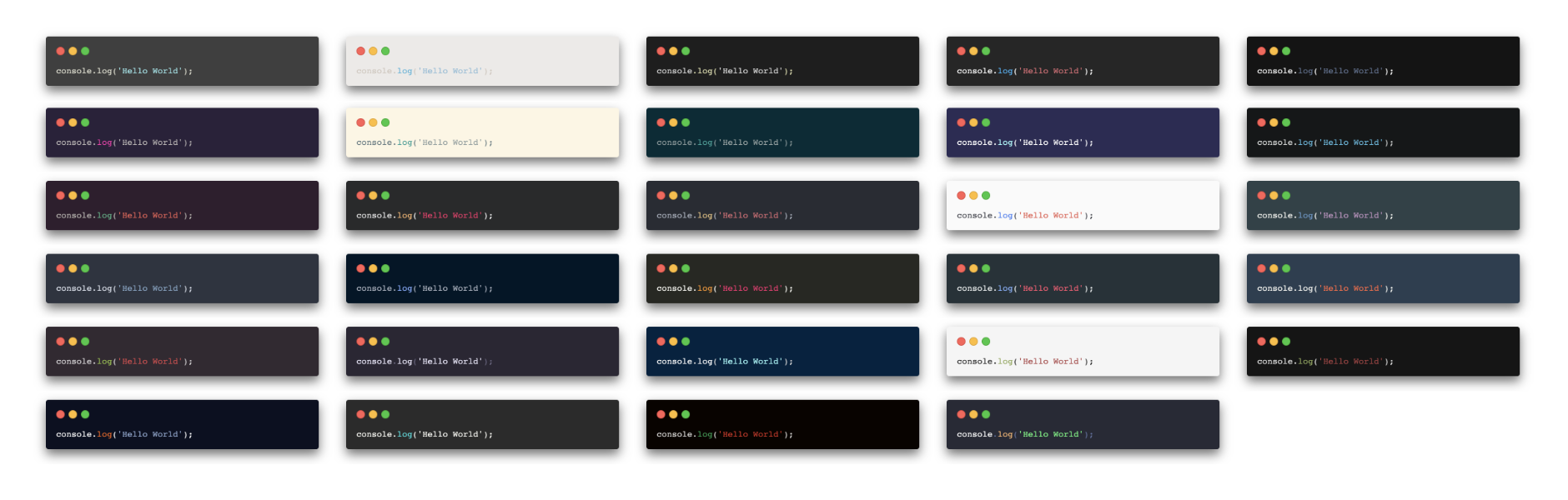
Multiple theming options.
### 2. Ubuntu
### 3. None
No predefined cards but stylable with multiple [CSS variables](#variables).
## Table of contents
- [Install](#install)
- [How to use](#how-to-use)
- [Configure](#configure)
- [Load the component](#load-the-component)
- [Plugin Options](#plugin-options)
- [Language](#language)
- [Styling](#styling)
- [Terminal](#terminal)
- [Theme](#theme)
- [Variables](#variables)
- [Lines highlighting](#lines-highlighting)
- [Showcase](#showcase)
- [License](#license)
## Install
```bash
npm install --save gatsby-transformer-remark gatsby-remark-highlight-code @deckdeckgo/highlight-code
```
## How to use
In order to use this plugin, it should be first `configured` and then `loaded` at runtime.
### Configure
If you are using "gatsby-transformer-remark", you can add "gatsby-remark-highlight-code" like this:
```javascript
// In your gatsby-config.js
plugins: [
{
resolve: `gatsby-transformer-remark`,
options: {
plugins: [
{
resolve: `gatsby-remark-highlight-code`,
},
],
},
},
];
```
If you are using "gatsby-plugin-mdx", you can add "gatsby-remark-highlight-code" like this:
```javascript
// In your gatsby-config.js
plugins: [
{
resolve: `gatsby-plugin-mdx`,
options: {
extensions: [".mdx", ".md"],
gatsbyRemarkPlugins: [
{
resolve: `gatsby-remark-highlight-code`,
},
],
},
},
];
```
### Load the component
Load the [@deckdeckgo/highlight-code] once in one of your pages or components.
For example add the following in the main file of your website, in your `index.js`, or in your `layout.js`, in the template of your blog or simply load it where you need it.
```javascript
import { defineCustomElements as deckDeckGoHighlightElement } from "@deckdeckgo/highlight-code/dist/loader";
deckDeckGoHighlightElement();
```
### Plugin Options
| property | type | default |
| ----------- | ------------------------------------------------------------------------------------------------------------------------------------------------------------------------------------------------------------------------------------------------------------------------------------------------------------------------------------------------------------------------------------------------------ | --------- |
| terminal | `carbon`, `ubuntu` or `none` | `carbon` |
| theme | `3024-night` , `a11y-dark` , `blackboard` , `base16-dark` , `base16-light` , `cobalt` , `dracula` , `duotone` , `hopscotch` , `lucario` , `material` , `monokai` , `night-owl` , `nord` , `oceanic-next` , `one-light` , `one-dark` , `panda` , `paraiso` , `seti` , `shades-of-purple` , `solarized-dark` , `solarized-light` , `synthwave` , `twilight` , `verminal` , `vscode` , `yeti` , `zenburn` | `dracula` |
| editable | `boolean` | `false` |
| lineNumbers | `boolean` | `false` |
## Language
This plugin supports all languages supported by [Prism.js](https://prismjs.com). Nothing particular needs to be specified because the component [@deckdeckgo/highlight-code] will load them automatically at runtime.
## Styling
Code blocks are displayed in stylish cards but the behavior could be customized.
### Terminal
Per default, code blocks are going to be displayed in `carbon` ("Macish like") container.
It is also possible to use `ubuntu` (an Ubuntu-like container) or `none` (no window container).
Such settings can be provided in the configuration of the plugin.
```javascript
// In your gatsby-config.js
plugins: [
{
resolve: `gatsby-transformer-remark`,
options: {
plugins: [
{
resolve: `gatsby-remark-highlight-code`,
options: {
terminal: "ubuntu",
},
},
],
},
},
];
```
### Theme
The terminal `carbon` can be themed with a wide range of predefined themes.
These can be tried out in the [@deckdeckgo/highlight-code] documentation and applied as following:
```javascript
// In your gatsby-config.js
plugins: [
{
resolve: `gatsby-transformer-remark`,
options: {
plugins: [
{
resolve: `gatsby-remark-highlight-code`,
options: {
terminal: "carbon",
theme: "blackboard",
},
},
],
},
},
];
```
### Variables
See the [@deckdeckgo/highlight-code] documentation for the list of CSS4 styling variables.
### Lines highlighting
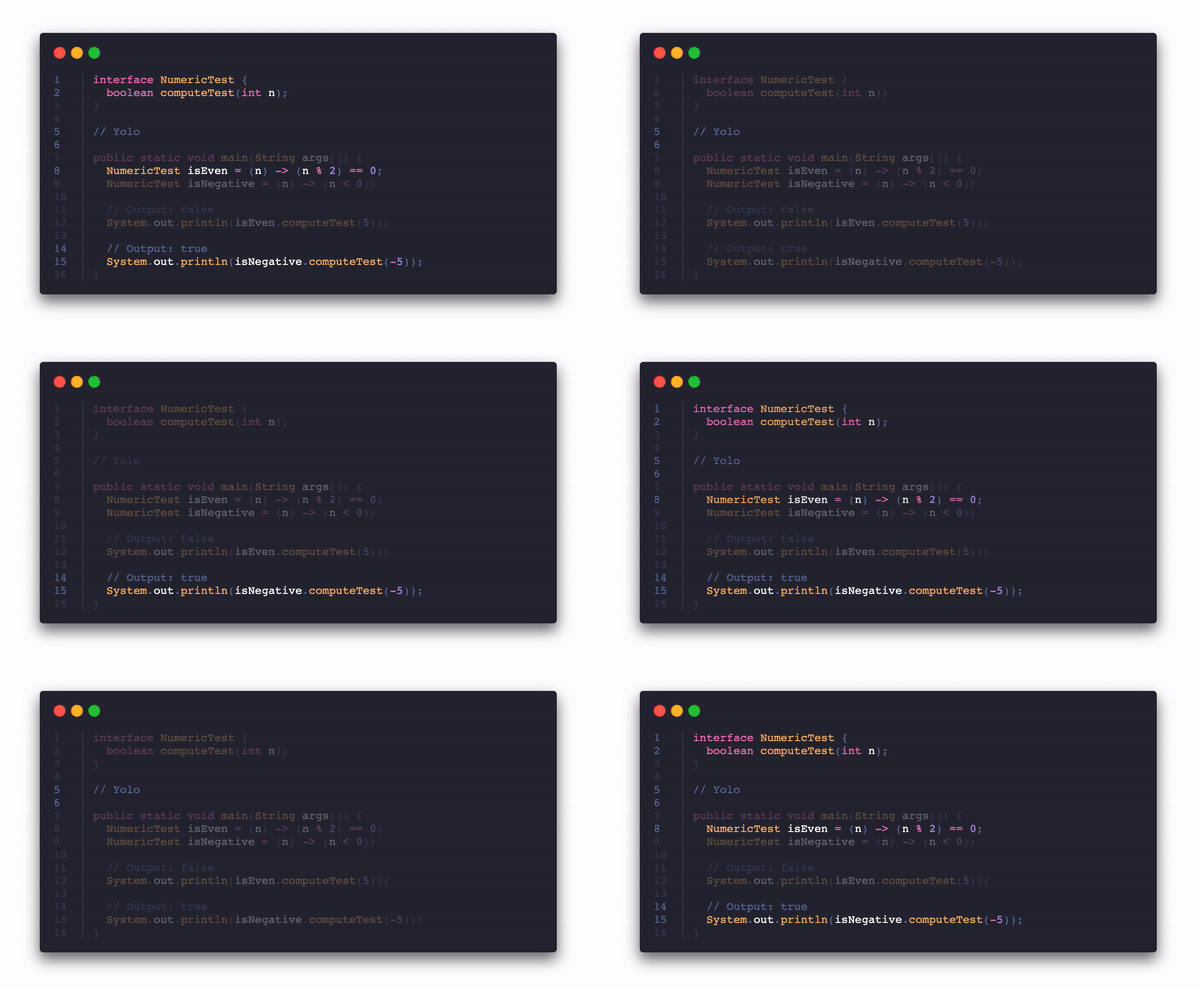
Single or multiple lines of code can be highlighted.
The Markdown syntax is the following: next to the specification of the language, between brackets `{}`, the lines should be provided in a comma separated list. A single line can be provided (for example `dart{1}`) or multiple one, from and to being separated with a dash (for example `javascript{3-6}`). Both single or multiple lines can be mixed (for example `typescript{2, 3-4, 7, 8-15}`).
Animation between the selected highlighted groups can be triggered with the help of methods (see component [@deckdeckgo/highlight-code] documentation for details).
## Showcase
I (David here) use this plugin in the blog of my personal website [daviddalbusco.com](https://daviddalbusco.com).
## License
MIT © [David Dal Busco](mailto:david.dalbusco@outlook.com) and [Nicolas Mattia](mailto:nicolas@nmattia.com)
[@deckdeckgo/highlight-code]: https://docs.deckdeckgo.com/?path=/story/components-highlight-code--highlight-code
---
_Source: https://npm.io/package/gatsby-remark-highlight-code · Machine-readable twin of the npm.io package page. Health data is recomputed on every publish._