# idevotion-ionic-components
> Ionic custom components
Latest version **1.1.5** (published 2019-11-10) · MIT license · 0 weekly downloads
## Install
```sh
npm install idevotion-ionic-components
pnpm add idevotion-ionic-components
yarn add idevotion-ionic-components
bun add idevotion-ionic-components
```
## Health
**Score 20/100 (F)** — status: abandoned.
Positive: has types; no vulnerabilities.
Warnings: low downloads; no esm support.
Negative: abandoned; low maintenance score.
## Facts
| | |
|---|---|
| Version | 1.1.5 |
| Published | 2019-11-10 |
| First published | 2019-11-02 |
| Weekly downloads | 0 |
| License | MIT |
| TypeScript types | bundled |
| Module format | CommonJS |
| Dependencies | 0 |
| Unpacked size | 70.3 KB |
| Known vulnerabilities | 0 |
| Install scripts | no |
| GitHub stars | 0 |
| Author | Christophe Surbier |
| Maintainers | csurbier |
| Keywords | ionic 4 components, Ionic 4, components, Amazone rating display like, Search google places, Search, Rating display, iDevotion |
## Links
- npm: https://www.npmjs.com/package/idevotion-ionic-components
- Repository: https://github.com/csurbier/idevotion-ionic-components
- Homepage: https://www.idevotion.fr
- Issues: https://github.com/csurbier/idevotion-ionic-components/issues
- npm.io page: https://npm.io/package/idevotion-ionic-components
## Alternatives
- [@sindresorhus/slugify](https://npm.io/package/@sindresorhus/slugify.md) — 3.7M weekly downloads
- [solid-js](https://npm.io/package/solid-js.md) — 2.7M weekly downloads
- [expo-glass-effect](https://npm.io/package/expo-glass-effect.md) — 2.5M weekly downloads
- [nanoassert](https://npm.io/package/nanoassert.md) — 780.8K weekly downloads
- [@ffmpeg/ffmpeg](https://npm.io/package/@ffmpeg/ffmpeg.md) — 529.5K weekly downloads
## Recent versions
- 1.1.5 (latest) — 2019-11-10
- 1.1.4 — 2019-11-10
- 1.1.3 — 2019-11-04
- 1.1.2 — 2019-11-04
- 1.1.1 — 2019-11-04
- 1.1.0 — 2019-11-02
## README
# idevotion-ionic-components
Some custom ionic 4 components. I will add new components on regular intervals.
If you use it and like it, please feel free to:
 # rating-display component
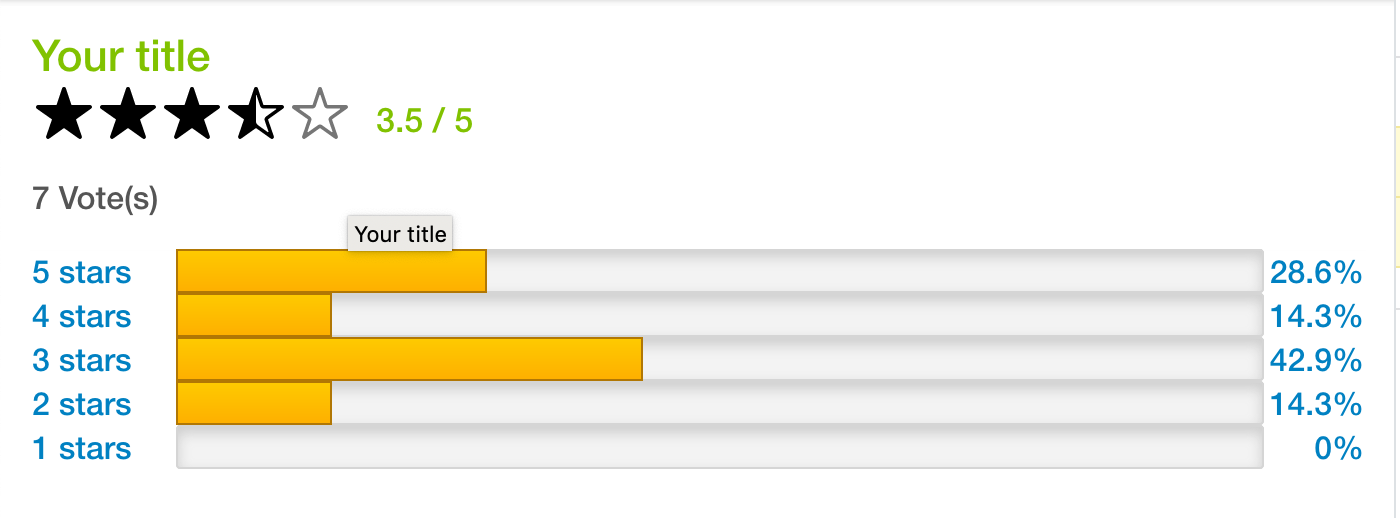
- A component to display rating similar to Amazon display
# search-places component
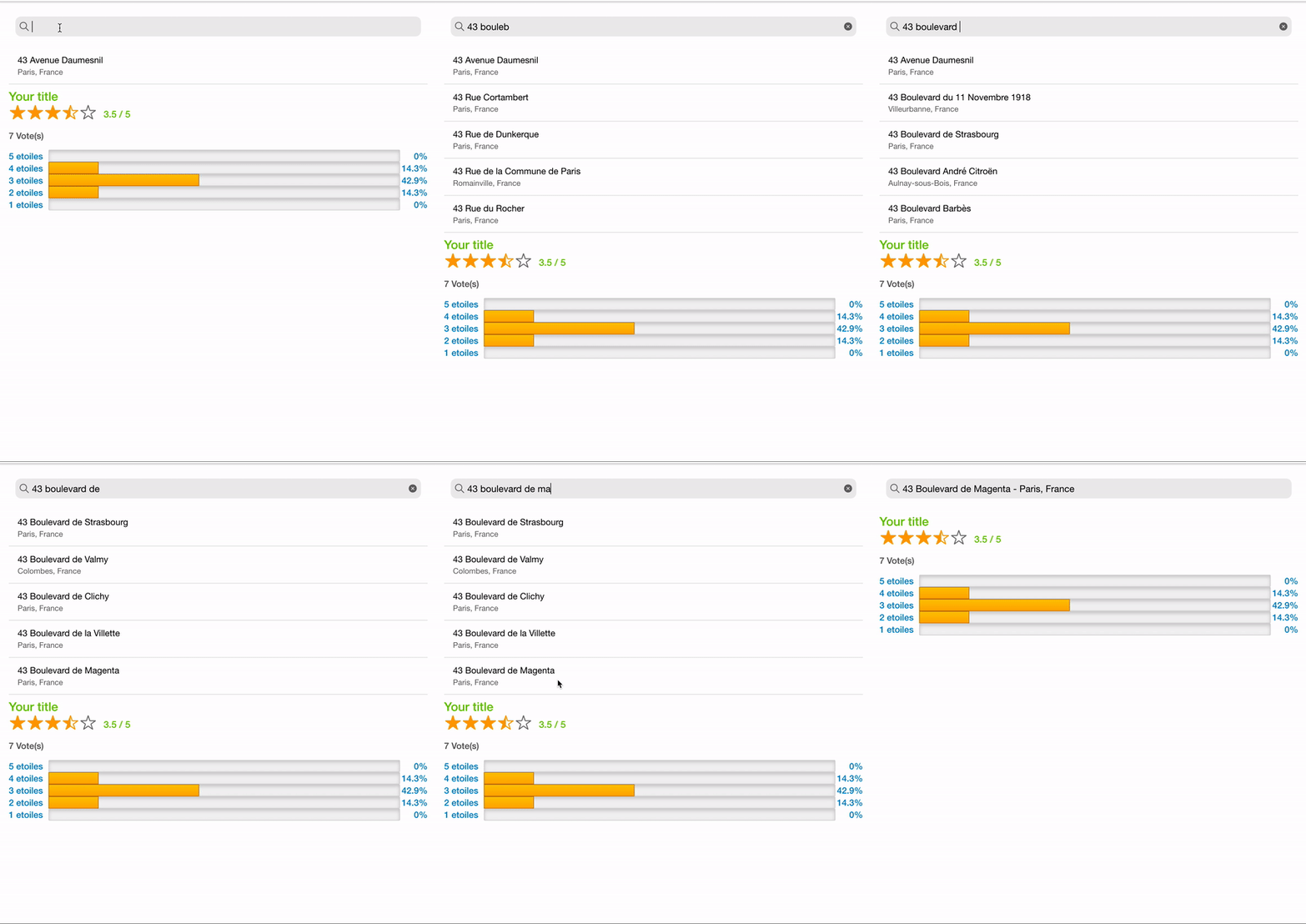
- A component to search google places
# imageGallery component
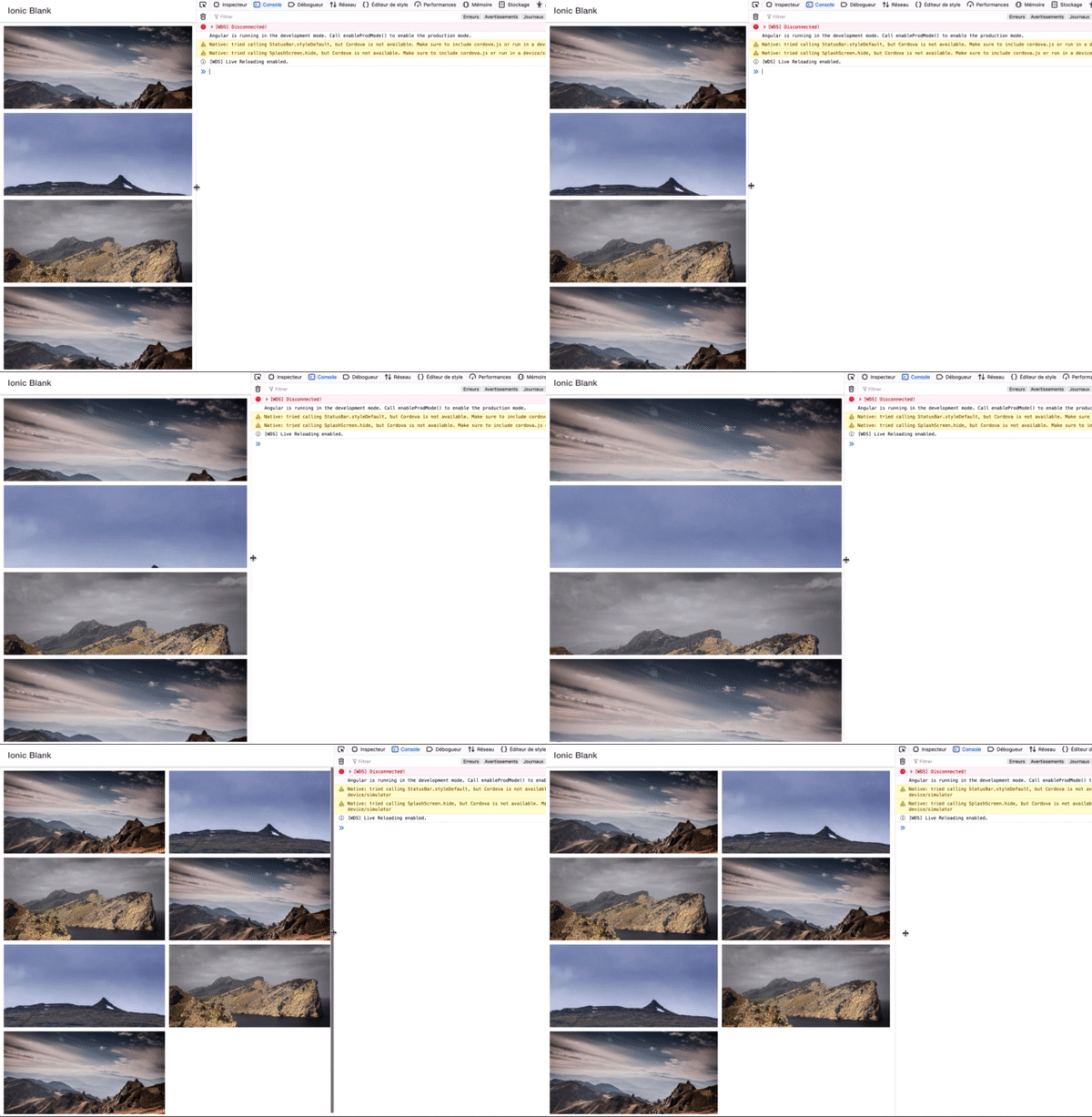
- A component to display a gallery of images. Two layout supported : standard and pinterest
### Installation
To install the components.
```sh
$ npm install idevotion-ionic-components
```
### How to use:
If you are using Lazy Loading in your application, add the ***IDevotionIonicComponentModule*** to the imports section of the page module where you want to display the rating component otherwise import it to your global app.module.ts
```sh
import { NgModule } from '@angular/core';
import { CommonModule } from '@angular/common';
import { IonicModule } from '@ionic/angular';
import { FormsModule } from '@angular/forms';
import { RouterModule } from '@angular/router';
import { HomePage } from './home.page';
import {IDevotionIonicComponentModule} from 'idevotion-ionic-component'
@NgModule({
imports: [
CommonModule,
FormsModule,
IonicModule,
IDevotionIonicComponentModule,
RouterModule.forChild([
{
path: '',
component: HomePage
}
])
],
declarations: [HomePage],
entryComponents:[]
})
export class HomePageModule {}
```
### How to use rating-display:
On your html page you can use :
```sh
```
You can customize the following parameters:
| Parameters | Definition |
| ------ | ------ |
| title | The label you want to display |
| labelStars | The label for stars |
| note | The note to display |
| totalNote | Total number of vote received |
| nbNoteOne | Total number received for one star |
| nbNoteTwo | Total number received for two star |
| nbNotethree | Total number received for three star |
| nbNoteFour | Total number received for four star |
| nbNoteFive | Total number received for five star |
| activeColor | Color for active star (default is #ffa500) |
| defaultColor | Default color for inactive star (default is #767676) |
### How to use search-places:
To be able to use the component, you need to include the Google Map library to your **index.html** of your app with a valid API KEY for using places api.
```sh
```
Please notice that this component use **Storage** (https://ionicframework.com/docs/building/storage) so we need to include it in your page or app module.
On your html page you can use :
```sh
```
You can customize the following parameters:
| Parameters | Definition |
| ------ | ------ |
| withHistory | Set true if you want the component to save your selected places and display them for futur use |
| restrictCountry | true or false (default is true). Use to indicate if your want Google Places to restrict the country in the search |
| countryRestricted | List of country iso code you want to restrict. (default is "FR") |
use **(itemSelected)** event to know when a place is selected.
```sh
itemSelected(item){
console.log(item)
}
```
### How to use imageGallery:
Just include the **imageGallery** tag in your html
```sh
```
You can customize the following parameters:
| Parameters | Definition |
| ------ | ------ |
| galleryType | standard or pinterest |
| imagesToDisplay | a list of images url to display |
Exemple:
```sh
let image1 = 'https://images.unsplash.com/photo-1422004707501-e8dad229e17a?fm=jpg';
let image2 = 'https://images.unsplash.com/photo-1439931444800-9bcc83f804a6?fm=jpg';
let image3 = 'https://images.unsplash.com/photo-1417128281290-30a42da46277?fm=jpg';
this.images=[]
this.images.push(image1)
this.images.push(image2)
this.images.push(image3)
this.images.push(image1)
this.images.push(image2)
this.images.push(image3)
this.images.push(image1)
```
use **(imagesSelected)** event to know when an image is selected.
```sh
imagesSelected(url){
console.log("Image selected "+url)
}
```
ⒸChristophe Surbier 2019
---
_Source: https://npm.io/package/idevotion-ionic-components · Machine-readable twin of the npm.io package page. Health data is recomputed on every publish._