# msc-zoom
> is a web component. All we need to do is put the required script into your HTML document. Then follow 's html structure and everything will be all set.
Latest version **1.0.0** (published 2022-08-22) · MIT license · 0 weekly downloads
## Install
```sh
npm install msc-zoom
pnpm add msc-zoom
yarn add msc-zoom
bun add msc-zoom
```
## Health
**Score 15/100 (F)** — status: abandoned.
Positive: no vulnerabilities.
Warnings: low downloads; no types; no esm support.
Negative: abandoned; low maintenance score.
## Facts
| | |
|---|---|
| Version | 1.0.0 |
| Published | 2022-08-22 |
| First published | 2022-08-22 |
| Weekly downloads | 0 |
| License | MIT |
| TypeScript types | none |
| Module format | CommonJS |
| Dependencies | 0 |
| Unpacked size | 39.8 KB |
| Known vulnerabilities | 0 |
| Install scripts | no |
| GitHub stars | 1 |
| Author | Paul Li |
| Maintainers | meistudioli |
| Keywords | web, front-end, web component, image, zoom |
## Links
- npm: https://www.npmjs.com/package/msc-zoom
- Repository: https://github.com/meistudioli/msc-zoom
- Homepage: https://github.com/meistudioli/msc-zoom#readme
- Issues: https://github.com/meistudioli/msc-zoom/issues
- npm.io page: https://npm.io/package/msc-zoom
## Alternatives
- [@opentelemetry/exporter-zipkin](https://npm.io/package/@opentelemetry/exporter-zipkin.md) — 14.8M weekly downloads
- [pusher-js](https://npm.io/package/pusher-js.md) — 2.0M weekly downloads
- [browserify](https://npm.io/package/browserify.md) — 1.7M weekly downloads
- [sqs-consumer](https://npm.io/package/sqs-consumer.md) — 1.7M weekly downloads
- [@sanity/eventsource](https://npm.io/package/@sanity/eventsource.md) — 930.8K weekly downloads
## Recent versions
- 1.0.0 (latest) — 2022-08-22
## README
# msc-zoom
[](https://www.webcomponents.org/element/msc-zoom) [](https://deepscan.io/dashboard#view=project&tid=16372&pid=22012&bid=644916)
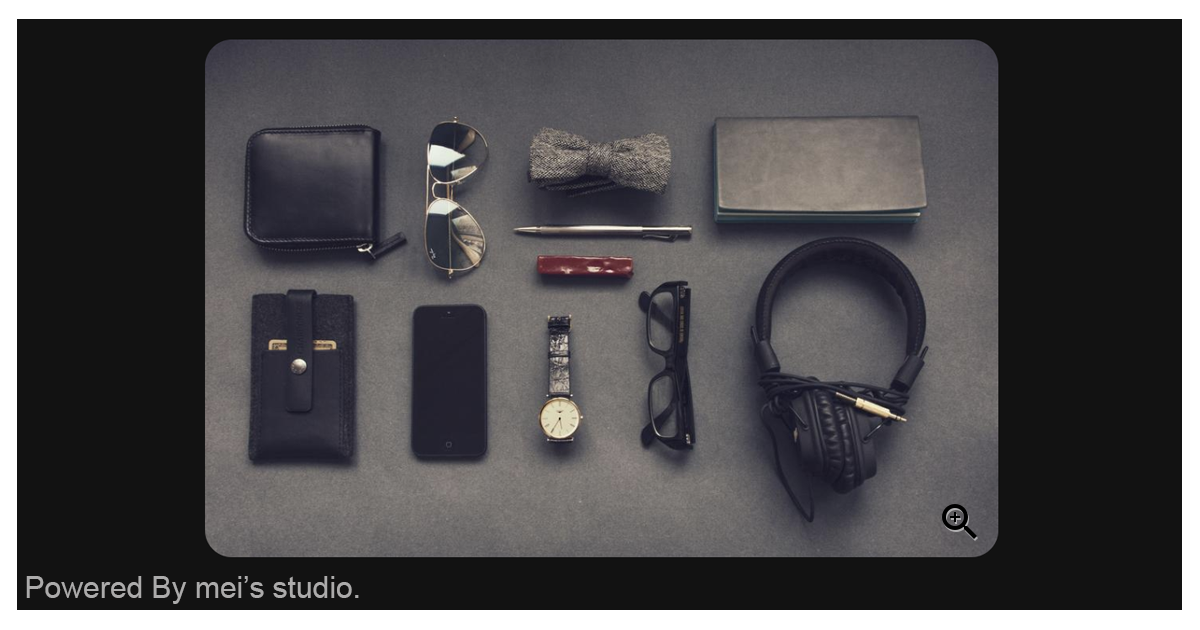
<msc-zoom /> is a web component which provide zoom-in / zoom-out effects for image closing watch. Users could just tap the part they like to have a closing watch.
## Basic Usage
<msc-zoom /> is a web component. All we need to do is put the required script into your HTML document. Then follow <msc-zoom />'s html structure and everything will be all set.
- Required Script
```html
```
- Structure
Put img[slot="msc-zoom-vision"] inside <msc-zoom /> as its child. It will use it as source.
```html
 ```
## JavaScript Instantiation
<msc-zoom /> could also use JavaScript to create DOM element. Here comes some examples.
```html
```
## Style Customization
Developers could apply styles to decorate img[slot="msc-zoom-vision"].
```html
```
## Attributes
<msc-zoom /> supports some attributes to let it become more convenience & useful.
- **active**
Set active for <msc-zoom />. It will zoom-in once set true. Default is `false` (not set).
```html
 ```
- **duration**
Set duration for <msc-zoom /> zoom-in / zoom-out animation. Default is `300` (ms).
```html
```
- **scale**
Set scale for <msc-zoom />. Default is `2`.
```html
```
## Properties
| Property Name | Type | Description |
| ----------- | ----------- | ----------- |
| active | Boolean | Getter / Setter for active. It will turn on / off zoom effects. |
| duration | Number | Getter / Setter for duration. The zoom animation's duration will apply this value with unit ms. Default is `300`. |
| scale | Number | Getter / Setter for scale. The scale rate will apply this value. Default is `2`. |
## Event
| Event Signature | Description |
| ----------- | ----------- |
| msc-zoom-click | Fired when <msc-zoom /> has been clicked. Developers could get `mode` through `event.detail`. |
## Reference
- [<msc-zoom />](https://blog.lalacube.com/mei/webComponent_msc-zoom.html)
---
_Source: https://npm.io/package/msc-zoom · Machine-readable twin of the npm.io package page. Health data is recomputed on every publish._