# nativescript-printer
> Send an image or the screen contents to a physical printer
Latest version **3.0.0** (published 2021-08-10) · MIT license · 0 weekly downloads
## Install
```sh
npm install nativescript-printer
pnpm add nativescript-printer
yarn add nativescript-printer
bun add nativescript-printer
```
## Health
**Score 25/100 (F)** — status: abandoned.
Positive: has types; no vulnerabilities; high quality score.
Warnings: low downloads; no esm support.
Negative: abandoned; low maintenance score.
## Facts
| | |
|---|---|
| Version | 3.0.0 |
| Published | 2021-08-10 |
| First published | 2016-12-09 |
| Weekly downloads | 0 |
| License | MIT |
| TypeScript types | bundled |
| Module format | CommonJS |
| Dependencies | 0 |
| Unpacked size | 18.7 KB |
| Known vulnerabilities | 0 |
| Install scripts | no |
| GitHub stars | 38 |
| Author | Eddy Verbruggen |
| Maintainers | eddyverbruggen |
| Keywords | ecosystem:nativescript, NativeScript, JavaScript, Android, iOS, Printer, Print, AirPrint, Printscreen |
## Links
- npm: https://www.npmjs.com/package/nativescript-printer
- Repository: https://github.com/EddyVerbruggen/nativescript-printer
- Issues: https://github.com/EddyVerbruggen/nativescript-printer/issues
- npm.io page: https://npm.io/package/nativescript-printer
## Alternatives
- [@sindresorhus/slugify](https://npm.io/package/@sindresorhus/slugify.md) — 3.7M weekly downloads
- [solid-js](https://npm.io/package/solid-js.md) — 2.7M weekly downloads
- [expo-glass-effect](https://npm.io/package/expo-glass-effect.md) — 2.5M weekly downloads
- [nanoassert](https://npm.io/package/nanoassert.md) — 780.8K weekly downloads
- [@ffmpeg/ffmpeg](https://npm.io/package/@ffmpeg/ffmpeg.md) — 529.5K weekly downloads
## Recent versions
- 3.0.0 (latest) — 2021-08-10
- 2.0.0 — 2020-10-04
- 1.5.0 — 2020-02-20
- 1.4.0 — 2019-07-04
- 1.3.0 — 2019-04-29
- 1.2.0 — 2017-05-29
- 1.1.0 — 2017-04-10
- 1.0.0 — 2016-12-09
## README
# NativeScript Printer plugin
[![Build Status][build-status]][build-url]
[![NPM version][npm-image]][npm-url]
[![Downloads][downloads-image]][npm-url]
[![Twitter Follow][twitter-image]][twitter-url]
[build-status]:https://travis-ci.org/EddyVerbruggen/nativescript-printer.svg?branch=master
[build-url]:https://travis-ci.org/EddyVerbruggen/nativescript-printer
[npm-image]:http://img.shields.io/npm/v/nativescript-printer.svg
[npm-url]:https://npmjs.org/package/nativescript-printer
[downloads-image]:http://img.shields.io/npm/dm/nativescript-printer.svg
[twitter-image]:https://img.shields.io/twitter/follow/eddyverbruggen.svg?style=social&label=Follow%20me
[twitter-url]:https://twitter.com/eddyverbruggen
> Think about the environment before printing!
## Installation
From the command prompt go to your app's root folder and execute:
```
tns plugin add nativescript-printer
```
## Demo app
Want to dive in quickly? Check out [the demo](https://github.com/EddyVerbruggen/nativescript-printer/tree/master/demo)! Otherwise, continue reading.
Run the demo app from the root of the project: `npm run demo.ios` or `npm run demo.android`.
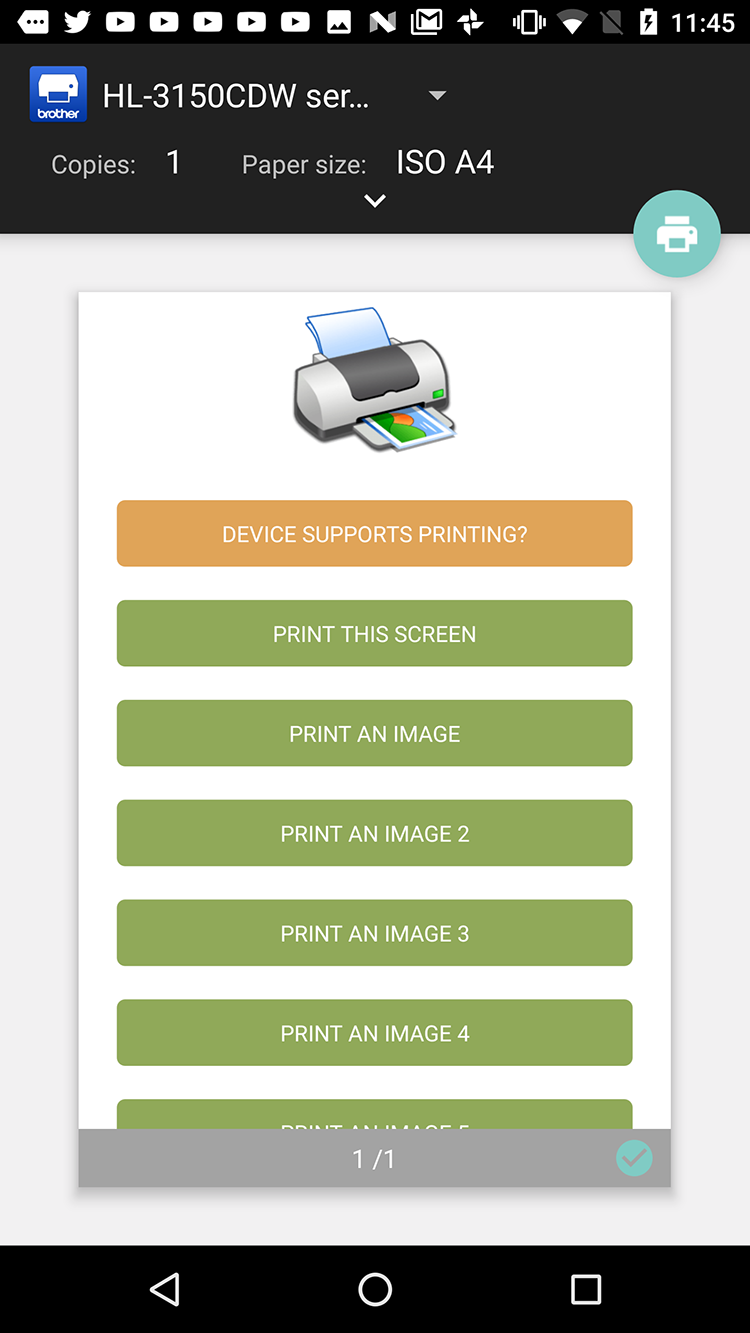
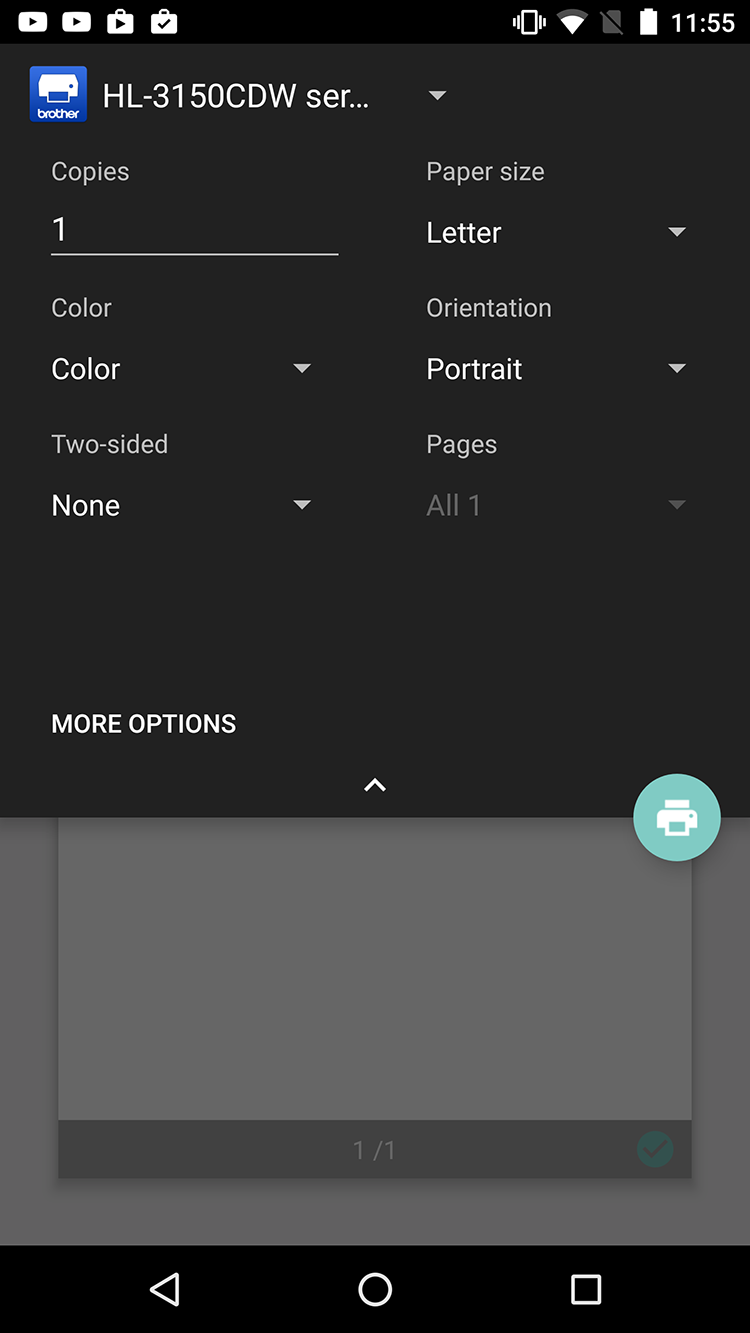
### Android screenshots
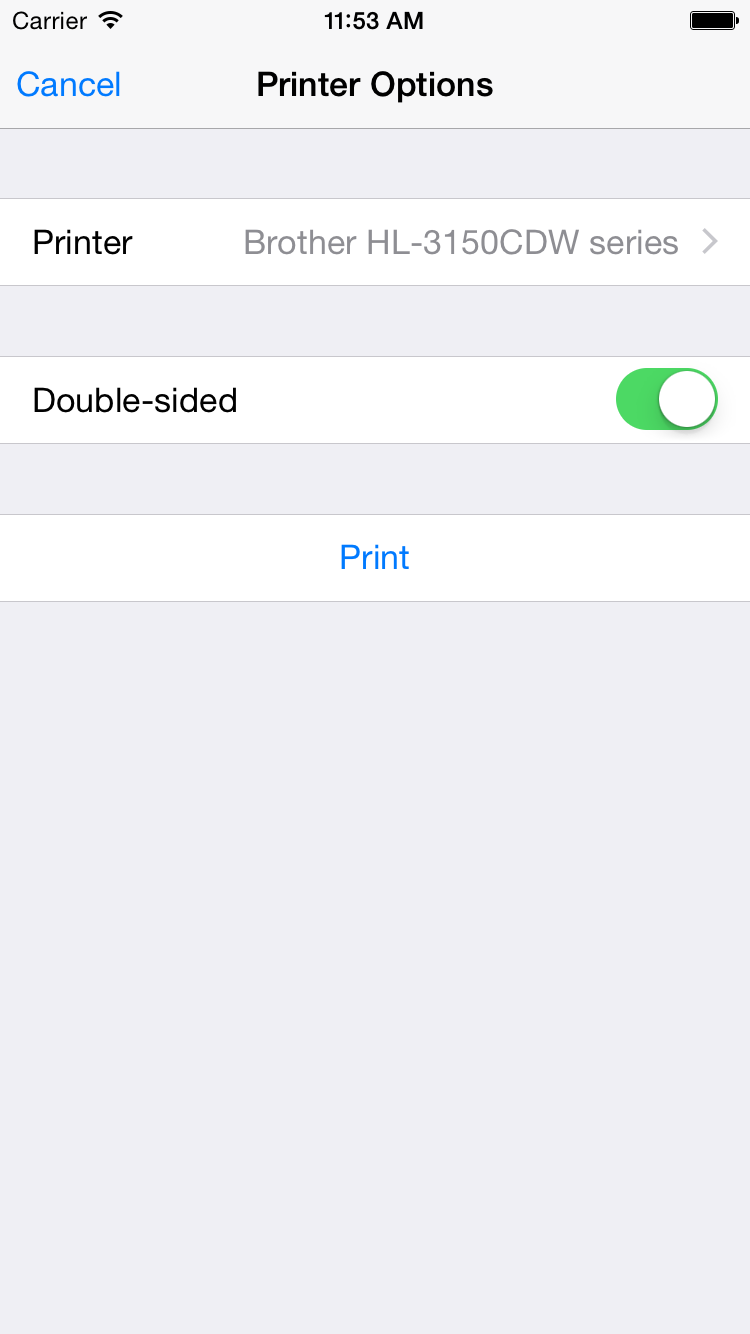
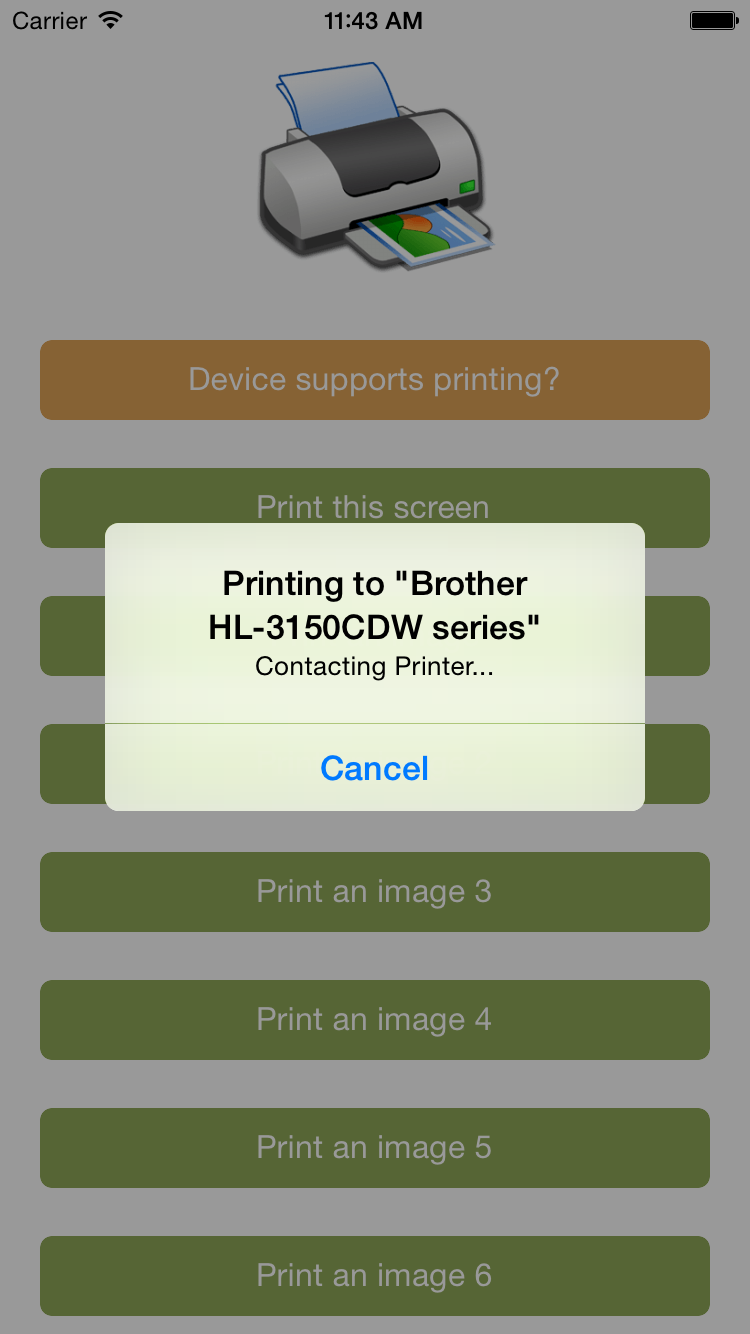
 ### iOS screenshots
 ## API
### `isSupported`
Not all devices support printing, so it makes sense to check the device capabilties beforehand.
##### TypeScript
```typescript
// require the plugin
import {Printer} from "nativescript-printer";
// instantiate the plugin
let printer = new Printer();
printer.isSupported().then((supported) => {
alert(supported ? "Yep!" : "Nope :'(");
}, (error) => {
alert("Error: " + error);
});
```
### `printImage`
##### TypeScript
```typescript
// let's load an image that we can print. In this case from a local folder.
let fs = require("file-system");
let appPath = fs.knownFolders.currentApp().path;
let imgPath = appPath + "/res/printer.png";
let imgSrc = new ImageSource();
imgSrc.loadFromFile(imgPath);
printer.printImage({
imageSrc: imgSrc
}).then((success) => {
alert(success ? "Printed!" : "Not printed");
}, (error) => {
alert("Error: " + error);
});
```
### `printPDF`
##### TypeScript
```typescript
import { knownFolders } from "tns-core-modules/file-system/file-system";
printer.printPDF({
pdfPath: knownFolders.currentApp().path + "/pdf-test.pdf"
}).then((success) => {
alert(success ? "Printed!" : "Not printed");
}, (error) => {
alert("Error: " + error);
});
```
### `printScreen`
Prints the current screen contents. Anything off screen will not be printed.
##### TypeScript
```typescript
printer.printScreen().then((success) => {
alert(success ? "Printed!" : "Not printed");
}, (error) => {
alert("Error: " + error);
});
```
You can also print a specific portion of the screen, which also enables you to print
views that are larger than the viewport. This is an example of a non-Angular NativeScript app:
**Note**
If the view is either of the following depending on the size of it's contents it would break into multiple pages.
`Label | TextView | HtmlView | WebView`
```xml
```
```js
public print(args) {
printer.printScreen({
view: args.object.page.getViewById("printMe")
});
}
```
---
_Source: https://npm.io/package/nativescript-printer · Machine-readable twin of the npm.io package page. Health data is recomputed on every publish._
## API
### `isSupported`
Not all devices support printing, so it makes sense to check the device capabilties beforehand.
##### TypeScript
```typescript
// require the plugin
import {Printer} from "nativescript-printer";
// instantiate the plugin
let printer = new Printer();
printer.isSupported().then((supported) => {
alert(supported ? "Yep!" : "Nope :'(");
}, (error) => {
alert("Error: " + error);
});
```
### `printImage`
##### TypeScript
```typescript
// let's load an image that we can print. In this case from a local folder.
let fs = require("file-system");
let appPath = fs.knownFolders.currentApp().path;
let imgPath = appPath + "/res/printer.png";
let imgSrc = new ImageSource();
imgSrc.loadFromFile(imgPath);
printer.printImage({
imageSrc: imgSrc
}).then((success) => {
alert(success ? "Printed!" : "Not printed");
}, (error) => {
alert("Error: " + error);
});
```
### `printPDF`
##### TypeScript
```typescript
import { knownFolders } from "tns-core-modules/file-system/file-system";
printer.printPDF({
pdfPath: knownFolders.currentApp().path + "/pdf-test.pdf"
}).then((success) => {
alert(success ? "Printed!" : "Not printed");
}, (error) => {
alert("Error: " + error);
});
```
### `printScreen`
Prints the current screen contents. Anything off screen will not be printed.
##### TypeScript
```typescript
printer.printScreen().then((success) => {
alert(success ? "Printed!" : "Not printed");
}, (error) => {
alert("Error: " + error);
});
```
You can also print a specific portion of the screen, which also enables you to print
views that are larger than the viewport. This is an example of a non-Angular NativeScript app:
**Note**
If the view is either of the following depending on the size of it's contents it would break into multiple pages.
`Label | TextView | HtmlView | WebView`
```xml
```
```js
public print(args) {
printer.printScreen({
view: args.object.page.getViewById("printMe")
});
}
```
---
_Source: https://npm.io/package/nativescript-printer · Machine-readable twin of the npm.io package page. Health data is recomputed on every publish._