# next-day-theme-toggle
> React Day Theme Toggle
Latest version **0.0.6** (published 2023-06-11) · ISC license · 0 weekly downloads
## Install
```sh
npm install next-day-theme-toggle
pnpm add next-day-theme-toggle
yarn add next-day-theme-toggle
bun add next-day-theme-toggle
```
## Health
**Score 15/100 (F)** — status: abandoned.
Positive: no vulnerabilities.
Warnings: low downloads; no types; no esm support; pre 1.0.
Negative: abandoned; low maintenance score.
## Facts
| | |
|---|---|
| Version | 0.0.6 |
| Published | 2023-06-11 |
| First published | 2023-06-11 |
| Weekly downloads | 0 |
| License | ISC |
| TypeScript types | none |
| Module format | CommonJS |
| Dependencies | 1 |
| Unpacked size | 1.9 MB |
| Known vulnerabilities | 0 |
| Install scripts | no |
| Author | Lucas Faugeron |
| Maintainers | mrlsultimate |
## Links
- npm: https://www.npmjs.com/package/next-day-theme-toggle
- npm.io page: https://npm.io/package/next-day-theme-toggle
## Dependencies (1)
- [react](https://npm.io/package/react.md) ^18.2.0
## Recent versions
- 0.0.6 (latest) — 2023-06-11
- 0.0.5 — 2023-06-11
- 0.0.4 — 2023-06-11
- 0.0.3 — 2023-06-11
- 0.0.2 — 2023-06-11
- 0.0.1 — 2023-06-11
## README
React Day Theme Toggle
A beautiful day / night theme toggle with his context for your react application
Versions
NPM : 9.6.7
Dependencies
React : 18.2.0
Installing
Using npm:
$ npm install -s next-day-theme-toggle
Using yarn:
$ yarn install -s next-day-theme-toggle
Working with it
Use the component DayNightToggle to display a nice toggle in your header or somewhere else.
We will be allowing you to choose different style versions of the toggle in next versions.
Beware to wrap the component in a div, the toggle will take 100% of its parent width.
Also give it those two props : {theme, setTheme}, to make sure that the toggle can change your theme context
```js
import React, {useContext} from 'react';
import DayNightToggle from "react-day-theme-toggle/";
import ThemeContext from "./contexts/ThemeContext"
const Header = () => {
const {theme, setTheme} = useContext(ThemeContext)
return (
);
};
export default Header;
```
Styles
Default
use this props : style={"classic"}
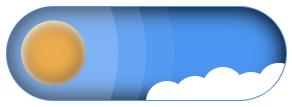
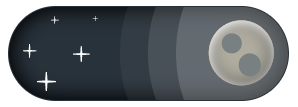

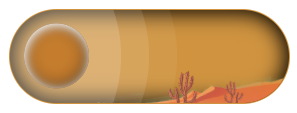
Desert
use this props : style={"desert"}

Minimalist
use this props : style={"minimalist"}
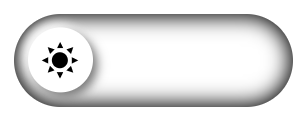

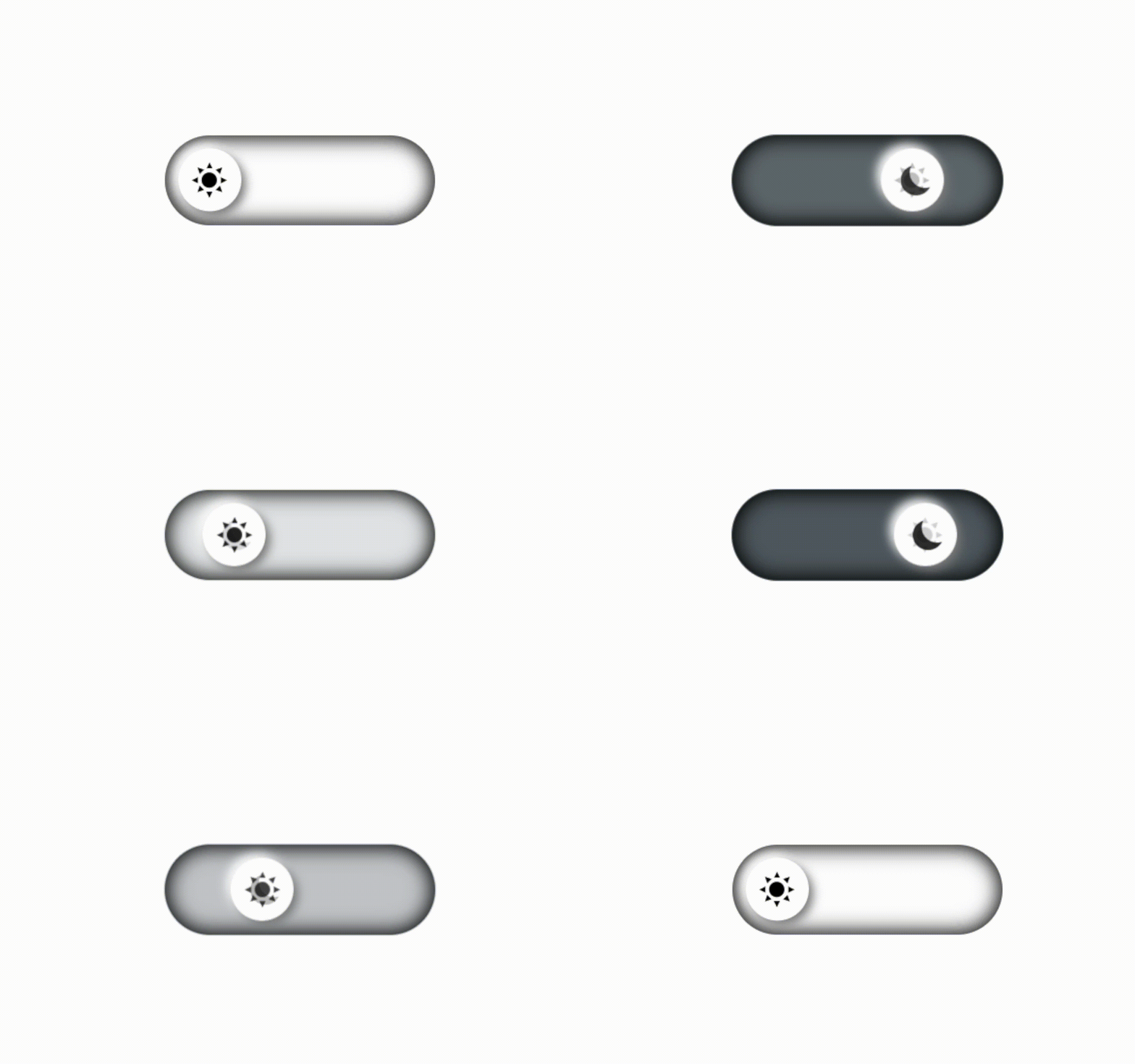
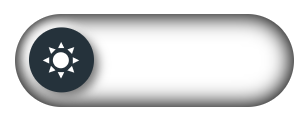
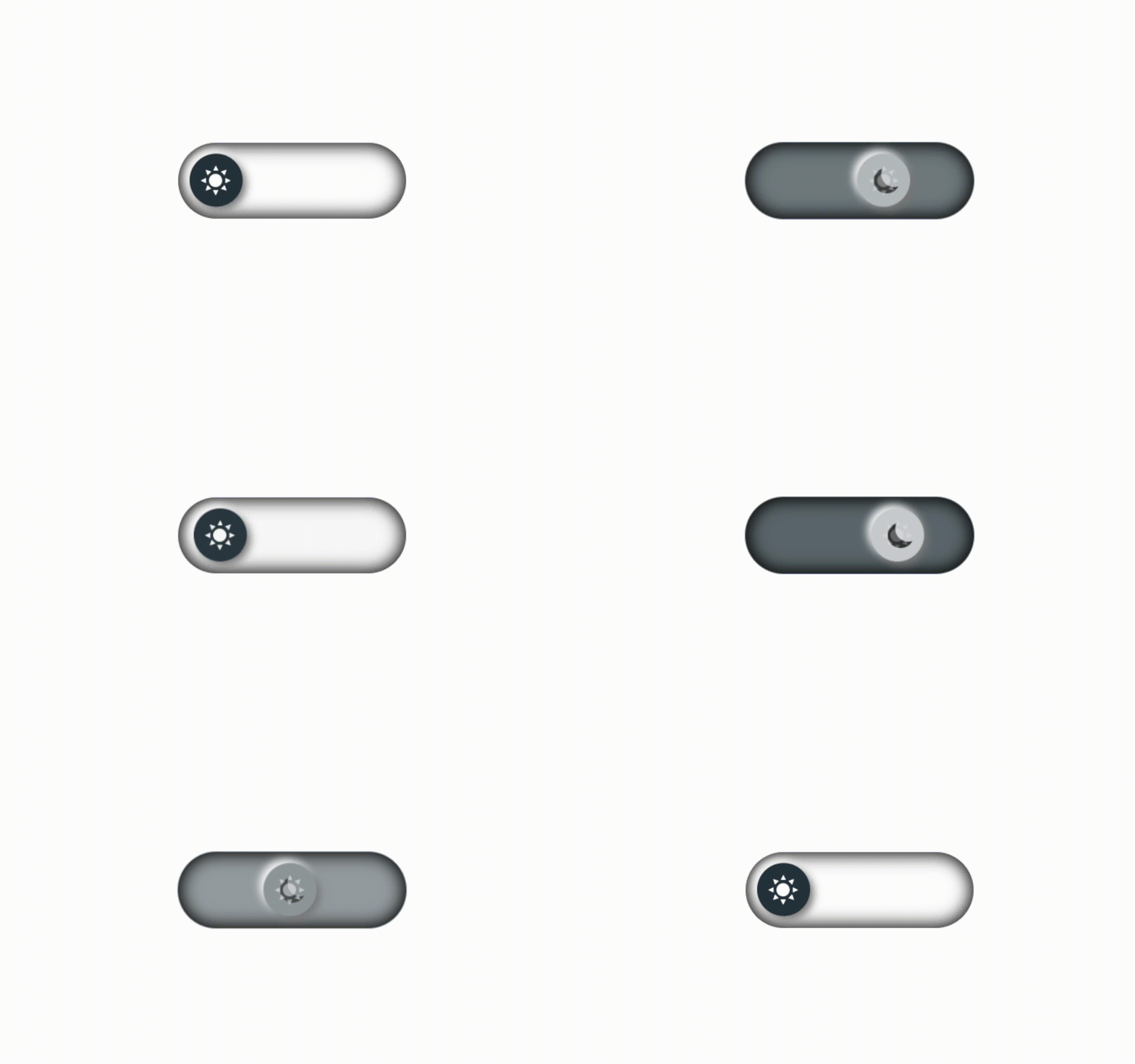
Second Minimalist
use this props : style={"second_minimalist"}

---
_Source: https://npm.io/package/next-day-theme-toggle · Machine-readable twin of the npm.io package page. Health data is recomputed on every publish._