# robotjs
> Node.js Desktop Automation.
Latest version **0.9.1** (published 2026-08-07) · MIT license · 0 weekly downloads
## Install
```sh
npm install robotjs
pnpm add robotjs
yarn add robotjs
bun add robotjs
```
## Health
**Score 70/100 (B)** — status: active.
Positive: has types; no vulnerabilities; recently updated; high maintenance score; high quality score; popular repo.
Warnings: low downloads; no esm support; pre 1.0.
## Facts
| | |
|---|---|
| Version | 0.9.1 |
| Published | 2026-08-07 |
| First published | 2014-09-01 |
| Weekly downloads | 0 |
| License | MIT |
| TypeScript types | bundled |
| Module format | CommonJS |
| Dependencies | 2 |
| Unpacked size | 2.2 MB |
| Known vulnerabilities | 0 |
| Install scripts | yes |
| GitHub stars | 12779 |
| Author | Jason Stallings |
| Maintainers | octalmage |
| Keywords | Automation, GUI, mouse, keyboard, screenshot, image, pixel, desktop, robotjs, screen, recognition, autohotkey, machine, learning, color |
## Links
- npm: https://www.npmjs.com/package/robotjs
- Repository: https://github.com/octalmage/robotjs
- Issues: https://github.com/octalmage/robotjs/issues
- npm.io page: https://npm.io/package/robotjs
## Dependencies (2)
- [node-addon-api](https://npm.io/package/node-addon-api.md) ^4.2.0
- [node-gyp-build](https://npm.io/package/node-gyp-build.md) ^4.8.4
## Alternatives
- [postcss-color-hex-alpha](https://npm.io/package/postcss-color-hex-alpha.md) — 6.4M weekly downloads
- [randomcolor](https://npm.io/package/randomcolor.md) — 348.0K weekly downloads
- [bows](https://npm.io/package/bows.md) — 1.3K weekly downloads
- [ep_prefer_color_scheme](https://npm.io/package/ep_prefer_color_scheme.md) — 260 weekly downloads
- [coc-yank](https://npm.io/package/coc-yank.md) — 61 weekly downloads
## Recent versions
- 0.9.1 (latest) — 2026-08-07
- 0.9.0 — 2026-08-06
- 0.8.0 — 2026-07-24
- 0.7.1 — 2026-05-08
- 0.7.0 — 2026-03-11
- 0.6.0 — 2019-12-08
- 0.5.1 — 2018-03-03
- 0.5.0 — 2018-03-03
- 0.4.7 — 2017-03-26
- 0.4.5 — 2016-10-16
- 0.4.4 — 2016-06-01
- 0.4.3 — 2016-05-30
- 0.4.2 — 2016-05-08
- 0.4.1 — 2016-04-17
- 0.4.0 — 2016-04-17
- … 23 more at https://npm.io/package/robotjs/versions
## README

> Node.js Desktop Automation. Control the mouse, keyboard, and read the screen.
RobotJS supports Mac, [Windows](https://github.com/octalmage/robotjs/issues/2), and [Linux](https://github.com/octalmage/robotjs/issues/17).
This is a work in progress so the exported functions could change at any time before the first stable release (1.0.0). [Ideas?](https://github.com/octalmage/robotjs/issues/4)
[Check out some of the cool things people are making with RobotJS](https://github.com/octalmage/robotjs/wiki/Projects-using-RobotJS)! Have your own rad RobotJS project? Feel free to add it!
## Contents
- [Installation](#installation)
- [Examples](#examples)
- [API](https://robotjs.dev/docs/syntax)
- [Building](#building)
- [Plans](#plans)
- [Progress](#progress)
- [FAQ](#faq)
- [License](#license)
## Installation
Install RobotJS using npm:
```
npm install robotjs
```
You can get npm [here](https://nodejs.org/en/download/) if you don't have it installed.
Published packages include Node-API prebuilds for Linux, macOS, and Windows on
x64 and arm64. Other targets fall back to a source build.
If you need to build RobotJS, see the [building](#building) section. Instructions for [Electron](https://github.com/octalmage/robotjs/wiki/Electron).
## Examples
##### [Mouse](https://github.com/octalmage/robotjs/wiki/Syntax#mouse)
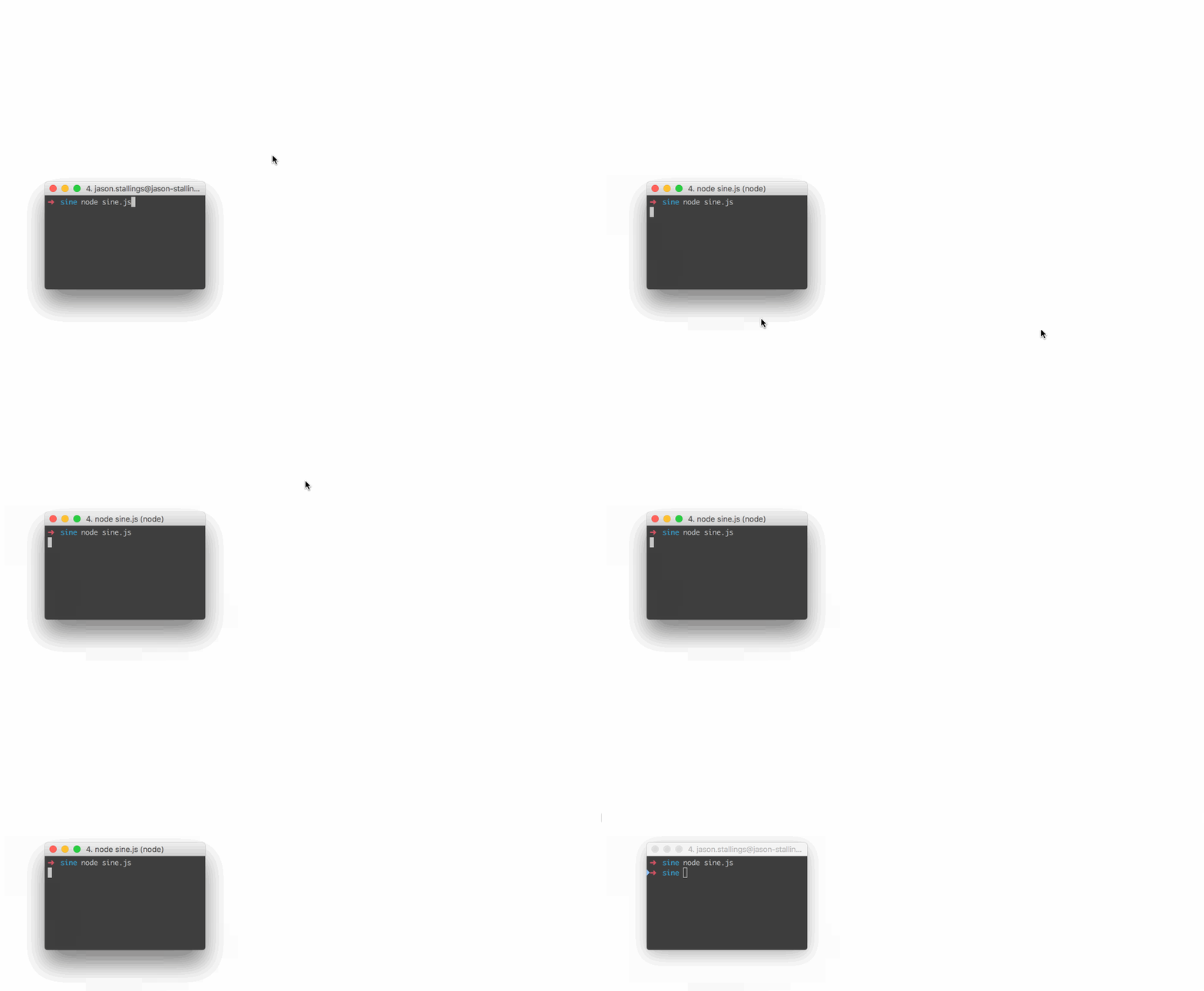
```js
// Move the mouse across the screen as a sine wave.
const robot = require("robotjs");
// Speed up the mouse.
robot.setMouseDelay(2);
const twoPI = Math.PI * 2;
const screenSize = robot.getScreenSize();
const height = (screenSize.height / 2) - 10;
const width = screenSize.width;
for (let x = 0; x < width; x++) {
const y = height * Math.sin((twoPI * x) / width) + height;
robot.moveMouse(x, y);
}
```
##### [Keyboard](https://github.com/octalmage/robotjs/wiki/Syntax#keyboard)
```js
// Type "Hello World" then press enter.
const robot = require("robotjs");
// Type "Hello World".
robot.typeString("Hello World");
// Press enter.
robot.keyTap("enter");
```
##### [Screen](https://github.com/octalmage/robotjs/wiki/Syntax#screen)
```js
// Get pixel color under the mouse.
const robot = require("robotjs");
// Get mouse position.
const mouse = robot.getMousePos();
// Get pixel color in hex format.
const hex = robot.getPixelColor(mouse.x, mouse.y);
console.log(`#${hex} at x:${mouse.x} y:${mouse.y}`);
```
##### Image Search
```js
const robot = require("robotjs");
const screen = robot.screen.capture();
const target = robot.image.load("./target.bmp");
const match = screen.findImage(target, { tolerance: 0.1 });
if (match) {
screen.click(match, target);
}
```
Captured and loaded images also provide `findImages`, `countImage`, `findColor`,
`findColors`, `countColor`, `colorAt`, and `save`. Image searches return the
target's top-left capture coordinates. `click` converts those coordinates to
screen coordinates and clicks the target's center.
Read the [Wiki](https://github.com/octalmage/robotjs/wiki) for more information!
## [API](http://robotjs.dev/docs/syntax)
The RobotJS API is hosted at .
### macOS permissions
`getAccessibilityPermission()` and `getScreenCapturePermission()` report the
current grants. `requestAccessibilityPermission()` and
`requestScreenCapturePermission()` trigger the corresponding macOS system
prompts. macOS still requires the user to approve each request.
The Accessibility prompt is asynchronous, so `requestAccessibilityPermission()`
returns the current grant. Check `getAccessibilityPermission()` again after the
user responds.
## Building
Please ensure you have the required dependencies before installing:
* Windows
* A supported Visual Studio C++ toolchain.
* macOS
* Xcode Command Line Tools.
* Linux
* Python 3.
* make.
* A C/C++ compiler like GCC.
* libxtst-dev (`sudo apt-get install libxtst-dev`).
BMP image loading and saving is always available. PNG is enabled in all
published prebuilds: Windows uses Windows Imaging Component, while macOS and
Linux include statically linked libpng. PNG remains optional for macOS and
Linux source builds. To enable it, install `libpng` and `pkg-config`, then force
a source build with `ROBOTJS_ENABLE_PNG=1`. Check
`robot.image.supportsPNG` at runtime.
Install node-gyp using npm:
```
npm install -g node-gyp
```
Then build:
```
node-gyp rebuild
```
See the [node-gyp readme](https://github.com/nodejs/node-gyp#installation) for more details.
### Packaging prebuilds
The [Prebuilds workflow](https://github.com/octalmage/robotjs/actions/workflows/prebuilds.yml)
builds the release binaries and uploads a complete `npm-package` artifact. It
does not publish to npm. Download the artifact, then publish it manually:
```
npm publish ./robotjs-.tgz
```
## Plans
* √ Control the mouse by changing the mouse position, left/right clicking, and dragging.
* √ Control the keyboard by pressing keys, holding keys down, and typing words.
* √ Read pixel color from the screen and capture the screen.
* √ Find images and colors in captures, and load or save bitmap files.
* Possibly include window management?
## Progress
| Module | Status | Notes |
| ------------- |-------------: | ------- |
| Mouse | 100% | All planned features implemented. |
| Keyboard | 100% | All planned features implemented. |
| Screen | 100% | Screen capture, image search, and pixel search. |
| Bitmap | 100% | BMP I/O and optional PNG support. |
## FAQ
#### Does RobotJS support global hotkeys?
Not currently, and I don't know if it ever will. I personally use [Electron](http://electron.atom.io/)/[NW.js](http://nwjs.io/) for global hotkeys, and this works well. Later on I might add hotkey support or create a separate module. See [#55](https://github.com/octalmage/robotjs/issues/55) for details.
#### Can I take a screenshot with RobotJS?
Yes. `robot.screen.capture()` captures the main display. Pass
`x, y, width, height` to capture a specific rectangle.
#### Why is <insert key> missing from the keyboard functions?
We've been implementing keys as we need them. Feel free to create an issue or submit a pull request!
#### How about multi-monitor support?
Use `robot.getDisplays()` to inspect displays and pass a rectangle from one
display to `robot.screen.capture(x, y, width, height)`. A capture rectangle
cannot span multiple displays. Linux reports the current X11 screen.
For any other questions please [submit an issue](https://github.com/octalmage/robotjs/issues/new).
## Story
I'm a huge fan of [AutoHotkey](https://www.autohotkey.com/), and I've used it for a very long time. AutoHotkey is great for automation and it can do a bunch of things that are very difficult in other languages. For example, it's [imagesearch](https://www.autohotkey.com/docs/commands/ImageSearch.htm) and [pixel](https://www.autohotkey.com/docs/commands/PixelGetColor.htm) related functions are hard to reproduce on Mac, especially in scripting languages. These functions are great for automating apps that can't be automated like [Netflix](http://blueshirtdesign.com/apps/autoflix/). This has never been a big deal since I've always used Windows at work, but for the past few years I've been using Mac exclusively.
I like AutoHotkey, but I like Node.js more. By developing RobotJS I get an AutoHotkey replacement on Mac (finally!), and I get to use my favorite language.
**TLDR:** There's nothing like AutoHotkey on Mac, so I'm making it.
## License
MIT
Based on [autopy](https://github.com/msanders/autopy).
Maintained by [Jason Stallings](http://jason.stallin.gs).
---
_Source: https://npm.io/package/robotjs · Machine-readable twin of the npm.io package page. Health data is recomputed on every publish._