# tinytornado

> TinyTornado renders animated tornadoes in a web browser.

Latest version **0.1.5** (published 2014-09-30) · MIT license · 0 weekly downloads

## Install

```sh
npm install tinytornado
pnpm add tinytornado
yarn add tinytornado
bun add tinytornado
```

## Health

**Score 25/100 (F)** — status: abandoned.

Positive: no vulnerabilities.

Warnings: low downloads; no types; no esm support; pre 1.0.

Negative: abandoned.

## Facts

| | |
|---|---|
| Version | 0.1.5 |
| Published | 2014-09-30 |
| First published | 2014-09-18 |
| Weekly downloads | 0 |
| License | MIT |
| TypeScript types | none |
| Module format | CommonJS |
| Dependencies | 6 |
| Known vulnerabilities | 0 |
| Install scripts | no |
| GitHub stars | 1 |
| Author | Vince Allen |
| Maintainers | vinceallenvince |
| Keywords | utilities |

## Links

- npm: https://www.npmjs.com/package/tinytornado
- Repository: http://github.com/vinceallenvince/tinytornado
- Issues: https://github.com/vinceallenvince/tinytornado/issues
- npm.io page: https://npm.io/package/tinytornado

## Dependencies (6)

- [burner](https://npm.io/package/burner.md) ^3.1.6
- [florajs](https://npm.io/package/florajs.md) ^3.1.1
- [quietriot](https://npm.io/package/quietriot.md) ^0.1.2
- [colorpalette](https://npm.io/package/colorpalette.md) ^0.1.5
- [bitshadowitems](https://npm.io/package/bitshadowitems.md) ^0.1.x
- [bitshadowmachine](https://npm.io/package/bitshadowmachine.md) ^3.0.4

## Recent versions

- 0.1.5 (latest) — 2014-09-30
- 0.1.4 — 2014-09-18
- 0.1.3 — 2014-09-18
- 0.1.2 — 2014-09-18
- 0.1.1 — 2014-09-18

## README

![Build status](https://travis-ci.org/vinceallenvince/tinytornado.svg?branch=master)

# tinytornado

TinyTornado renders animated tornadoes in a web browser using JavaScript, CSS and the DOM. It also makes use of both [FloraJS](http://github.com/vinceallenvince/FloraJS) and [Bit-Shadow Machine](http://github.com/vinceallenvince/Bit-Shadow-Machine).

##Install

Use the [standalone version](https://github.com/vinceallenvince/tinytornado/releases/latest) and reference the css and js files from your document.

TinyTornado creates two types of tornadoes, funnels and vortices. Use the corresponding css file when creating your tornado. For example, the code below sets up a funnel.

```
<html>
  <head>
    <link href="css/funnel.min.css" type="text/css" charset="utf-8" rel="stylesheet" />
  	<script src="scripts/tinytornado.min.js" type="text/javascript" charset="utf-8"></script>
  </head>
  ...
```

This code sets up a vortex.

```
<html>
  <head>
    <link href="css/vortex.min.css" type="text/css" charset="utf-8" rel="stylesheet" />
  	<script src="scripts/tinytornado.min.js" type="text/javascript" charset="utf-8"></script>
  </head>
  ...
```

To include TinyTornado as a component in your project, use the node module.

```
npm install tinytornado --save
```

##Usage

TinyTornado uses four components to create a tornado, a *base*, *debris*, *spine* and *shell*. Simply create all four and pass them to the tornado's runner to start the animation.

Notice we're also defining a view for the tornado by passing a &lt;div&gt; to the Runner. The following code creates a funnel.

```
...
</head>
  <body>
    <div id="worldA"></div>
    <script type="text/javascript" charset="utf-8">
      var base = new TinyTornado.Funnel.Base();
      var debris = new TinyTornado.Funnel.Debris();
      var spine = new TinyTornado.Funnel.Spine();
      var shell = new TinyTornado.Funnel.Shell();

      var vortex = new TinyTornado.Funnel.Runner(base, debris, spine, shell);
      vortex.init({
        el: document.getElementById('worldA')
      });
    </script>
  </body>
</html>
```

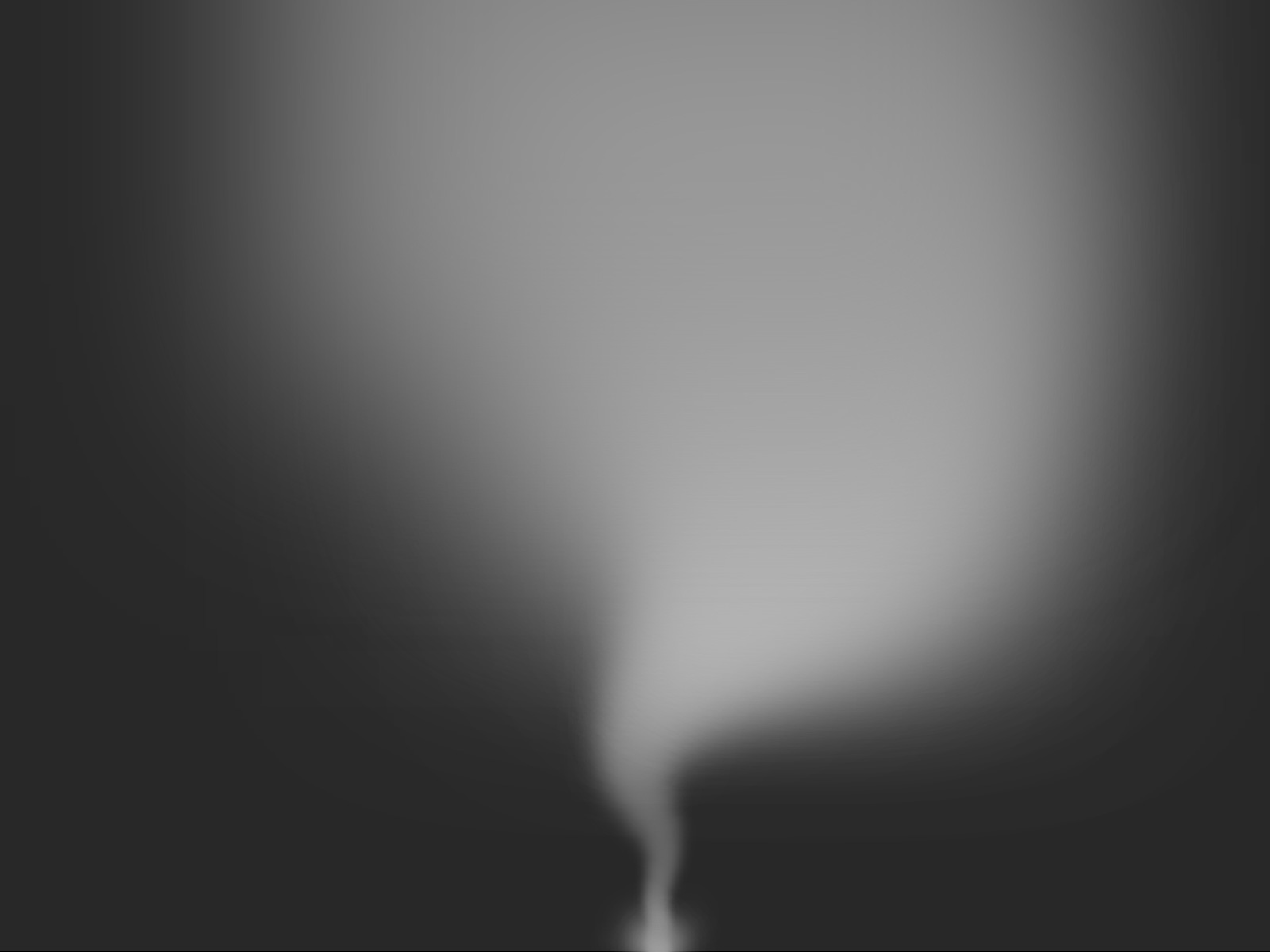
<img src='http://vinceallenvince.github.io/tinytornado/images/funnel.jpg' style='width: 800px;'>

The following code creates a Vortex.

```
...
</head>
  <body>
    <div id="worldA"></div>
    <script type="text/javascript" charset="utf-8">
      var base = new TinyTornado.Vortex.Base();
      var debris = new TinyTornado.Vortex.DebrisBit();
      var spine = new TinyTornado.Vortex.Spine({
      	density: 10
      });
      var shell = new TinyTornado.Vortex.ShellBit();

      var vortex = new TinyTornado.Vortex.RunnerBit(base, debris, spine, shell);
      vortex.init({
        el: document.getElementById('worldA')
      });
    </script>
  </body>
</html>
```
<img src='http://vinceallenvince.github.io/tinytornado/images/vortex.jpg' style='width: 800px;'>

##Audio

To create a Tornado's low rumble, use [SoundBed](https://github.com/vinceallenvince/soundbed). Just reference the SoundBed library from your document and initialize the player.

```
...
<script src="scripts/soundbed.min.js" type="text/javascript" charset="utf-8"></script>
</head>
  <body>
    <script type="text/javascript" charset="utf-8">
      var playerLow = new SoundBed.Player();
      playerLow.init({
        perlin: true,
        reverb: 5,
        oscAFreq: 60,
        oscBFreq: 120,
        oscARate: 0.1,
        oscBRate: 0.12,
        freqMin: 60,
        freqMax: 120,
        volumeMin: 0.5,
        volumeMax: 1
      });
    </script>
  </body>
</html>

```
Adjust the settings to your liking.

##Configure

Both funnel and vortex components have options you can adjust to configure your tornado.

####Funnel.Base

 *    *width* (default = 10)

      The base width. Only useful when the base opacity > 0.

 *    *height* (default = 10)

      The base height. Only useful when the base opacity > 0.

 *    *color* (default = 0)

      Color. TinyTornadoes are monochromatic. This value is used for red, green and blue.

 *    *perlin* (default = true)

      Set to true to distort the base's oscillation via perlin noise.

 *    *perlinSpeed*

      If perlin = true, sets the speed through the perlin noise space.

 *    *perlinTime*

      If perlin = true, sets the initial location in the perlin noise space.

 *    *opacity* (default = 0)

      The base opacity. Typically you want to leave this at 0 for an invisible base.

####Funnel.Debris

 *    *sizeMin* (default = 1)

      Minimum particle size.

 *    *sizeMax* (default = 3)

      Maximum particle size.

 *    *speedMin* (default = 1)

      Minimum particle speed.

 *    *speedMax* (default = 20)

      Maximum particle speed.

 *    *opacityMin* (default = 0.1)

      Minimum particle opacity.

 *    *opacityMax* (default = 0.2)

      Maximum particle opacity.

 *    *lifespanMin* (default = 70)

      Minimum particle lifespan.

 *    *lifespanMax* (default = 120)

      Maximum particle lifespan.

 *    *colorMin* (default = 100)

      Minimum particle color. Debris is monochromatic. This value is used for red, green and blue.

 *    *colorMax* (default = 200)

      Maximum particle color. This value is used for red, green and blue.

####Funnel.Spine

 *    *density* (default = 25)

      Determines number of joints in the spine. Lower values = more joints.

 *    *opacity* (default = 0)

      Opacity. Typically set to 0.

 *    *easing* (default = 'easeInCirc')

      Determines joint distribution. See src/easing.js for more options.

 *    *offsetFromAxis* (default = true)

      Set to false to prevent spine curvature.

####Funnel.Shell

 *    *itemWidth* (default = 0)

      The element width. Typically set to 0.

 *    *itemHeight* (default = 0)

      The element height. Typically set to 0.

 *    *minFunnelWidth* (default = 5)

      Minium width of the shell base.

 *    *opacity* (default = 0)

      The element opacity. Typically set to 0.

 *    *blur* (default = 350)

      Blur. Recommended values bw 300 - 400.

 *    *spread* (default = 250)

      Spread. Recommended values bw 200 - 300.

 *    *easing* (default = 'easeInExpo')

      Determines shell shape. See src/easing.js for more options.

 *    *colorMin* (default = 50)

      Minimum color. Valid values bw 0 - 255. Shell is monochromatic. This value is used for red, green and blue.

 *    *colorMin* (default = 255)

      Maximum color. Valid values bw 0 - 255. Shell is monochromatic. This value is used for red, green and blue.

##Docs

To learn more, please review [the docs](http://vinceallenvince.github.io/tinytornado/doc/).


##Building this project

This project uses [Grunt](http://gruntjs.com). To build the project first install the node modules.

```
npm install
```

Next, run grunt.

```
grunt
```

To run the tests, run 'npm test'.

```
npm test
```

To check test coverage run 'grunt coverage'.

```
grunt coverage
```

A pre-commit hook is defined in /pre-commit that runs jshint. To use the hook, run the following:

```
ln -s ../../pre-commit .git/hooks/pre-commit
```

A post-commit hook is defined in /post-commit that runs the Plato complexity analysis tools. To use the hook, run the following:

```
ln -s ../../post-commit .git/hooks/post-commit
```

View the [code complexity](http://vinceallenvince.github.io/tinytornado/reports/) report.

---
_Source: https://npm.io/package/tinytornado · Machine-readable twin of the npm.io package page. Health data is recomputed on every publish._
