# v-select-image
> Its is a Vue.js component for selecting images. 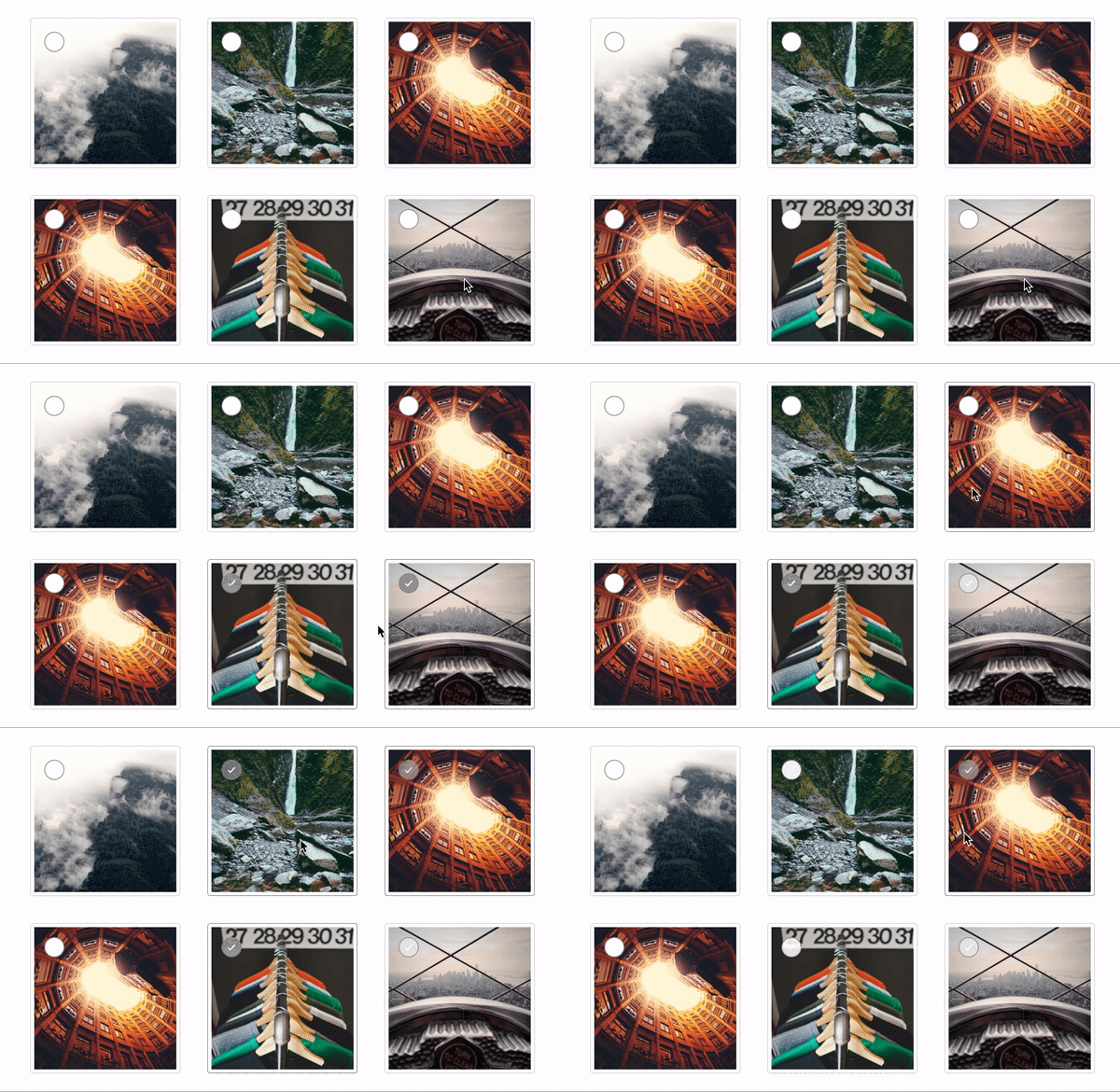
Latest version **0.1.5** (published 2020-05-30) · 0 weekly downloads
## Install
```sh
npm install v-select-image
pnpm add v-select-image
yarn add v-select-image
bun add v-select-image
```
## Health
**Score 10/100 (F)** — status: abandoned.
Positive: no vulnerabilities.
Warnings: low downloads; no types; no esm support; low quality score; pre 1.0.
Negative: abandoned; low maintenance score.
## Facts
| | |
|---|---|
| Version | 0.1.5 |
| Published | 2020-05-30 |
| First published | 2020-05-30 |
| Weekly downloads | 0 |
| TypeScript types | none |
| Module format | CommonJS |
| Dependencies | 2 |
| Unpacked size | 1.2 MB |
| Known vulnerabilities | 0 (+1 in 1 direct dependencies) |
| Install scripts | no |
| GitHub stars | 6 |
| Maintainers | cagataykula |
## Links
- npm: https://www.npmjs.com/package/v-select-image
- Repository: https://github.com/cagataykula/v-select-image
- Homepage: https://github.com/cagataykula/v-select-image#readme
- Issues: https://github.com/cagataykula/v-select-image/issues
- npm.io page: https://npm.io/package/v-select-image
## Dependencies (2)
- [vue](https://npm.io/package/vue.md) ^2.6.11
- [core-js](https://npm.io/package/core-js.md) ^3.6.5
## Recent versions
- 0.1.5 (latest) — 2020-05-30
## README
# Vue Select Image
Its is a Vue.js component for selecting images.

# Installation
Firstly you can install with only npm for now
npm install --save v-select-image
After installation you have to import component wherever want you to use.
import VueSelectImage from 'v-select-image'
After that you have to register it as a component in your script
## Usage
You can use easily with use **\** tag.
Example:
## Properties
You can add some parameters to customizing.
|Property|type|required | default|
|--|--|--|--|
|items|Array|true||
|colorSchema|String|false|#8B8B8B|
|maxSelectable|String/Integer|false|-1|
|uniqueKey|String|false|id|
## Max Selection Error Handling
You can add **@maxSelectionError** prop to the **\** tag.
Example:
## Bugs and Improvements
If you can find a bug or design issue you can open an issue on GitHub or you can fix directly. Dont hesitate to contribute
---
_Source: https://npm.io/package/v-select-image · Machine-readable twin of the npm.io package page. Health data is recomputed on every publish._