# varyloom
> 31 extensible image transitions for JavaScript, TypeScript, and React.
Latest version **0.1.1** (published 2026-09-24) · MIT license · 0 weekly downloads
## Install
```sh
npm install varyloom
pnpm add varyloom
yarn add varyloom
bun add varyloom
```
## Health
**Score 70/100 (B)** — status: active.
Positive: has types; esm support; no vulnerabilities; recently updated; high maintenance score; high quality score.
Warnings: low downloads; pre 1.0.
## Facts
| | |
|---|---|
| Version | 0.1.1 |
| Published | 2026-09-24 |
| First published | 2026-09-24 |
| Weekly downloads | 0 |
| License | MIT |
| TypeScript types | bundled |
| Module format | ESM + CommonJS |
| Node | >=18 |
| Dependencies | 3 |
| Unpacked size | 992.7 KB |
| Known vulnerabilities | 0 |
| Install scripts | no |
| GitHub stars | 0 |
| Maintainers | nanfengw0w |
| Keywords | image-transition, image-gallery, transition-effects, webgl, webgpu, shader, slider, animation, typescript, react |
## Links
- npm: https://www.npmjs.com/package/varyloom
- Repository: https://github.com/nanfengw0w/varyloom
- Homepage: https://nanfengw0w.github.io/varyloom/
- Issues: https://github.com/nanfengw0w/varyloom/issues
- npm.io page: https://npm.io/package/varyloom
## Dependencies (3)
- [ogl](https://npm.io/package/ogl.md) ^1.0.11
- [gsap](https://npm.io/package/gsap.md) ^3.13.0
- [wgpu-kit](https://npm.io/package/wgpu-kit.md) ^0.9.11
## Alternatives
- [mobx-react](https://npm.io/package/mobx-react.md) — 2.8M weekly downloads
- [rc-tree](https://npm.io/package/rc-tree.md) — 2.6M weekly downloads
- [@react-oauth/google](https://npm.io/package/@react-oauth/google.md) — 1.3M weekly downloads
- [@wagmi/connectors](https://npm.io/package/@wagmi/connectors.md) — 877.0K weekly downloads
- [vee-validate](https://npm.io/package/vee-validate.md) — 836.4K weekly downloads
## Recent versions
- 0.1.1 (latest) — 2026-09-24
- 0.1.0 — 2026-09-24
## README
# Varyloom
English · [简体中文](./README.zh-CN.md)
[npm package](https://www.npmjs.com/package/varyloom) · [API reference](./docs/API.md)
## [Explore the live playground ↗](https://nanfengw0w.github.io/varyloom/?lang=en)
**Choose a transition, tune it live, and bring it into your project.** [Explore all 31 effects](https://nanfengw0w.github.io/varyloom/playground/?lang=en) · [Copy integration code](https://nanfengw0w.github.io/varyloom/playground/?lang=en&tab=code)
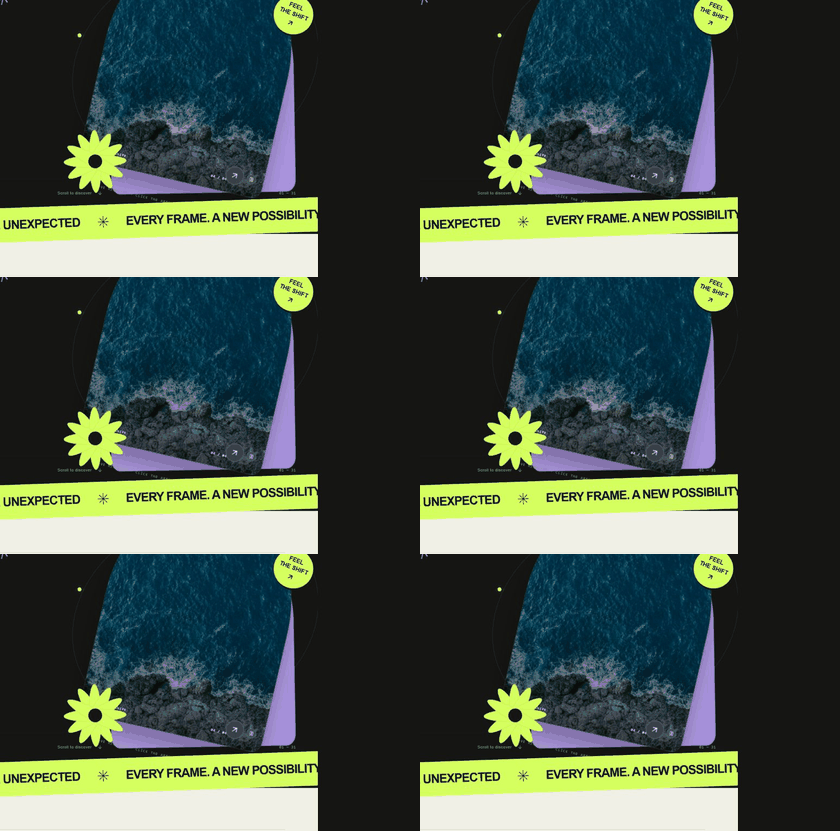
| [Particle Shift](https://nanfengw0w.github.io/varyloom/playground/?lang=en&effect=particle-shift) | [Meteor Wake](https://nanfengw0w.github.io/varyloom/playground/?lang=en&effect=meteor-wake) | [Memory Mosaic](https://nanfengw0w.github.io/varyloom/playground/?lang=en&effect=memory-mosaic) |
| --- | --- | --- |
| [](https://nanfengw0w.github.io/varyloom/playground/?lang=en&effect=particle-shift) | [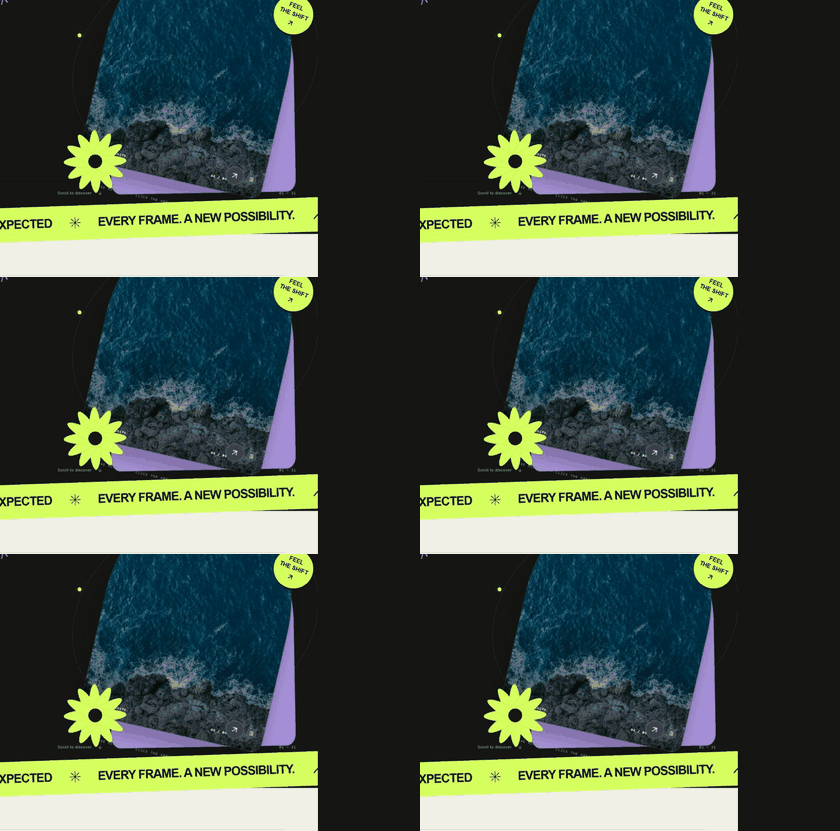](https://nanfengw0w.github.io/varyloom/playground/?lang=en&effect=meteor-wake) | [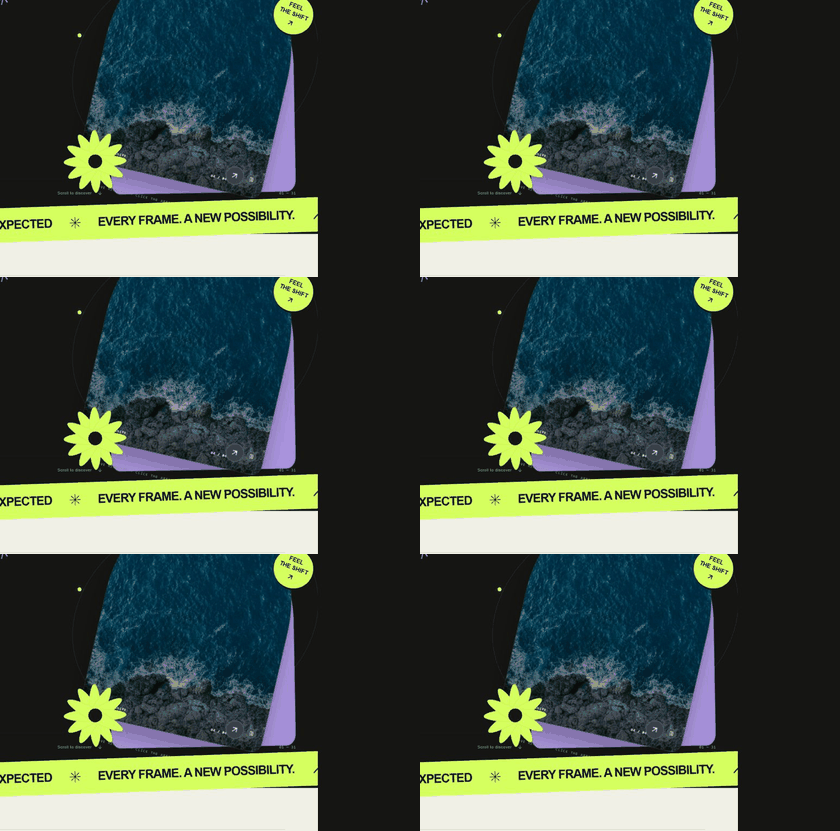](https://nanfengw0w.github.io/varyloom/playground/?lang=en&effect=memory-mosaic) |
The independent showcase installs the published `varyloom@0.1.1` package, without importing core source files. Particle Shift and Meteor Wake require WebGPU; the playground clearly reports when it falls back.
Image transitions with room to grow. Varyloom brings 31 built-in effects under one controller API for JavaScript, TypeScript, and React—from quiet material and graphic transitions to GPU-driven particles.
The npm package is available at [npmjs.com/package/varyloom](https://www.npmjs.com/package/varyloom). The repository includes the core library and an independent website in `website/`; the website and its images are excluded from the npm package.
### Why Varyloom?
- **One interface, many looks.** Switch effects without rebuilding your gallery or changing navigation code.
- **Images of different shapes.** Use `imageFit: 'contain'` to show each image in full, or `'cover'` to fill the stage.
- **A graceful fallback.** When an effect's capability check reports unsupported, Varyloom can select another registered effect.
- **Built for real interfaces.** Autoplay, drag, keyboard navigation, resize handling, events, reduced-motion support, and cleanup are handled by the controller.
- **Extensible by design.** Register a custom transition without modifying the controller.
### Install
```bash
npm install varyloom
```
The React entry point is optional. A React application also needs React 18 or newer.
### Quick start — JavaScript
```html
```
```css
#slider {
width: min(100%, 900px);
aspect-ratio: 16 / 10;
}
```
```js
import { createVaryloom } from 'varyloom';
const slider = await createVaryloom(document.querySelector('#slider'), {
items: [
{ image: '/images/one.jpg', alt: 'First image' },
{ image: '/images/two.jpg', alt: 'Second image' },
{ image: '/images/three.jpg', alt: 'Third image' },
],
effect: 'ink-reveal',
duration: 1.6,
effectOptions: { imageFit: 'contain' },
});
slider.next();
// Call slider.destroy() when you remove the gallery.
```
Provide at least two items and give the host element a size. An image source can be a URL, `Blob`, `HTMLImageElement`, or `ImageBitmap`. Remote image servers must allow cross-origin loading for GPU sampling.
### Quick start — React
```tsx
import { VaryloomSlider } from 'varyloom/react';
const items = [
{ image: '/images/one.jpg', alt: 'First image' },
{ image: '/images/two.jpg', alt: 'Second image' },
];
export function Gallery() {
return (
);
}
```
The component releases its controller and GPU resources on unmount. Keep the `items` array stable across renders unless you intend to recreate the gallery.
### The 31 transitions
| Family | Effects |
| --- | --- |
| Essentials & flow · 8 | `ink-reveal`, `melt`, `gummy-squeeze`, `flow-morph`, `rack-focus`, `liquid-lens`, `frequency-handoff`, `darkroom-develop` |
| Materials & form · 12 | `prismatic-glass`, `silk-ribbons`, `torn-paper`, `burn-through`, `impasto-stroke`, `holo-foil`, `lenticular-shift`, `zipper-cloth`, `drowsy-blinds`, `postcard-relay`, `memory-mosaic`, `iris-shutter` |
| Graphic design · 5 | `misregistration`, `contour-reveal`, `type-aperture`, `archive-seal`, `contact-sheet` |
| Particles & light · 4 | `particle-shift`, `chromatic-dust`, `fiber-flow`, `meteor-wake` |
| Space & perspective · 2 | `depth-flip`, `vortex-portal` |
The four effects in **Particles & light** require WebGPU. The others use WebGL/WebGL2 or browser rendering. When an effect's capability check reports unsupported, Varyloom tries `fallbackEffect` (default: `melt`). Set `fallbackEffect: false` to surface an error instead. A runtime initialization failure is still reported as an error, not silently replaced. Choose a fallback supported by your target browsers.
Every built-in effect accepts `imageFit: 'contain' | 'cover'` through `effectOptions`. Some effects also expose their own controls—for example, `exitDirection` and `enterDirection` for `particle-shift`, or `intensity`, `aberration`, and `drift` for `melt`. TypeScript users can import the corresponding `*Options` types from `varyloom`.
### Shared options
| Option | Default | Meaning |
| --- | --- | --- |
| `items` | required | At least two images; each item may carry `alt`, `caption`, or `data`. |
| `effect` | `ink-reveal` | A built-in or registered transition name. |
| `duration` | `1.2` | Transition time in seconds. |
| `easing` | `power2.inOut` | Controller easing; an effect may define its own phase easing. |
| `effectOptions` | `{}` | Options passed to the active effect. |
| `autoplay` / `autoplayDelay` | `false` / `4` | Automatic playback and delay in seconds. |
| `loop` | `true` | Wrap from last to first image and vice versa. |
| `draggable` / `keyboard` | `true` / `true` | Horizontal drag and focused arrow-key navigation. |
| `pauseOnHover` | `true` | Pause autoplay while hovered. |
| `dpr` | `2` | Maximum device-pixel ratio used by effects. |
| `fallbackEffect` | `melt` | Effect to use if capability checking reports unsupported; `false` disables fallback. |
### Controller and events
```js
slider.next();
slider.prev();
slider.goTo(2);
slider.seek(0.5);
slider.play();
slider.pause();
await slider.setEffect('particle-shift', { imageFit: 'contain' });
slider.setOptions({ duration: 2, autoplay: false });
const unsubscribe = slider.on('indexchange', ({ index, item }) => {
console.log(index, item.alt);
});
unsubscribe();
slider.destroy();
```
Available events: `ready`, `transitionstart`, `progress`, `indexchange`, `transitionend`, `effectchange`, `fallback`, `error`, and `destroy`. `createVaryloom` resolves after initialization; React exposes the ready controller through `onReady` or a ref.
### Add your own transition
The registry accepts a transition definition with `name`, `backend`, `create`, and the effect lifecycle `init`, `prepare`, `resize`, `render`, `destroy`. Optional `defaults`, `supported`, and `phaseEasing` let the effect own its settings, capability test, and phase clock.
```ts
import { defineTransition, registerTransition } from 'varyloom';
const unregister = registerTransition(defineTransition({
name: 'my-transition',
backend: 'custom',
create: () => {
const canvas = document.createElement('canvas');
return {
canvas,
init(context) { context.host.appendChild(canvas); },
prepare(fromIndex, toIndex, direction) {},
resize(width, height, dpr) {},
render(frame) {},
destroy() { canvas.remove(); },
};
},
}));
// Call unregister() when you no longer need this effect.
```
`render` receives normalized progress, elapsed time, frame delta, direction, pointer position, and merged effect options.
### Accessibility, support, and license
Varyloom shortens transitions when the user prefers reduced motion. Supply useful `alt` text for each item, and provide your own visible navigation controls when your design needs them. For GPU effects, verify WebGL/WebGPU and image CORS support in your target browsers. Licensed under MIT.
---
_Source: https://npm.io/package/varyloom · Machine-readable twin of the npm.io package page. Health data is recomputed on every publish._