# vega-lite-api
> A JavaScript API for Vega-Lite.
Latest version **6.0.0** (published 2025-09-21) · BSD-3-Clause license · 0 weekly downloads
## Install
```sh
npm install vega-lite-api
pnpm add vega-lite-api
yarn add vega-lite-api
bun add vega-lite-api
```
## Health
**Score 40/100 (D)** — status: stable.
Positive: esm support; no vulnerabilities.
Warnings: low downloads; no types.
Negative: stale.
## Facts
| | |
|---|---|
| Version | 6.0.0 |
| Published | 2025-09-21 |
| First published | 2019-03-22 |
| Weekly downloads | 0 |
| License | BSD-3-Clause |
| TypeScript types | none |
| Module format | ESM |
| Dependencies | 0 |
| Unpacked size | 3 MB |
| Known vulnerabilities | 0 |
| Install scripts | no |
| GitHub stars | 220 |
| Author | Jeffrey Heer |
| Maintainers | jheer, domoritz |
| Keywords | vega, vega-lite, visualization, data, api |
## Links
- npm: https://www.npmjs.com/package/vega-lite-api
- Repository: https://github.com/vega/vega-lite-api
- Homepage: https://github.com/vega/vega-lite-api#readme
- Issues: https://github.com/vega/vega-lite-api/issues
- npm.io page: https://npm.io/package/vega-lite-api
## Alternatives
- [gamedig](https://npm.io/package/gamedig.md) — 29.3K weekly downloads
- [join-monster](https://npm.io/package/join-monster.md) — 12.8K weekly downloads
- [masked](https://npm.io/package/masked.md) — 5.5K weekly downloads
- [@comunica/actor-query-process-explain-logical](https://npm.io/package/@comunica/actor-query-process-explain-logical.md) — 4.7K weekly downloads
- [@veracity/vui](https://npm.io/package/@veracity/vui.md) — 4.6K weekly downloads
## Recent versions
- 6.0.0 (latest) — 2025-09-21
- 5.6.0 — 2023-02-08
- 5.0.0 — 2021-03-25
- 5.0.0-beta.5 — 2021-03-25
- 5.0.0-beta.4 — 2021-03-25
- 5.0.0-beta.3 — 2021-03-24
- 5.0.0-beta.2 — 2021-03-23
- 5.0.0-beta.1 — 2021-03-15
- 5.0.0-beta.0 — 2021-03-12
- 4.0.0 — 2021-03-11
- 0.15.0 — 2020-10-15
- 0.14.0 — 2020-09-29
- 0.13.0 — 2020-09-01
- 0.12.0 — 2020-09-01
- 0.11.0 — 2020-04-28
- … 21 more at https://npm.io/package/vega-lite-api/versions
## README
# Vega-Lite API  [](https://www.npmjs.com/package/vega-lite-api)
[](https://github.com/vega/vega-lite-api/actions)
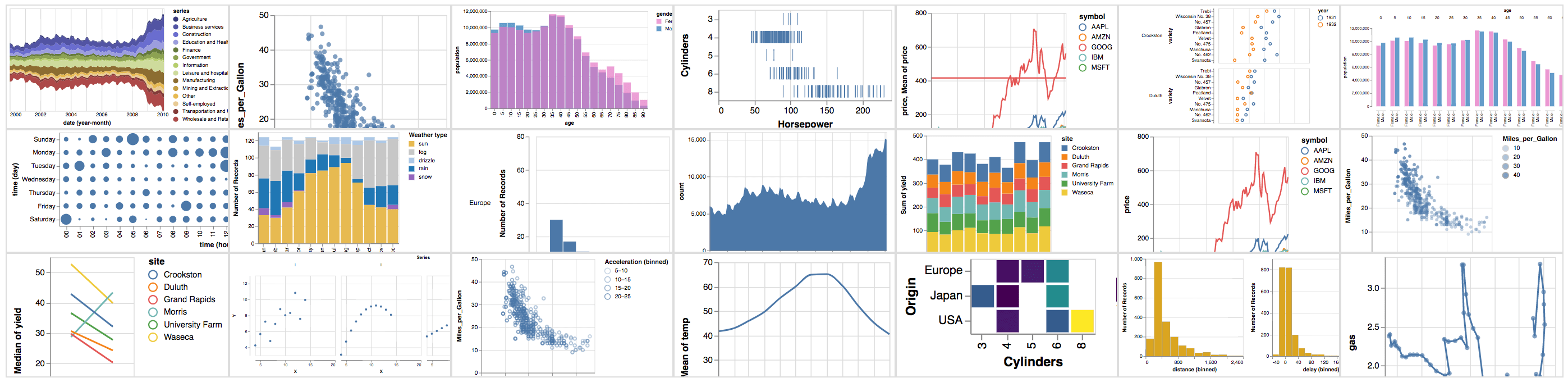
A JavaScript API for creating Vega-Lite JSON specifications. [Vega-Lite](https://vega.github.io/vega-lite/) is a high-level grammar for visual analysis that generates complete [Vega](https://vega.github.io/) specifications.
With the Vega-Lite API, you can write JavaScript code like this:
```js
vl.markBar().data('data/movies.json').encode(
vl.x().fieldQ('IMDB_Rating').bin(true),
vl.y().count()
)
```
To produce Vega-Lite JSON like this:
```json
{
"mark": "bar",
"data": {"url": "data/movies.json"},
"encoding": {
"x": {
"bin": true,
"field": "IMDB_Rating",
"type": "quantitative"
},
"y": {
"aggregate": "count",
"type": "quantitative"
}
}
}
```
To get started with the Vega-Lite API, see these Observable notebooks:
- [Introduction to Vega-Lite](https://observablehq.com/@uwdata/introduction-to-vega-lite)
- [Vega-Lite API](https://observablehq.com/@vega/vega-lite-api-v5)
- [Vega-Lite API Collection](https://observablehq.com/collection/@vega/vega-lite-api)
## Build Instructions
For a basic setup allowing you to build the API and run tests:
- Clone `https://github.com/vega/vega-lite-api`.
- Run `npm i` to install dependencies for all packages.
- Once installation is complete, run `npm run build` to build the API generator and generate API source code in the `src` directory. Run `npm test` to additionally run the test suite.
## API Reference
See the [Vega-Lite JavaScript API Reference](https://vega.github.io/vega-lite-api/api).
## Usage
### vega-lite API For Observable Notebooks
Just import it like this:
~~~js
import {vl} from '@vega/vega-lite-api'
~~~
### vega-lite API for Browsers
To use the vega-lite API on a browser, you need to include all the dependencies, set the default configuration and finally register it. Here is some starting code you can build from
~~~html
~~~
### vega-lite API For Nodejs
~~~
npm install vega vega-lite vega-tooltip vega-lite-api
~~~
then import everything set your options and register. Here is an example
~~~js
import * as vega from "vega";
import * as vegaLite from "vega-lite";
import * as vegaTooltip from "vega-tooltip";
import * as vl from "vega-lite-api";
const options = {
config: {
// vega-lite default configuration
},
init: (view) => {
// initialize tooltip handler
view.tooltip(new vegaTooltip.Handler().call);
// enable horizontal scrolling for large plots
if (view.container()) view.container().style["overflow-x"] = "auto";
},
view: {
// view constructor options
loader: vega.loader({
baseURL: "https://cdn.jsdelivr.net/npm/vega-datasets@1/",
}),
renderer: "canvas",
},
};
vl.register(vega, vegaLite, options);
const chart = vl
.markBar({ tooltip: true })
.data([
{ a: "A", b: 28 },
{ a: "B", b: 55 },
{ a: "C", b: 43 },
{ a: "D", b: 91 },
{ a: "E", b: 81 },
{ a: "F", b: 53 },
{ a: "G", b: 19 },
{ a: "H", b: 87 },
{ a: "I", b: 52 },
])
.encode(
vl.x().fieldQ("b"),
vl.y().fieldN("a"),
vl.tooltip([vl.fieldQ("b"), vl.fieldN("a")])
);
// Pretty print the spec just for testing
console.log(JSON.stringify(chart.toJSON(), null, 2));
~~~
---
_Source: https://npm.io/package/vega-lite-api · Machine-readable twin of the npm.io package page. Health data is recomputed on every publish._