# vue-fixed-sticky
> css3 sticky封装组件
Latest version **1.0.2** (published 2018-02-24) · MIT license · 0 weekly downloads
## Install
```sh
npm install vue-fixed-sticky
pnpm add vue-fixed-sticky
yarn add vue-fixed-sticky
bun add vue-fixed-sticky
```
## Health
**Score 15/100 (F)** — status: abandoned.
Positive: no vulnerabilities.
Warnings: low downloads; no types; no esm support.
Negative: abandoned; low maintenance score.
## Facts
| | |
|---|---|
| Version | 1.0.2 |
| Published | 2018-02-24 |
| First published | 2018-02-24 |
| Weekly downloads | 0 |
| License | MIT |
| TypeScript types | none |
| Module format | CommonJS |
| Dependencies | 1 |
| Unpacked size | 10.2 KB |
| Known vulnerabilities | 0 (+1 in 1 direct dependencies) |
| Install scripts | no |
| Author | bbg zxy |
| Maintainers | zxy-cn |
## Links
- npm: https://www.npmjs.com/package/vue-fixed-sticky
- Repository: https://gitee.com/wintow/vue-fixed-sticky
- npm.io page: https://npm.io/package/vue-fixed-sticky
## Dependencies (1)
- [vue](https://npm.io/package/vue.md) ^2.5.11
## Recent versions
- 1.0.2 (latest) — 2018-02-24
- 1.0.1 — 2018-02-24
- 1.0.0 — 2018-02-24
## README
# vue-fixed-sticky
> css3 fixed&sticky封装组件
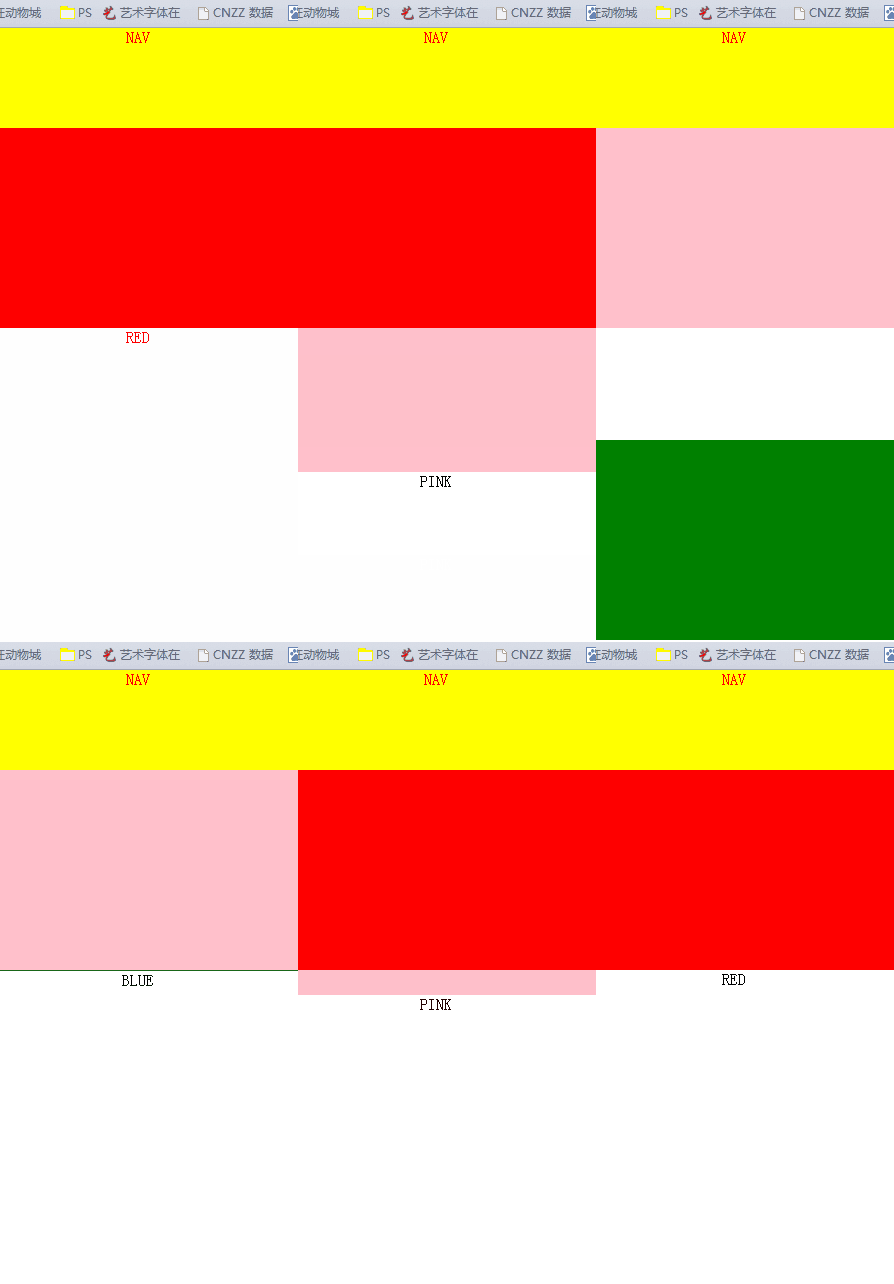
## 安装
```npm
npm install vue-fixed-sticky
```
## 使用
```vue
```
在支持sticky的浏览器中会使用position:sticky,否则会使用position:fixed
## props
### zIndex:
- 类型:number
- 默认值:100
对应z-index属性
### top
- 类型:number
- 默认值:0
对应的top属性
### disabled
- 类型:boolean
- 默认值:false
如果设置为true,则position不会改变
## event
### fixed:
```vue
...
methods:{
positionChange(val){
val?"fixed":"static"
//val 这个布尔值表示了定位是变成了 fixed 还是 static
}
}
```
## 完整的例子
上面gif的源码
```vue
```
---
_Source: https://npm.io/package/vue-fixed-sticky · Machine-readable twin of the npm.io package page. Health data is recomputed on every publish._