# vue-gemini-scrollbar
> Vue component for custom scrollbars with native scrolling
Latest version **2.0.1** (published 2019-03-18) · MIT license · 0 weekly downloads
## Install
```sh
npm install vue-gemini-scrollbar
pnpm add vue-gemini-scrollbar
yarn add vue-gemini-scrollbar
bun add vue-gemini-scrollbar
```
## Health
**Score 15/100 (F)** — status: abandoned.
Positive: no vulnerabilities.
Warnings: low downloads; no types; no esm support.
Negative: abandoned; low maintenance score.
## Facts
| | |
|---|---|
| Version | 2.0.1 |
| Published | 2019-03-18 |
| First published | 2018-01-24 |
| Weekly downloads | 0 |
| License | MIT |
| TypeScript types | none |
| Module format | CommonJS |
| Dependencies | 1 |
| Unpacked size | 1.9 MB |
| Known vulnerabilities | 0 |
| Install scripts | no |
| GitHub stars | 108 |
| Author | lixin |
| Maintainers | lx544690189 |
| Keywords | vue, scrollbars, scrollbar, native, scrolling, custom |
## Links
- npm: https://www.npmjs.com/package/vue-gemini-scrollbar
- Repository: https://github.com/lx544690189/vue-gemini-scrollbar
- Homepage: https://github.com/lx544690189/vue-gemini-scrollbar#readme
- Issues: https://github.com/lx544690189/vue-gemini-scrollbar/issues
- npm.io page: https://npm.io/package/vue-gemini-scrollbar
## Dependencies (1)
- [gemini-scrollbar](https://npm.io/package/gemini-scrollbar.md) ^1.5.3
## Alternatives
- [@sentry/react-native](https://npm.io/package/@sentry/react-native.md) — 2.6M weekly downloads
- [@ardatan/aggregate-error](https://npm.io/package/@ardatan/aggregate-error.md) — 708.1K weekly downloads
- [custom-error-generator](https://npm.io/package/custom-error-generator.md) — 2.0K weekly downloads
- [@technik-sde/prosemirror-recreate-transform](https://npm.io/package/@technik-sde/prosemirror-recreate-transform.md) — 1.5K weekly downloads
- [@suchipi/error-utils](https://npm.io/package/@suchipi/error-utils.md) — 78 weekly downloads
## Recent versions
- 2.0.1 (latest) — 2019-03-18
- 2.0.0 — 2018-01-24
- 1.6.0 — 2018-01-24
- 1.5.0 — 2018-01-24
- 1.4.0 — 2018-01-24
- 1.3.0 — 2018-01-24
- 1.2.0 — 2018-01-24
- 1.1.0 — 2018-01-24
- 1.0.0 — 2018-01-24
## README
# vue-gemini-scrollbar
[](https://github.com/lx544690189/vue-gemini-scrollbar)
[](https://lx544690189.github.io/vue-gemini-scrollbar/)

[](https://www.npmjs.com/package/vue-gemini-scrollbar)
[查看demo](https://lx544690189.github.io/vue-gemini-scrollbar/)
 ## 介绍
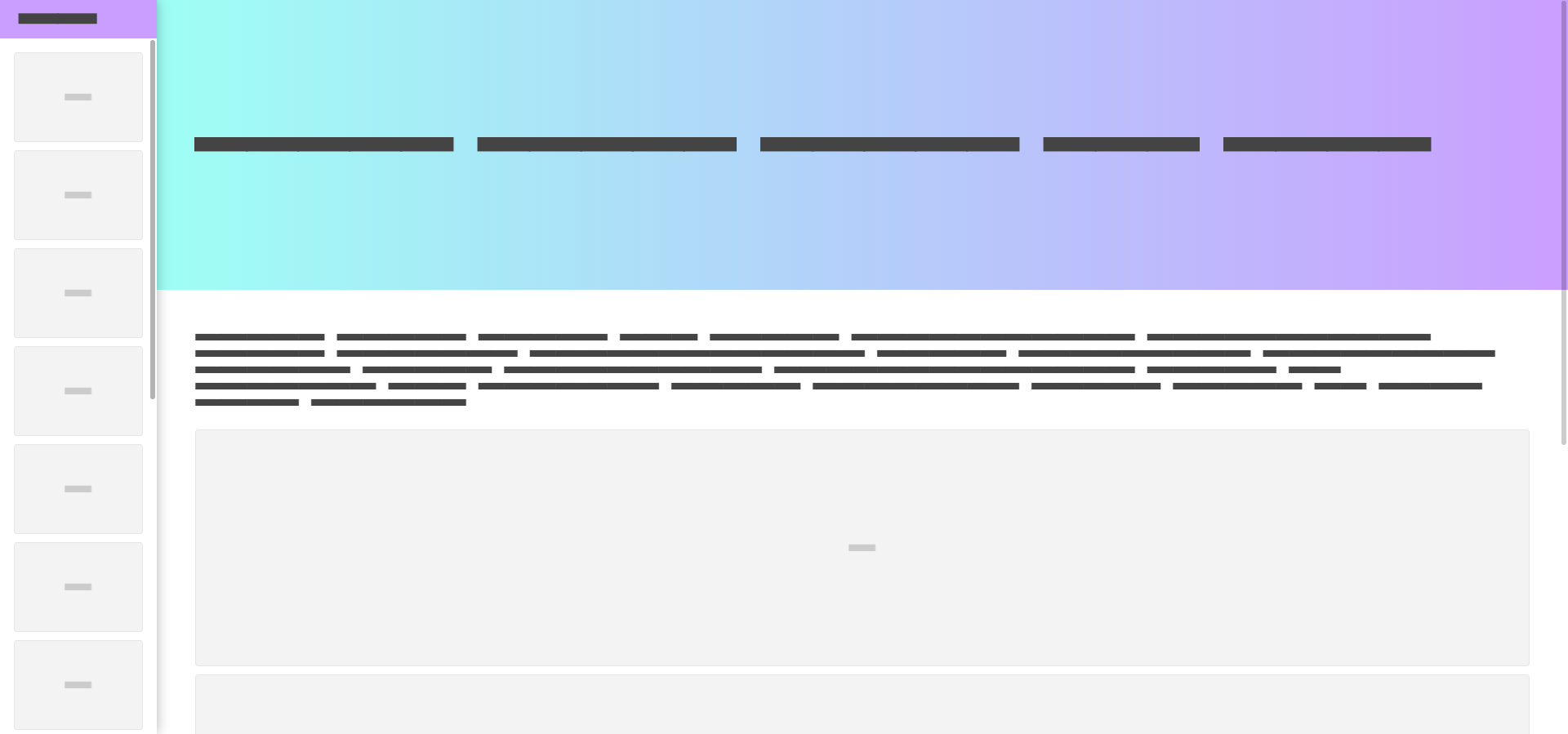
无需配置横向或纵向滚动,自定义滚动条完全按照原生的方式去显示(也就是如果区域存在纵向滚动条,使用它后将替换纵向滚动条)。正因为如此,请不要使用::-webkit-scrollbar来修饰原生滚动条,这样会影响对滚动条宽度的检测。
- 基于[gemini-scrollbar](https://github.com/noeldelgado/gemini-scrollbar)封装的vue组件
- 基于原生滚动的自定义滚动条
- 支持IE9+
## 安装
```sh
npm i vue-gemini-scrollbar --save
```
如需script方式引入,请自行编译,build后在disk文件夹(vue-gemini-scrollbar.js)
```sh
npm run build
```
## Attributes
参数 | 类型 | 默认值 | 说明
---|---|---|---
autoCreate | Boolean | true | 自动创建自定义滚动条
autoshow | Boolean | false | hover时才显示滚动条
forceGemini | Boolean | false | 原生滚动条可见的情况下,强制显示自定义滚动条(开发时会比较有用)
minThumbSize | Number | 20 | 滚动条最小长度
**注意:**
createElements参数在这里被强制置为false,不可配置,因为启用它可能会影响Vue的virtual DOM。
## Events
事件名称 | 回调参数 | 说明
---|---|---
ready | geminiScrollbar实例 | GeminiScrollbar实例创建
resize | - | 滚动区域大小调整时触发
## Methods
方法名称 | 说明
---|---
create | 创建滚动区域
update | 重新计算滚动区域大小(vue可以监听并触发组件updated的时候,都不需要你手动去调用它;但是像图片资源的load导致高度变化,你需要在合适的时候去手动调用;)
destroy | 移除绑定事件及滚动条元素
**如何调用:**
监听ready事件,通过回调函数的参数geminiScrollbar实例来调用这些方法
## 使用
安装组件
```javascript
import Vue from 'vue'
import GeminiScrollbar from 'vue-gemini-scrollbar'
Vue.use(GeminiScrollbar)
```
在模板中使用
```vue
content...
```
注意:只有内容溢出才会有滚动效果
```css
.my-scroll-bar{
height:200px;
}
```
添加自己的滚动条样式
```css
/* override gemini-scrollbar default styles */
/* vertical scrollbar track */
.gm-scrollbar.-vertical {
background-color: #f0f0f0
}
/* horizontal scrollbar track */
.gm-scrollbar.-horizontal {
background-color: transparent;
}
/* scrollbar thumb */
.gm-scrollbar .thumb {
background-color: rebeccapurple;
}
.gm-scrollbar .thumb:hover {
background-color: fuchsia;
}
```
## 如何为body设置自定义滚动条
因为vue组件的根元素不能为body,此时可以从Vue.$geminiScrollbar访问到GeminiScrollbar对象,然后你就可以自由使用它了(文档请参考:[gemini-scrollbar](https://github.com/noeldelgado/gemini-scrollbar))。
```css
html {
height: 100%;
/* or */
height: 100vh;
}
```
```javascript
var scrollbar = new Vue.$geminiScrollbar({
element: document.body
}).create();
```
## 其他实现
- [gemini-scrollbar](https://github.com/noeldelgado/gemini-scrollbar)(原生js)
- [react-gemini-scrollbar](https://github.com/noeldelgado/react-gemini-scrollbar)(react)
---
_Source: https://npm.io/package/vue-gemini-scrollbar · Machine-readable twin of the npm.io package page. Health data is recomputed on every publish._
## 介绍
无需配置横向或纵向滚动,自定义滚动条完全按照原生的方式去显示(也就是如果区域存在纵向滚动条,使用它后将替换纵向滚动条)。正因为如此,请不要使用::-webkit-scrollbar来修饰原生滚动条,这样会影响对滚动条宽度的检测。
- 基于[gemini-scrollbar](https://github.com/noeldelgado/gemini-scrollbar)封装的vue组件
- 基于原生滚动的自定义滚动条
- 支持IE9+
## 安装
```sh
npm i vue-gemini-scrollbar --save
```
如需script方式引入,请自行编译,build后在disk文件夹(vue-gemini-scrollbar.js)
```sh
npm run build
```
## Attributes
参数 | 类型 | 默认值 | 说明
---|---|---|---
autoCreate | Boolean | true | 自动创建自定义滚动条
autoshow | Boolean | false | hover时才显示滚动条
forceGemini | Boolean | false | 原生滚动条可见的情况下,强制显示自定义滚动条(开发时会比较有用)
minThumbSize | Number | 20 | 滚动条最小长度
**注意:**
createElements参数在这里被强制置为false,不可配置,因为启用它可能会影响Vue的virtual DOM。
## Events
事件名称 | 回调参数 | 说明
---|---|---
ready | geminiScrollbar实例 | GeminiScrollbar实例创建
resize | - | 滚动区域大小调整时触发
## Methods
方法名称 | 说明
---|---
create | 创建滚动区域
update | 重新计算滚动区域大小(vue可以监听并触发组件updated的时候,都不需要你手动去调用它;但是像图片资源的load导致高度变化,你需要在合适的时候去手动调用;)
destroy | 移除绑定事件及滚动条元素
**如何调用:**
监听ready事件,通过回调函数的参数geminiScrollbar实例来调用这些方法
## 使用
安装组件
```javascript
import Vue from 'vue'
import GeminiScrollbar from 'vue-gemini-scrollbar'
Vue.use(GeminiScrollbar)
```
在模板中使用
```vue
content...
```
注意:只有内容溢出才会有滚动效果
```css
.my-scroll-bar{
height:200px;
}
```
添加自己的滚动条样式
```css
/* override gemini-scrollbar default styles */
/* vertical scrollbar track */
.gm-scrollbar.-vertical {
background-color: #f0f0f0
}
/* horizontal scrollbar track */
.gm-scrollbar.-horizontal {
background-color: transparent;
}
/* scrollbar thumb */
.gm-scrollbar .thumb {
background-color: rebeccapurple;
}
.gm-scrollbar .thumb:hover {
background-color: fuchsia;
}
```
## 如何为body设置自定义滚动条
因为vue组件的根元素不能为body,此时可以从Vue.$geminiScrollbar访问到GeminiScrollbar对象,然后你就可以自由使用它了(文档请参考:[gemini-scrollbar](https://github.com/noeldelgado/gemini-scrollbar))。
```css
html {
height: 100%;
/* or */
height: 100vh;
}
```
```javascript
var scrollbar = new Vue.$geminiScrollbar({
element: document.body
}).create();
```
## 其他实现
- [gemini-scrollbar](https://github.com/noeldelgado/gemini-scrollbar)(原生js)
- [react-gemini-scrollbar](https://github.com/noeldelgado/react-gemini-scrollbar)(react)
---
_Source: https://npm.io/package/vue-gemini-scrollbar · Machine-readable twin of the npm.io package page. Health data is recomputed on every publish._