# vue-triple-t
> A simple and customizable Tic-Tac-Toe game built with Vue.js 3
Latest version **1.1.2** (published 2023-09-27) · ISC license · 0 weekly downloads
## Install
```sh
npm install vue-triple-t
pnpm add vue-triple-t
yarn add vue-triple-t
bun add vue-triple-t
```
## Health
**Score 15/100 (F)** — status: abandoned.
Positive: no vulnerabilities.
Warnings: low downloads; no types; no esm support.
Negative: abandoned; low maintenance score.
## Facts
| | |
|---|---|
| Version | 1.1.2 |
| Published | 2023-09-27 |
| First published | 2023-09-27 |
| Weekly downloads | 0 |
| License | ISC |
| TypeScript types | none |
| Module format | CommonJS |
| Dependencies | 2 |
| Unpacked size | 186.4 KB |
| Known vulnerabilities | 0 |
| Install scripts | no |
| GitHub stars | 0 |
| Author | Fily |
| Maintainers | fily_ |
| Keywords | vue, vuejs, vue.js, tic-tac-toe, vue-triple-t, triple-t, vue-morpion, morpion, game |
## Links
- npm: https://www.npmjs.com/package/vue-triple-t
- Repository: https://github.com/FilyDev/vue-triple-t
- Homepage: https://github.com/FilyDev/vue-triple-t#readme
- Issues: https://github.com/FilyDev/vue-triple-t/issues
- npm.io page: https://npm.io/package/vue-triple-t
## Dependencies (2)
- [vue](https://npm.io/package/vue.md) ^3.3.4
- [vue-i18n](https://npm.io/package/vue-i18n.md) ^9.4.1
## Recent versions
- 1.1.2 (latest) — 2023-09-27
- 1.1.1 — 2023-09-27
- 1.1.0 — 2023-09-27
## README
# vue-triple-t
 ## Table of Contents
- [Description](#description)
- [Installation](#installation)
- [Usage](#usage)
- [Basic Usage](#basic-usage)
- [Custom Configuration](#custom-configuration)
- [Customize Configuration](#customize-configuration)
## Description
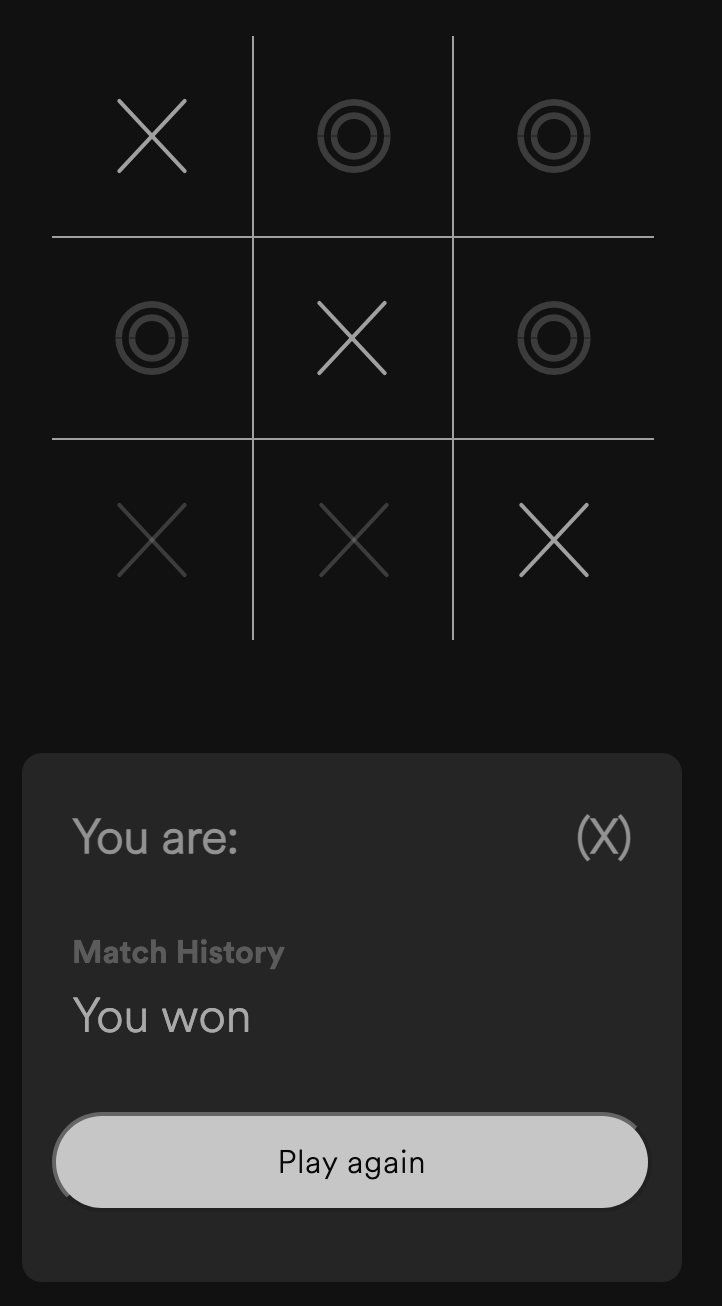
**vue-triple-t** is a simple and customizable Tic-Tac-Toe game built with Vue.js 3. You can easily integrate it into your Vue.js project and tailor it to your specific needs.
## Installation
To use **vue-triple-t** in your Vue.js project, install it via npm:
```bash
npm install vue-triple-t
```
## Usage
### Basic Usage
To use the game board in its default configuration, simply import `{i18n}` in your main.js. And the `{Board}` component and add it to your Vue template:
main.js
```js
import App from './App.vue'
import { createApp } from 'vue'
import { VueTripleTPlugin } from 'vue-triple-t'
createApp(App)
.use(VueTripleTPlugin)
.mount('#app')
```
YourComponent.vue
```vue
## Table of Contents
- [Description](#description)
- [Installation](#installation)
- [Usage](#usage)
- [Basic Usage](#basic-usage)
- [Custom Configuration](#custom-configuration)
- [Customize Configuration](#customize-configuration)
## Description
**vue-triple-t** is a simple and customizable Tic-Tac-Toe game built with Vue.js 3. You can easily integrate it into your Vue.js project and tailor it to your specific needs.
## Installation
To use **vue-triple-t** in your Vue.js project, install it via npm:
```bash
npm install vue-triple-t
```
## Usage
### Basic Usage
To use the game board in its default configuration, simply import `{i18n}` in your main.js. And the `{Board}` component and add it to your Vue template:
main.js
```js
import App from './App.vue'
import { createApp } from 'vue'
import { VueTripleTPlugin } from 'vue-triple-t'
createApp(App)
.use(VueTripleTPlugin)
.mount('#app')
```
YourComponent.vue
```vue
```
### Custom Configuration
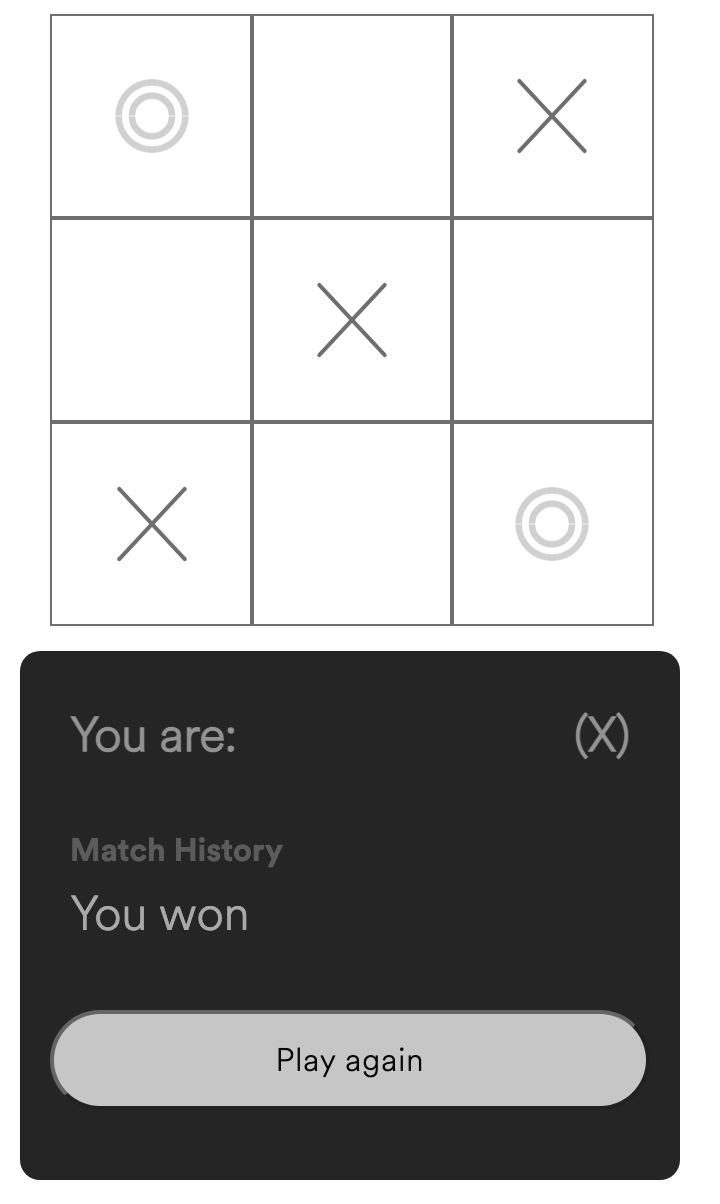
You can customize the behavior and appearance of the game board by passing parameters to the Board component. Here's an example with custom parameters:
```bash
```
### Customize configuration
See [Configuration Reference](https://cli.vuejs.org/config/).
| Parameter | Type | Default | Description |
|----------------------|-----------|-----------|-----------------------------------------------------|
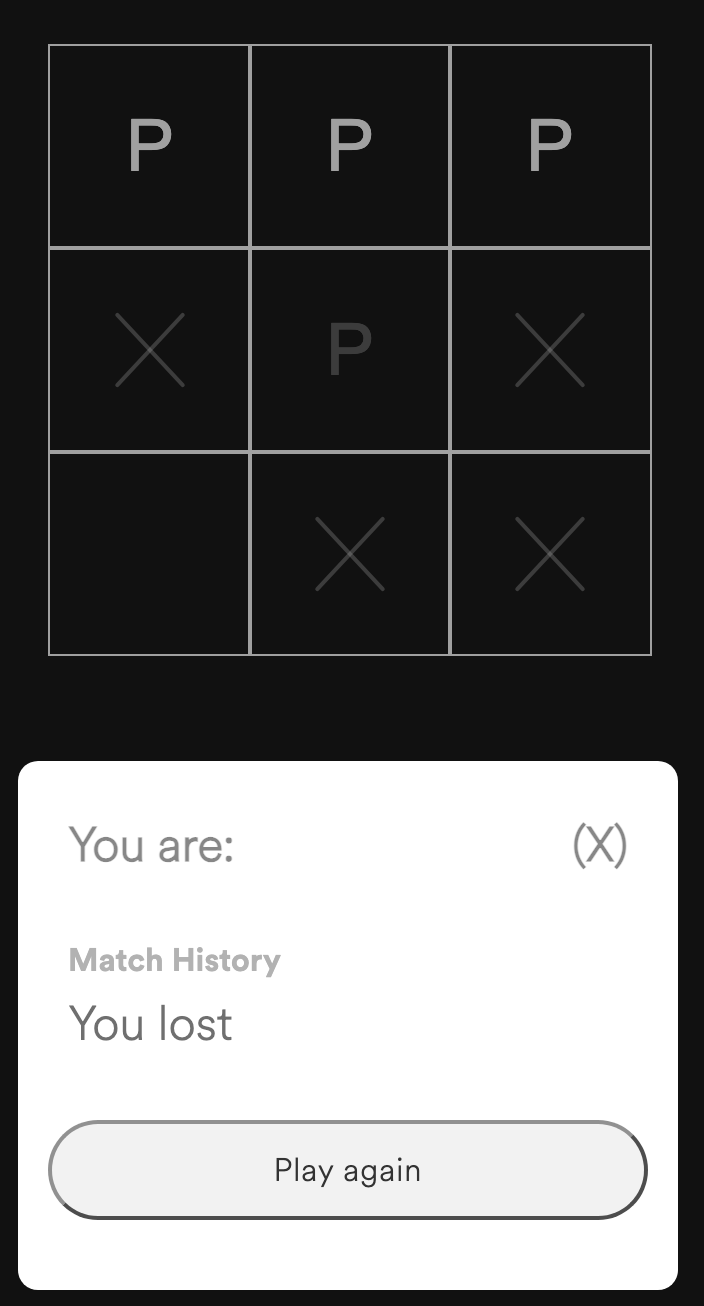
| lang | String | 'en' | Switch the site language ('fr' for French) |
| boardX | String | 'X' | Modify the default player "X" symbol |
| boardO | String | 'O' | Modify the default player "O" symbol |
| appearTransition | Number | 1200ms | Set the duration of icon appearances in milliseconds |
| boardAlign | String | 'none' | Align the board and score-board ('center' to center both) |
| boardBorder | String | 'normal' | Choose the board border style ('custom' for custom border, 'none' for no border) |
| scoreBoard | String | 'enabled' | Show or hide the score-board ('none' to hide) |
| templateColor | String | 'transparent' | Set the background color of the template project (CSS color value) |
| boardColor | String | 'transparent' | Set the background color of the board (CSS color value) |
| boardBorderColor | String | '#111' | Set the board's border color (CSS color value) |
| boardIconsColor | String | '#111' | Set the color of "X/O" icons on the board (CSS color value) |
| scoreBoardColor | String | '#333' | Set the background color of the score-board (CSS color value) |
| scoreBoardTextColor | String | '#fff' | Set the text color of the score-board (CSS color value) |
---
_Source: https://npm.io/package/vue-triple-t · Machine-readable twin of the npm.io package page. Health data is recomputed on every publish._