1.0.4 • Published 7 years ago
@arikardnoir/vue-drip-button v1.0.4
Vue Drip Button

 [
[
A Vue.js plugin to easily integrate button in your projects.
Vue Drip Button is a simple button that give a lot of alternatives to work with, instead of using a predefined button.
Instalation
Install the package from npm by running:
# install dependencies
npm i @arikardnoir/vue-drip-button
Usage
Import, register and place the component in your Vue app.
<template>
  <VueDripButton />
</template>
import VueDripButton from 'vue-drip-button'
export default {
components: {
VueDripButton,
}
}Accessibility
Apply attributes, directly on the element to apply them to the button.
<template>
  <VueDripButton
    classType="button success"
    text="New Product"
    :needSpinner="true"
    :isRequesting="true"
  />
</template>
Props
Components Property that make him cool
| Name | Type | Default | Description |
|---|---|---|---|
| classType | String | button success | This prop allow to change button color,according to our terms |
| text | String | This prop allow you to change the button text | |
| needSpinner | Boolean | false | With this prop you make choice if you want to use spinner on this button |
| isRequesting | Boolean | false | This prop make sense if you will use the Spinner, i could help your button spinner work if the two are in TRUE mode. |
| isDisabled | Boolean | false | This prop is for disable your button |
Button Colour Styles
Component classType for change the Style
| classType | Type | Image |
|---|---|---|
| primary | String | 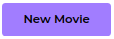 |
| secondary | String | 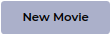 |
| warning | String | 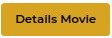 |
| danger | String | 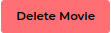 |
| success | String (default) | 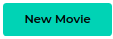 |
| info | String | 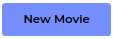 |
| primary-outline | String | 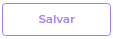 |
| secondary-outline | String | 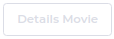 |
| warning-outline | String | 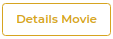 |
| danger-outline | String | 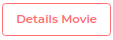 |
| success-outline | String | 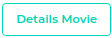 |
| info-outline | String | 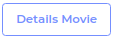 |