1.1.0 • Published 1 year ago
@coooookies/windows-audio-visualisation v1.1.0
Node-Windows-Audio-Visualisation
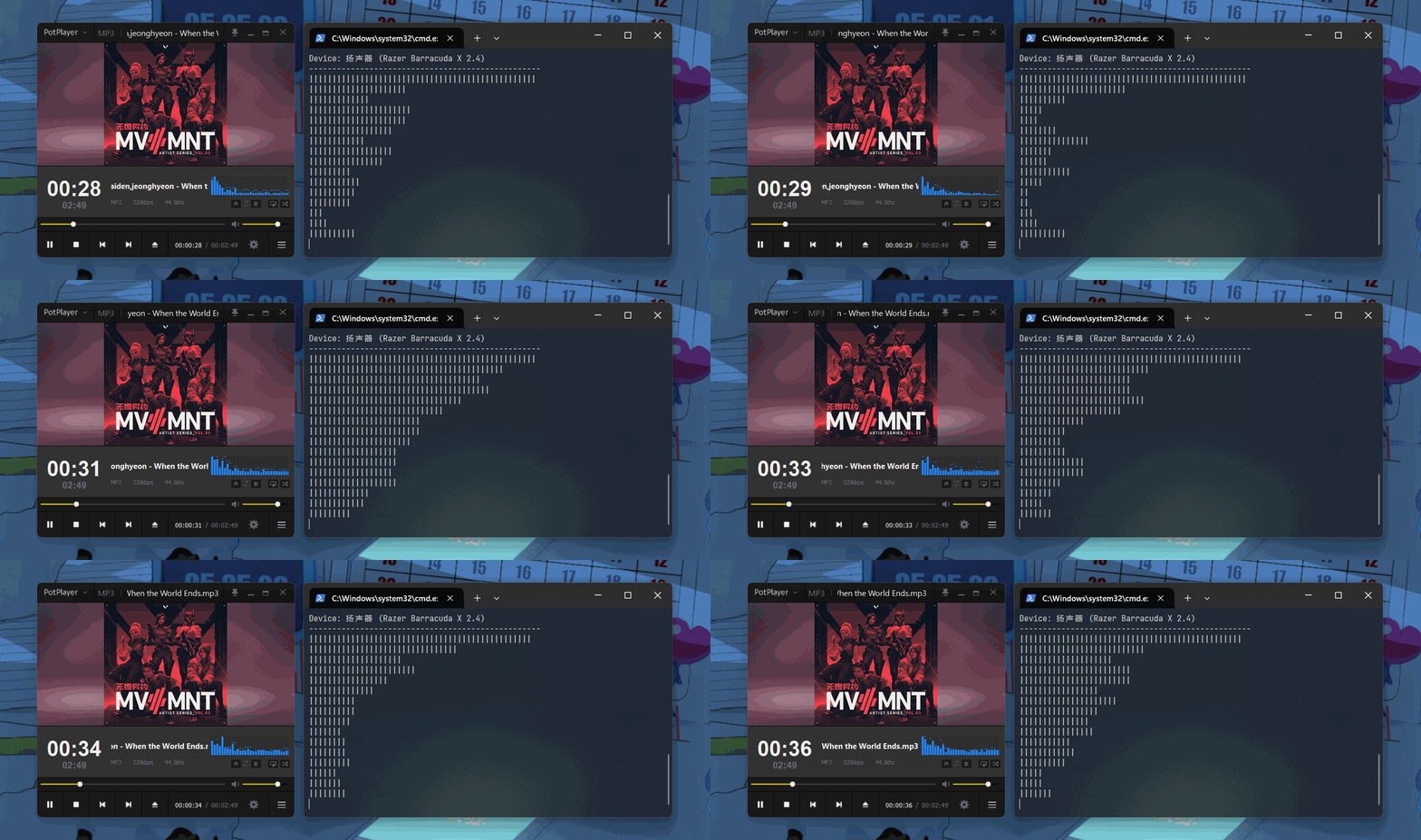
This library allows developers to access audio visualisation data from the Windows using Node.js, providing a simple API to access this data. It is written in Rust and utilizes napi-rs to implement bindings with Node.js.
English | 简体中文
⚠️ Warning
node-windows-audio-visualisation only supports Windows.
🚀 Features
- Access to the Windows audio visualisation data.
- Support for both JavaScript and TypeScript.
- Easy to use and integrate into existing Node.js applications.
Installation
npm i @coooookies/windows-audio-visualisation🍊 Example
CommonJS Example ESModule Example TypeScript Example
Usage
Importing the library
// Typescript & ESModule
import { AudioMonitor, getDefaultOutputDevice, getAllOutputDevices } from '@coooookies/windows-audio-visualisation';

// CommonJS
const { AudioMonitor, getDefaultOutputDevice, getAllOutputDevices } = require('@coooookies/windows-audio-visualisation');
Gets all output devices
Gets all output devices on the system.
const devices = getAllOutputDevices(); // AudioDevice[]
// [
//   {
//     id: "{0.0.0.00000000}.{00000000-0000-0000-0000-000000000000}",
//     name: "Speakers (Realtek High Definition Audio)",
//     isDefault: true
//   },
//   {
//     ...
//   }
// ]
Gets the default output device
Gets the default output device on the system.
const device = getDefaultOutputDevice(); // AudioDevice | null
// {
//   id: "{0.0.0.00000000}.{00000000-0000-0000-0000-000000000000}",
//   name: "Speakers (Realtek High Definition Audio)",
//   isDefault: true
// },
Gets the spectrum data
Get the spectrum data, the spectrum data is composed of an array, the length of the array is the number of spectra, and each element in the array represents the loudness of the spectrum unit, with a value range of 0 to 1.
const audio = new AudioMonitor()

audio.setDevice("{0.0.0.00000000}.{00000000-0000-0000-0000-000000000000}") // Set the device id
audio.start(2048) // start monitoring with 2048 chunk size

// audio.stop() // stop monitoring

const bands = 8 // Number of bands
const spectrum = audio.getSpectrum(bands)
// [0.521, 0.821, 0.123, 0.456, 0.789, 0.234, 0.567, 0.890, ...]

setInterval(() => {
  console.log(audio.getSpectrum(bands))
}, 1e3 / 20)
// [0.521, 0.821, 0.123, 0.456, 0.789, 0.234, 0.567, 0.890, ...]
// [0.123, 0.456, 0.789, 0.234, 0.567, 0.890, 0.123, 0.456, ...]
// [0.789, 0.234, 0.567, 0.890, 0.123, 0.456, 0.789, 0.234, ...]
// ...
License
This project is licensed under the MIT License.