1.0.1 • Published 7 years ago
@daniel.husar/a11y-static-report v1.0.1
a11y-static-report 
Run accessibility report on static pages via axe-core
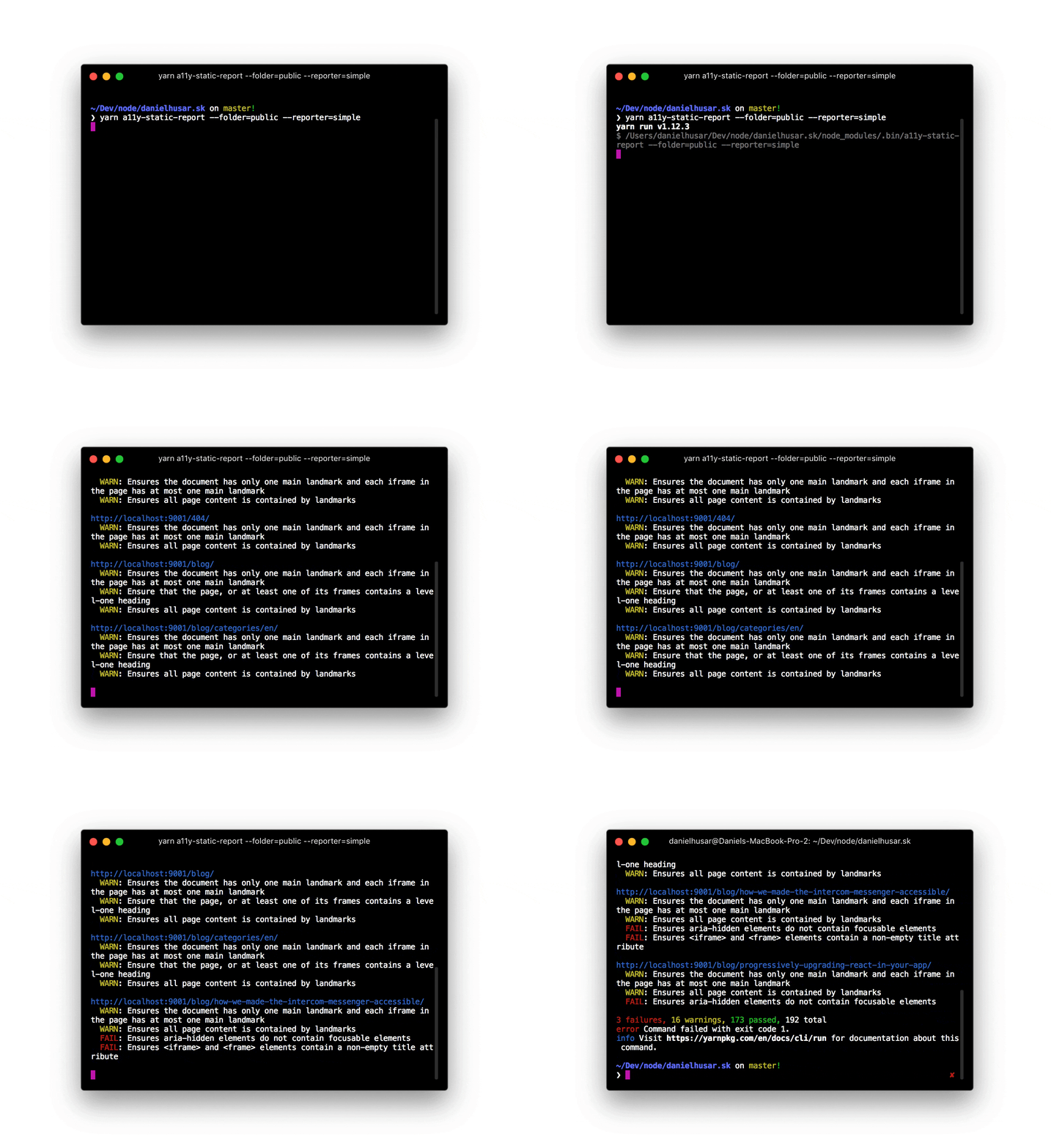
How it works
It starts the static webserver and look up for all html files inside of it. From the html files we generate routes and use them as input for a11y-report.
Install
yarn add --dev @daniel.husar/a11y-static-reportor
npm install --dev @daniel.husar/a11y-static-reportUsage
import a11yStaticReport from '@daniel.husar/a11y-static-report';

(async () => {
  await a11yStaticReport({
    folder: 'public',
  });
})();
API
a11yStaticReport(config)
Prints accessibility report with logger function and returns promise that resolves for not errors or reject if there is any error.
config
| Property | Type | Default | Description |
|---|---|---|---|
port | number | 9001 | Port on which static server will start. |
folder | string | public | Folder with static files to serve. |
excludeFiles | array<string∣RegExp> | [] | Array of files to ignore. Could be string or RegExp. Example ['blog/index.html', /^de\/blog/] |
debug | boolean | false | Prints debug messages. |
Every other option that you pass, will be forwarded into a11y-report.
Cli
yarn add --dev @daniel.husar/a11y-static-report
yarn a11y-static-report --folder=out
For more complex config options you can use .a11yrc file in the root of your project:
.a11yrc
module.exports = {
  port: 9001,
  folder: 'out',
  reporter: 'simple'
}
License
MIT