1.0.4 • Published 2 years ago
@double_ming/screen-fit v1.0.4
安装
# npm
npm install @double_ming/screen-fit
# yarn
yarn add @double_ming/screen-fit
# pnpm
pnpm add @double_ming/screen-fit
使用
import screenFit, { EFillType, IScreenOptions } from '@double_ming/screen-fit'
// screenDom 为大屏根元素
const screenDom = document.querySelector<HTMLDivElement>("#screen")
const fitObj = screenFit(screenDom!, {
    fitType: EFillType.contain,
})
<div id="screen" style="width: 1920px; height:1080px">
<div :style="{ backgroundImage: `url(${bg})`, width: '1920px', height: '1080px' }"></div>
</div>适配方式
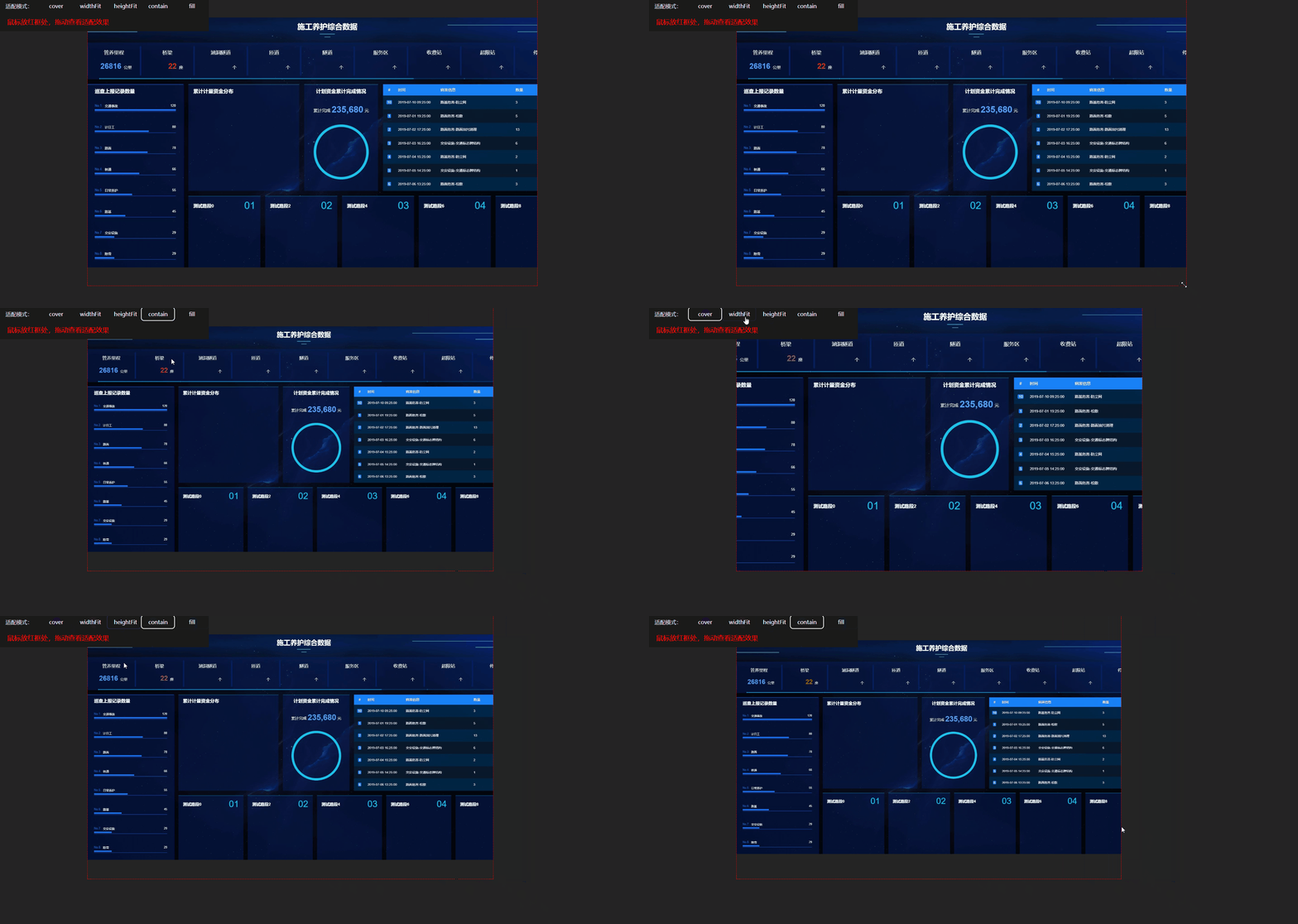
提供了5中适配方式,分别为
EFillType枚举中的cover、widthFit、heightFit、contain、fill、
cover等比缩放,占满整个容器widthFit宽度占满容器,高等比缩放heightFit高度占满容器,宽等比缩放contain宽或高等比缩放,满足最大占满容器 默认fill宽和高填充整个容器,不进行等比缩放
screenFit 方法
// element 为根元素元素或者根元素的id
// options配置参数如下
const fitObj = screenFit(elementOrId, options)
// fitObj有包含{resize, stopListener}
// 可以再次更改适配方式
fitObj.resize(option: IScreenOptions)
options配置参数
| 属性 | 描述 | 类型 | 默认值 |
|---|---|---|---|
| designWidth | 设计稿宽 | number | 1920 |
| designHeight | 设计稿高 | number | 1080 |
| fitType | 适配方式 | EFillType | contain |