0.0.1 • Published 5 years ago
@filippoitaliano/gpio-pin-select v0.0.1
gpio-pin-select
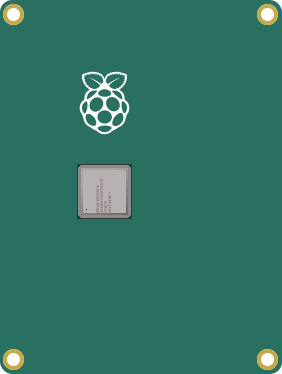
JavaScript component to select gpio pins with an interface.
Usage
- Copy
GpioPinSelect.js,radio.svg,radio-checked.svg,default-background.svg, andgpio-pin-select.cssin your own project. - Import the component and the styles in your index file:
<head> <script src="GpioPinSelect.js"></script> <!-- ... --> - Use the component in your script:
const mySelect = new GpioPinSelect(properties);
// ...
mySelect.destroy();
Open the example.html file in a browser to see a quick demo.
Properties
| Property | Description | Required | Default |
|---|---|---|---|
| parentNode | The div in which the component will be appended | ✔ | |
| onSelectionChange | The callback called upon radios selection | console.log | |
| mapping | Alternative mapping for pins position | The default mapping |
Default mapping:
| Position | Name |
|---|---|
| 1 | 3V3 |
| 2 | GP2 |
| 3 | GP3 |
| 4 | GP4 |
| 5 | GND |
| 6 | GP17 |
| 7 | GP27 |
| 8 | GP22 |
| 9 | 3V3 |
| 10 | GP10 |
| 11 | GP9 |
| 12 | GP11 |
| 13 | GND |
| 14 | ID_SD |
| 15 | GP5 |
| 16 | GP6 |
| 17 | G13 |
| 18 | GP19 |
| 19 | GP26 |
| 20 | GND |
| 21 | 5V |
| 22 | 5V |
| 23 | GND |
| 24 | GP14 |
| 25 | GP15 |
| 26 | GP18 |
| 27 | GND |
| 28 | GP23 |
| 29 | GP24 |
| 30 | GND |
| 31 | GP25 |
| 32 | GP8 |
| 33 | GP7 |
| 34 | ID_SC |
| 35 | GND |
| 36 | GP12 |
| 37 | GND |
| 38 | GP16 |
| 39 | GP20 |
| 40 | GP21 |
0.0.1
5 years ago