@josephadogeridev/get-timestamp-js v1.0.0
GET TIMESTAMP JS
Version: 1.0.0 Date: June 7, 2025
Description
This is a javascript npm package for creating timestamp in readable format.
Authors
Repository
https://github.com/jadogeri/GetTimeStampJS.git
Registory
https://www.npmjs.com/package/@josephadogeridev/get-timestamp-js
Screenshots
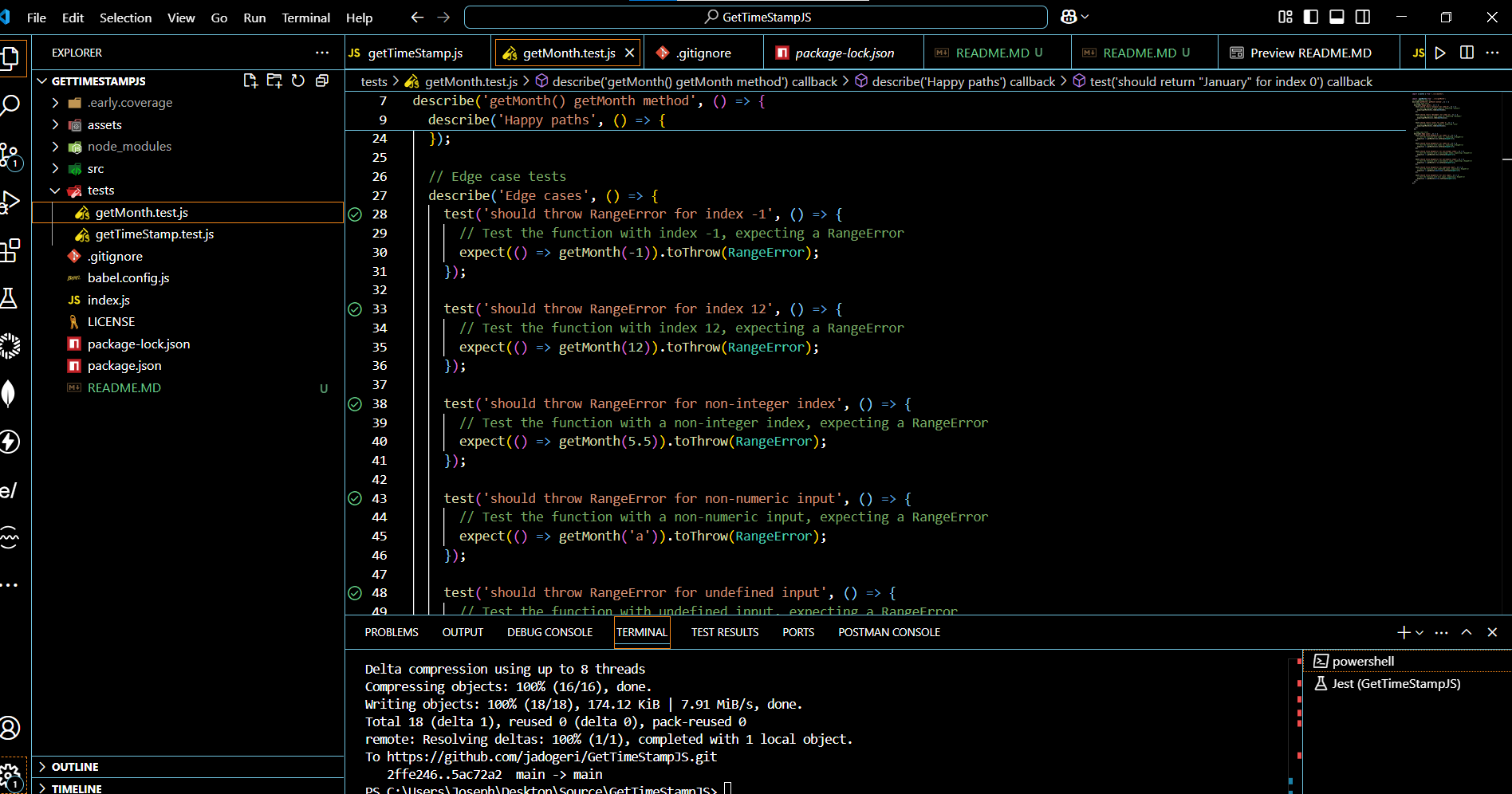 | 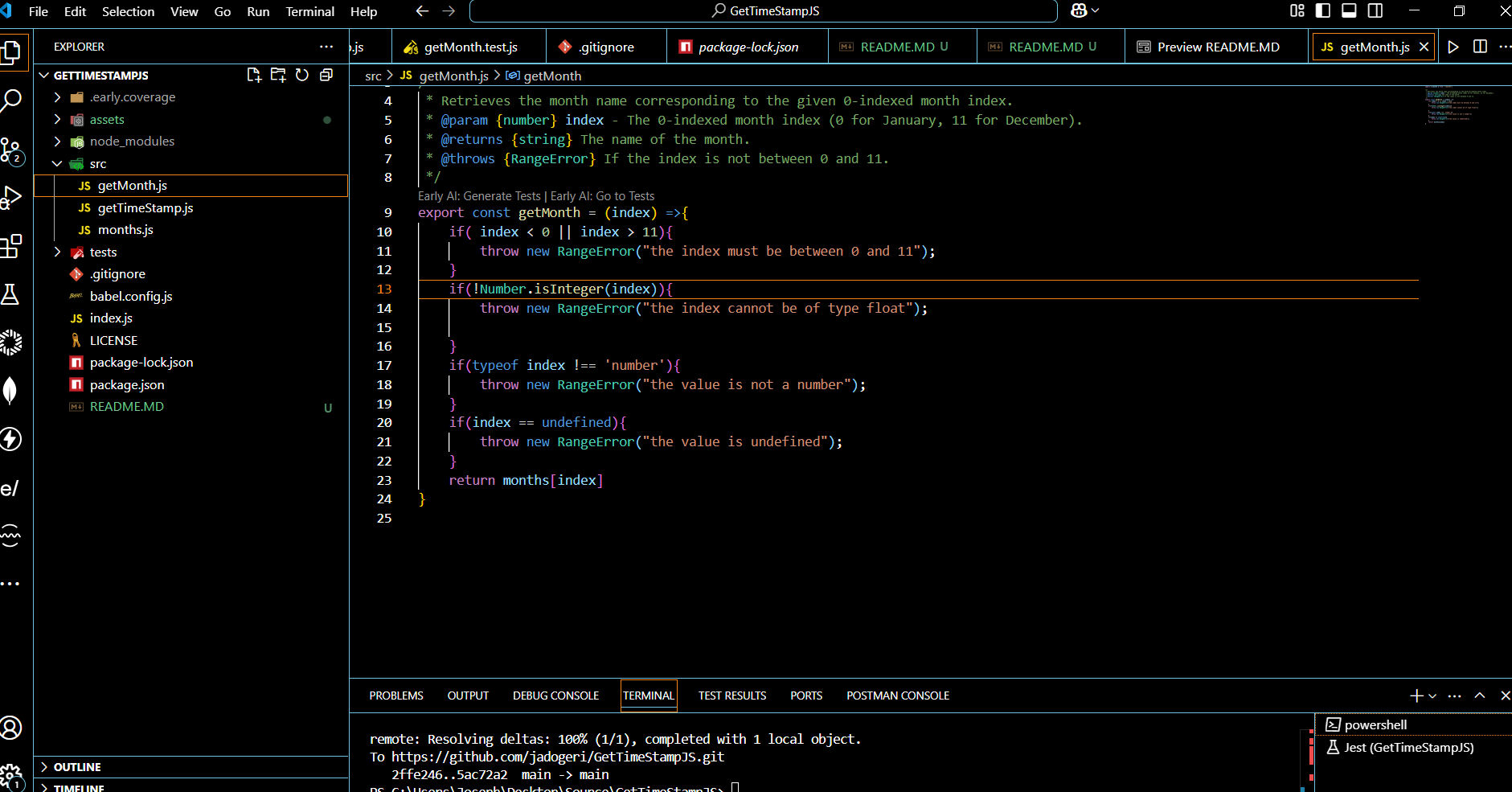 |
|---|---|
Table of Contents
1. Introduction
1.1 Purpose
This document outlines the package architecture, components, and design considerations for Get TimeStamp JS package. The goal is to create a timestamp in readable format.
1.2 Scope
This package will allow users to:
- Create timestamp as string.
- Resolve undefined and null values as inputs.
- Render results of timestamp after test.
1.3 Intended Audience
- Junior or Senior developers.
- Beginners learning javascript.
2. Technology Stack
- Programming Languages: Javascript
- IDE: Visual Studio Code (VSCode)
- Test: Jest
- Plugins: Early AI
- Registory: NPM (Node Package Manager)
- Source Control: Git and GitHub
- CI/CD: GitHub Actions
- Code Analysis: SonarQube
3. Usage
3.1 Install Dependency
1 Type npm install @josephadogeridev/get-timestamp-js to install dependencies.
npm install @josephadogeridev/get-timestamp-js3.2 Code Snippet
import logo from "./logo.svg";
import "./App.css";
import { getTimeStamp } from "@josephadogeridev/get-timestamp-js";
export function App() {
  const time = getTimeStamp();
  return (
    <div className="App">
        <header className="App-header">
            <div>
                <h1>{time}</h1>
            </div>
            <img src={logo} className="App-logo" alt="logo" />
        </header>
    </div>
  )
}
4. Tests
4.1 Test from node_modules
note : run test from node_modules after Usage
1 Navigate to cd @josephadogeridev/get-timestamp-js directory using command below.
cd node_modules/@josephadogeridev/get-timestamp-js2 Type npm run test to run unit tests.
npm run test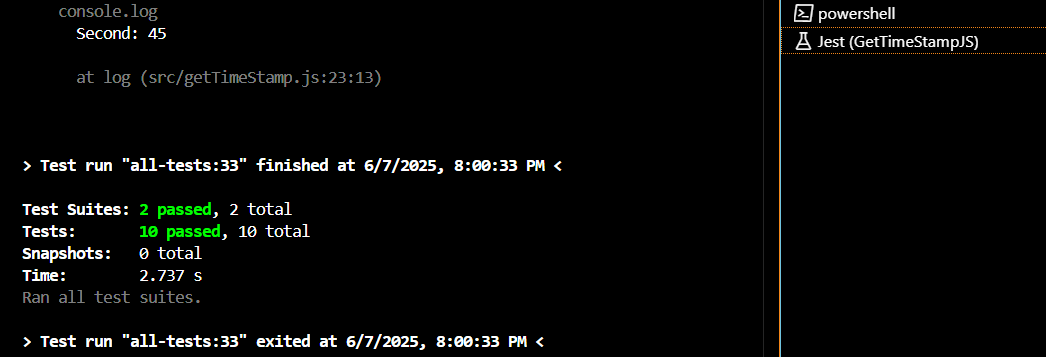
4.2 Test using NPM Link
Note : this test was done pre publish to npm manager
1 In the root of package run npm link to create symbolic link between a local package under development and another Node.js project that wants to use it as a dependency.
npm link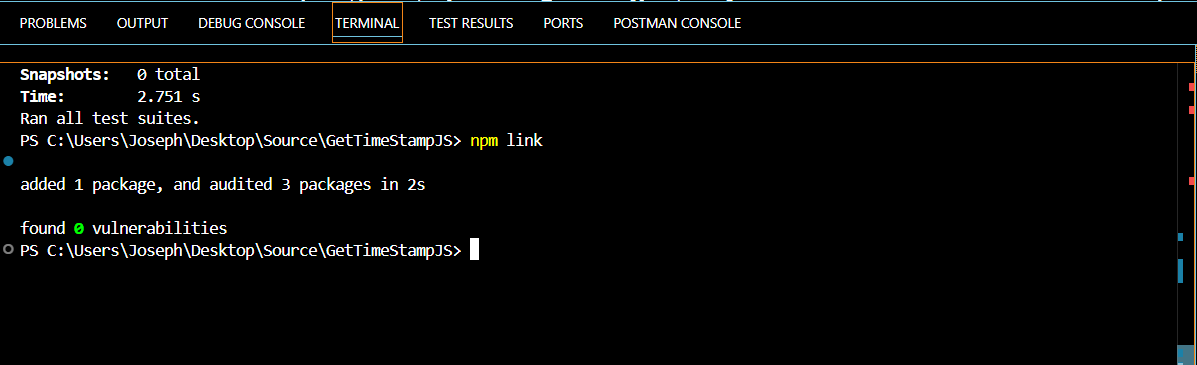
2 Create or use existing React Application.
3 Run command npm link @josephadogeridev/get-timestamp-js to install created package.
npm link @josephadogeridev/get-timestamp-js
import logo from './logo.svg';
import './App.css';
import { getTimeStamp } from "@josephadogeridev/get-timestamp-js";


function App() {
    const time = getTimeStamp();

  return (
    <div className="App">
      <header className="App-header">
        <h1>{time}</h1>
        <img src={logo} className="App-logo" alt="logo" />
        <p>
          Edit <code>src/App.js</code> and save to reload.
        </p>
        <a
          className="App-link"
          href="https://reactjs.org"
          target="_blank"
          rel="noopener noreferrer"
        >
          Learn React
        </a>
      </header>
    </div>
  );
}

export default App;
Example

4.3 Test using NPM Pack
Note : this test was done pre publish to npm manager
1 In the root of package run npm pack to package the module into a zipped file (.tgz).
npm pack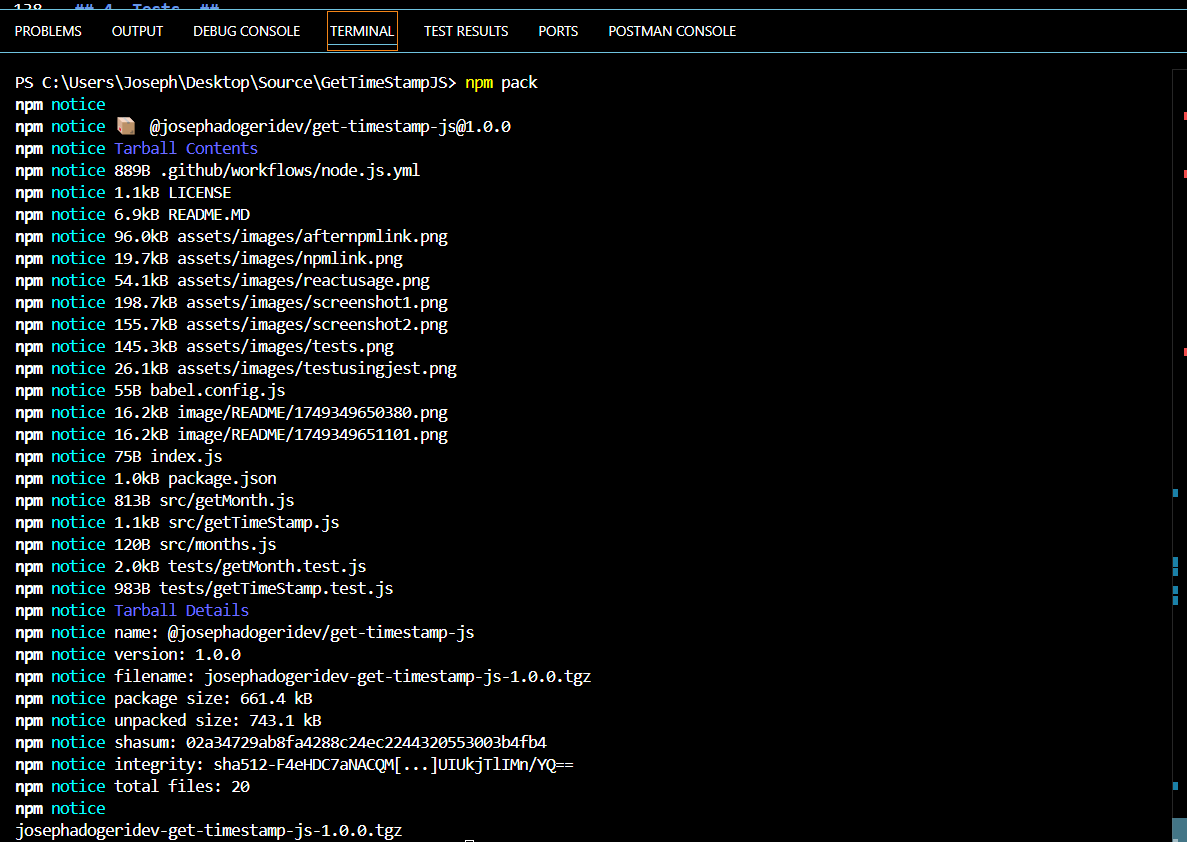
2 Create or use existing React Application.
3 Copy and paste the created file in the root of a React Application.
4 Run command npm install @josephadogeridev/get-timestamp-js to install created package.
npm install @josephadogeridev/get-timestamp-js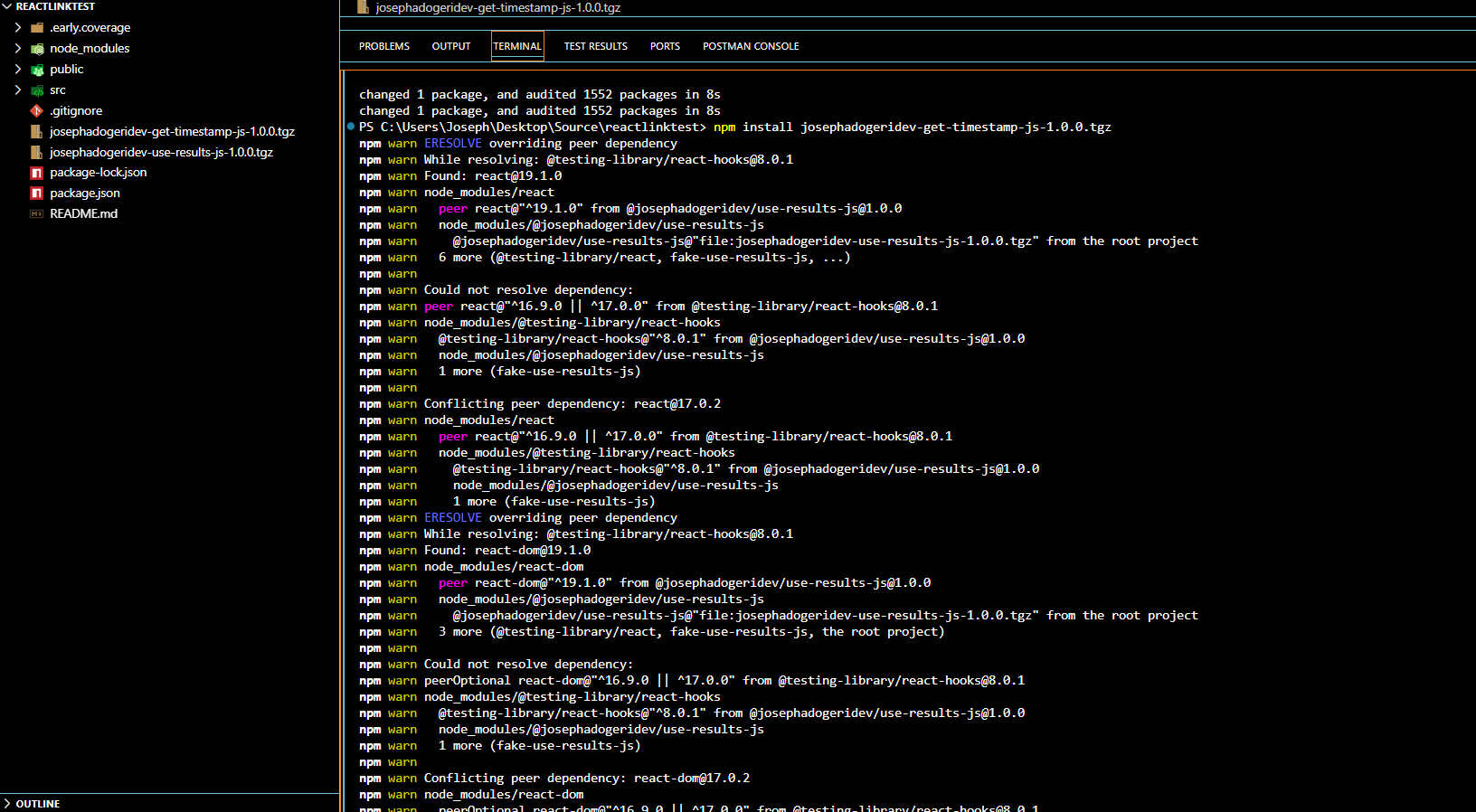
5. License
6. References
- FreeCodeCamp : Frontend Web Development: (HTML, CSS, JavaScript, TypeScript, React).
- AweSome Open Source : Awesome Readme Templates
- Readme.so : The easiest way to create a README
- Mockingoose : How to test mongoose models with jest and mockingoose
- NPM : Creating nodejs modules
- Dev.io : Testing npm packages before publishing
- FreeCodeCamp : How to create and publish an NPM Package - step by step guide
- Dev.io : Create and Publish NPM Package for custom Hooks in React JS
1 year ago