3.0.0 • Published 1 year ago
@lazycuh/angular-notification v3.0.0
angular-notification 
A singleton, global Angular service to programmatically render notifications.
Table of contents
Angular compatibility
| This library | Angular |
|---|---|
| 3.x.x | 20.x.x |
| 2.x.x | 19.x.x |
| 1.x.x | 16 - 18 |
Installation
npmnpm i -S @lazycuh/angular-notificationpnpmpnpm i -S @lazycuh/angular-notificationyarnyarn add @lazycuh/angular-notification
Available APIs
These are the symbols that are available from this package
NotificationService
A singleton Angular service to programmatically show notifications.
class NotificationService {
  /**
   * The number of milliseconds after which the notification is closed.
   */
  static readonly DEFAULT_AUTO_CLOSE_MS = 30000;

  /**
   * Set the number of milliseconds to be applied globally to all notifications created
   * in the future after which they are automatically closed.
   */
  static setGlobalAutoCloseMs(autoCloseMs: number): void;

  /**
   * Set the default theme that will be used for all notifications created in the future.
   *
   * @param theme The new theme to be used as the default.
   */
  static setDefaultTheme(theme: Theme): void;

  /**
   * Set the default label for the close button. Default is `Close`.
   */
  static setDefaultCloseButtonLabel(label: string): void;

  /**
   * Open a notification using the provided configuration. The opened notification
   * will be closed automatically after 10 seconds by default.
   *
   * @param notificationConfiguration The notification configuration object.
   */
  open(notificationConfiguration: NotificationConfiguration): void;
}
NotificationConfiguration
The configuration object for the notification to be created.
interface NotificationConfiguration {
  /**
   * The optional number of milliseconds after which the notification is closed. Default is 30 seconds.
   */
  autoCloseMs?: number;

  /**
   * Whether to bypass Angular's default sanitization rules for HTML content (such as removing inline style).
   * Default is `false`.
   */
  bypassHtmlSanitization?: boolean;

  /**
   * The optional class name to add for this notification.
   */
  className?: string;

  /**
   * The optional label for the notification's close button. Default is `Close`.
   */
  closeButtonLabel?: string;

  /**
   * The required notification content to show. HTML is supported.
   *
   * If the HTML content contains inline style, it will be stripped out by Angular's default sanitization step,
   * to bypass this behavior, pass `true` to `bypassHtmlSanitization` option.
   */
  content: string;

  /**
   * The optional theme for the floating box. Default is `light`.
   */
  theme?: Theme;
}
Theme
type Theme = 'dark' | 'light';Example Usage
Code example
// Import the service into your class to start using it
import { NotificationService } from '@lazycuh/angular-notification';

@Component({
  selector: 'test-component',
  template: `
    <button
      type="button"
      (click)="showNotification()">
      Click me
    </button>
  `
})
export class TestComponent {
  constructor(private readonly notificationService: NotificationService) {}

  showNotification() {
    this.notificationService.open({
      content: 'This notification is very <strong>important</strong>'
    });
  }
}
Result
| Theme | |
|---|---|
| Light | 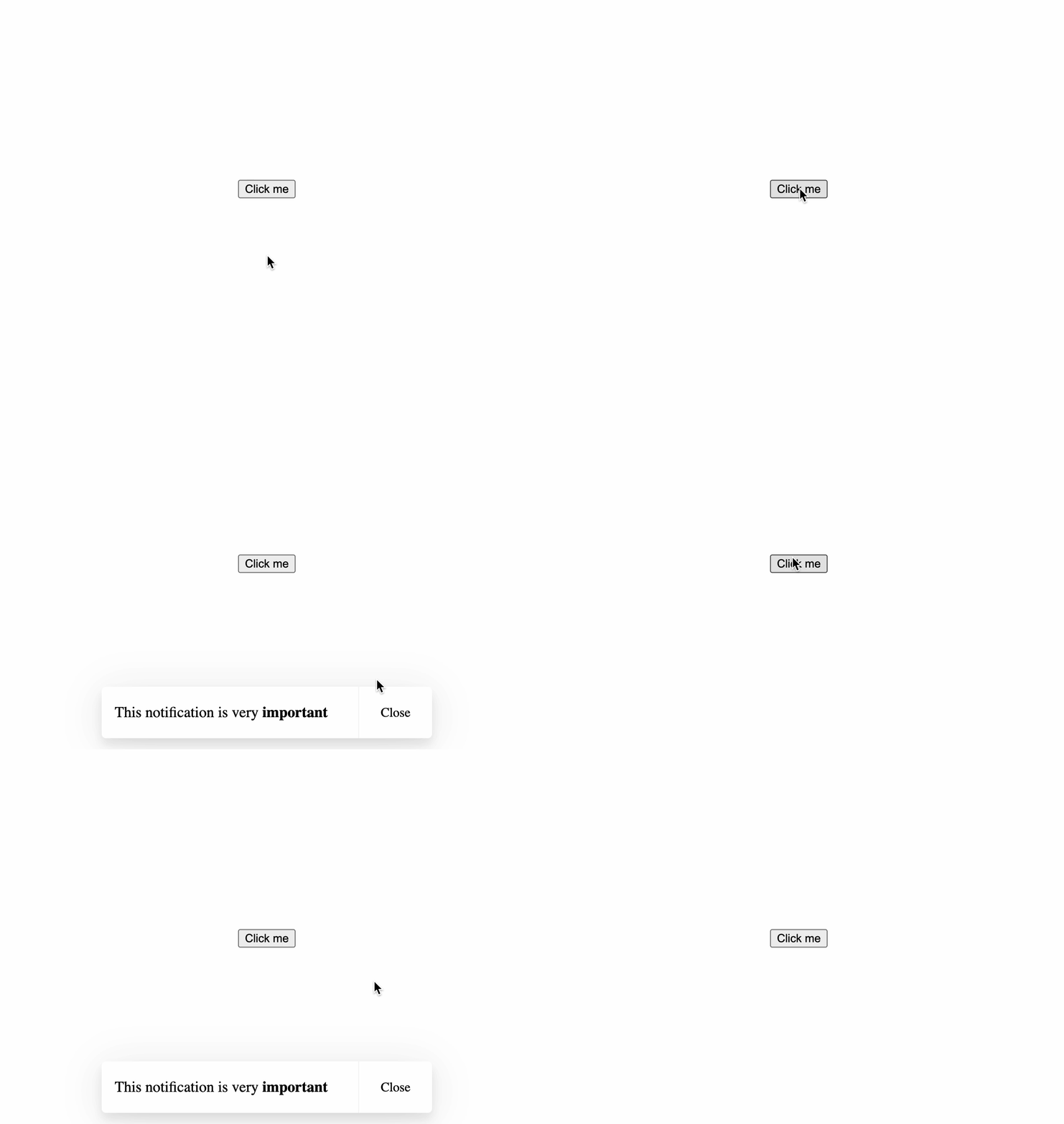 |
| Dark | 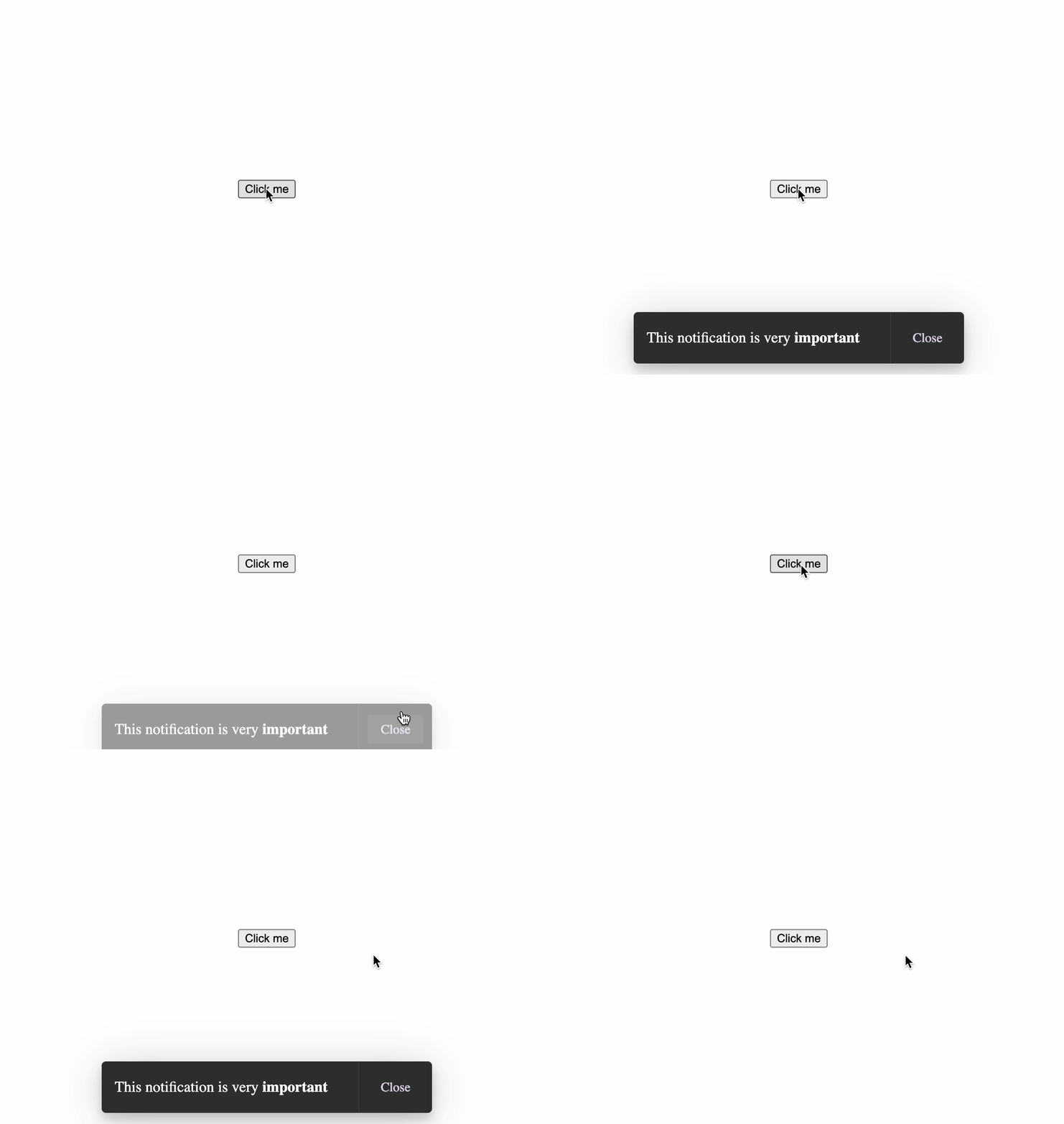 |