1.0.3 • Published 9 months ago
@lottiepro-web/react v1.0.3
LottiePro Engine
A high-performance, cross-framework Lottie animation solution for React, Vue, and Next.js projects.
Demo
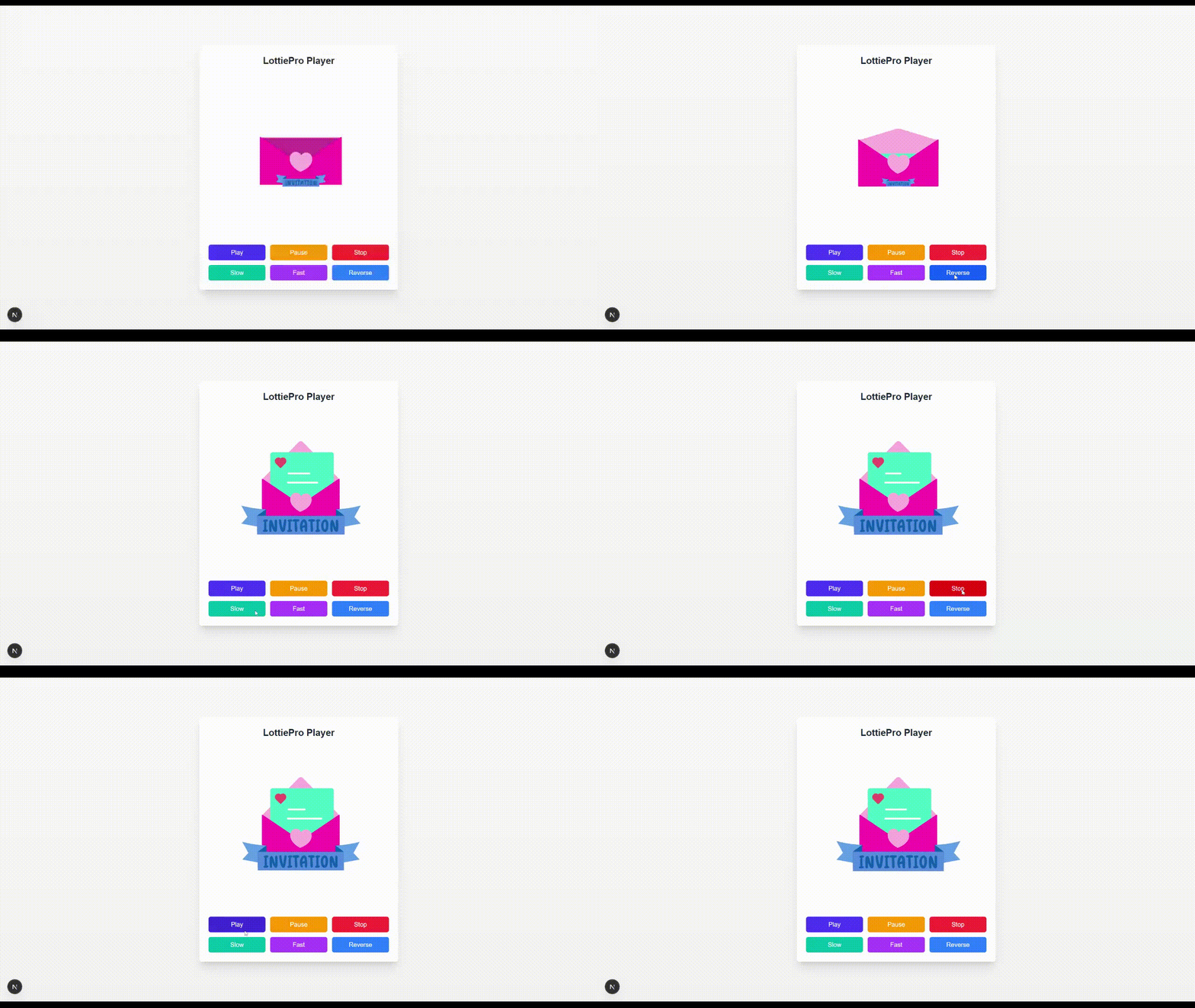
Features ✨
- Multi-Framework Support: Seamless integration with React, Next.js, and Vue
- Performance-Optimized: Faster rendering and minimal runtime overhead
- Complete Control API: Play/pause/stop, speed control, and direction reversal
- Flexible Loading: Stream animations from URL or use local JSON data
- Rendering Options: Choose between SVG, Canvas, or HTML renderers
- TypeScript-Powered: Full type safety and autocompletion
- Lightweight: Minimal bundle size impact
Event System: Rich callbacks for animation lifecycle events
Installation ⚡
# For React/Next.js
pnpm add @lottiepro-web/core @lottiepro-web/react

# For Vue
pnpm add @lottiepro-web/core @lottiepro-web/vue
Quick Start 🚀
React
import { LottieComponent, useLottieControls } from '@lottiepro-web/react'

function App() {
  const lottieRef = useLottieControls();

  return (
    <>
      <LottieComponent
        ref={lottieRef}
        src="https://cdn.lottiepro.com/animation.json"
        style={{ width: 400, height: 400 }}
        loop={true}
        onLoad={() => console.log('Loaded!')}
      />
      <button onClick={() => lottieRef.current?.play()}>Play</button>
    </>
  );
}
Next.js
"use client"
import { LottieComponent, useLottieControls } from '@lottiepro-web/react';

function App() {
  const lottieRef = useLottieControls();

  return (
    <div>
      <LottieComponent
        ref={lottieRef}
        src="https://cdn.lottiepro.com/animation.json"
        style={{ width: 400, height: 400 }}
        loop={true}
      />
    </div>
  );
}
Vue
<script setup>
import { LottieComponent, useLottieControls } from '@lottiepro-web/vue'

const lottieRef = useLottieControls()
</script>

<template>
  <LottieComponent
    ref="lottieRef"
    src="/animation.json"
    :loop="true"
    style="width: 400px; height: 400px"
    @load="() => console.log('Loaded!')"
  />
  <button @click="lottieRef?.play()">Play</button>
</template>
API Reference
Properties
Property Type Default Description srcstring | objectrequired Animation source URL or data object loopbooleanfalseWhether to loop the animation autoplaybooleantrueStart animation immediately when loaded renderer'svg' | 'canvas' | 'html''svg'Rendering method speednumber1Animation playback speed Events
Event Description onLoadFires when animation is loaded and ready onErrorFires when an error occurs loading the animation onCompleteFires when animation completes playing onFrameFires on each frame update
Browser Support
- Chrome/Edge (latest)
- Firefox (latest)
- Safari (latest)
- Mobile browsers (iOS/Android)