0.2.0 • Published 6 years ago
@mrhanson/el-calendar v0.2.0
el-calendar
element-ui style calendar widget, typescript friendly



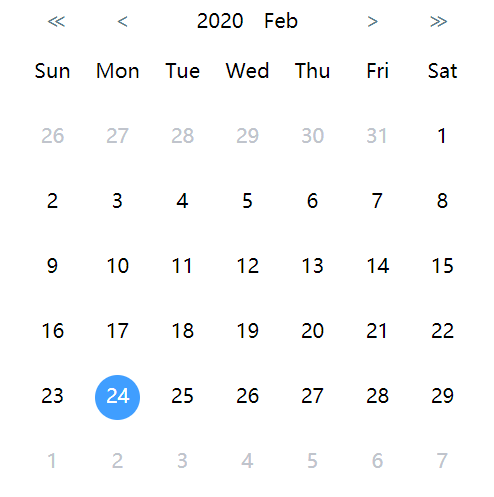
Live Demo
https://mrhanson.github.io/el-calendar/
Install
# npm
npm i @mrhanson/el-calendar

# yarn
yarn add @mrhanson/el-calendar
Changelog
Usage
<template>
  <Calendar ref="calendar" v-model="selectedDate"></Calendar>
</template>

<script>
  import Calendar from '@mrhanson/el-calendar'

  export default {
    components: { Calendar }

    data() {
      return {
        selectedDate: new Date()
      }
    }
  }
</script>
Props
| Name | Type | Default | Options | Description |
|---|---|---|---|---|
| value/v-model | Date | new Date() | -- | Selected Date value |
| today | Date | new Date() | -- | Used to set server time |
| locale | string | 'cn' | 'cn','en' | i18n |
| dotArr | Array | [] | show dot under date or not, Notice:length of dotArr must be same as | |
| max date of current month |
''`
Events
| Name | Params | Description |
|---|---|---|
| premonth | emit when vision moves to previous month | |
| nextmonth | emit when vision moves to next month | |
| preyear | emit when vision moves to previous year | |
| nextyear | emit when vision moves to next year |
Methods
| Methods | Params | Description |
|---|---|---|
| backToToday() | set value & vision back to today | |
| toPreMonth() | set vision to previous month | |
| toNextMonth() | set vision to previous month | |
| toSpecificDate(year, month, date) | year: number, month: number, date: number | set value & vision to specific date |
Slots
| name | Description |
|---|---|
| comment | Used to add some comment under calendar |