
Licence
MIT
Version
0.10.0
Deps
2
Size
100 kB
Vulns
0
Weekly
0
DeprecatedThis package is deprecated

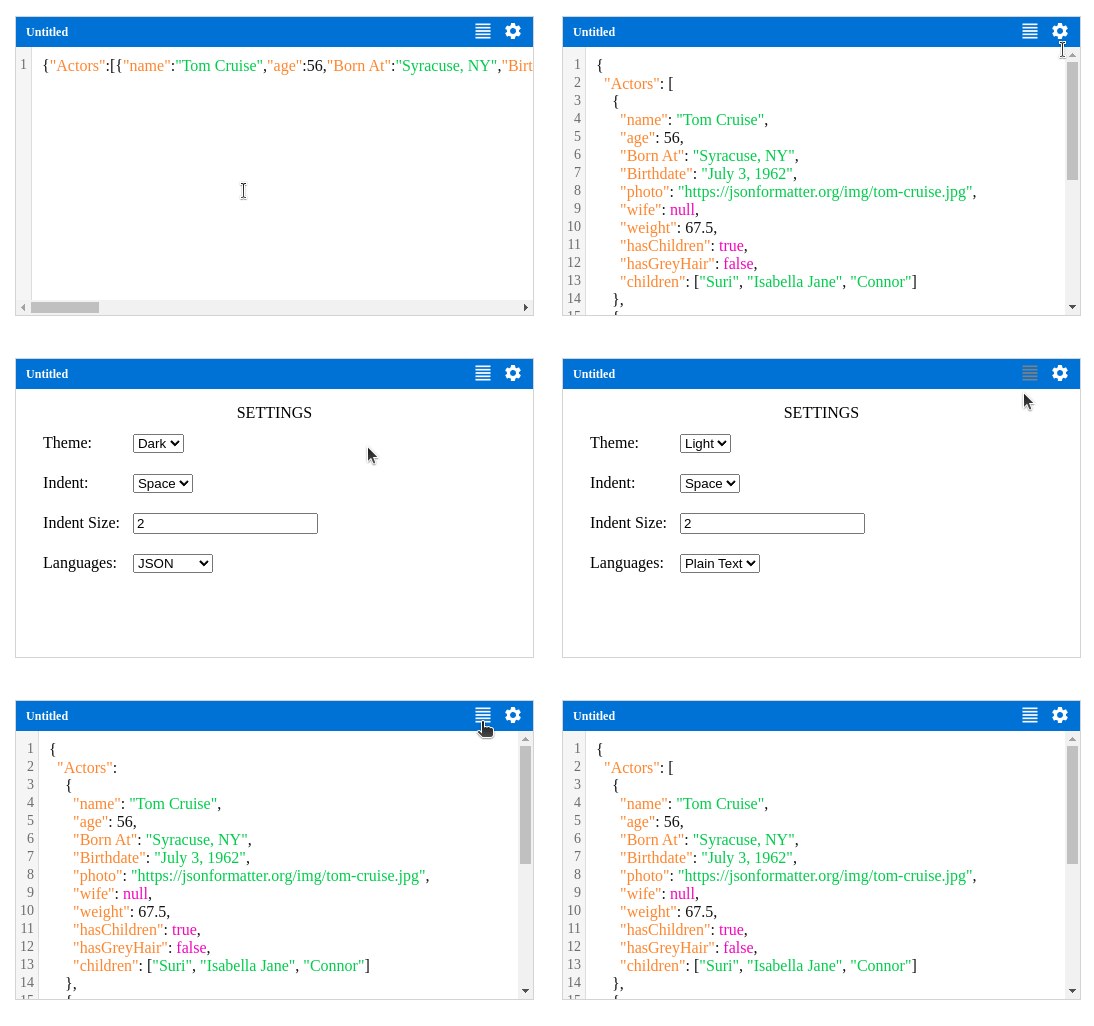
A simple code editor for React JS, useful for form
codeinput.
Features
Simple Editor (HTML
Textareabased)Syntax Highlighting
Multiple languages & themes are supported.
Format code with Prettier
Syntax Errors via Prettier formating
Line numbers
Installation
npm install @opentf/react-code-editoryarn add @opentf/react-code-editorpnpm add @opentf/react-code-editorbun add @opentf/react-code-editorUsage
import { Editor } from '@opentf/react-code-editor';

export default function App() {
  const code = `export default function App() {
      return <h1>Hello world</h1>
    }
  `;

  return <Editor value={code} onChange={handleChange} />;
}
Props
| Name | Type | Required | Default | Description |
|---|---|---|---|---|
| value | string | Yes | '' | The value of the editor. |
| onChange | Function | No | undefined | The handler function for the value change event. |
| themes | Theme[] | No | [] | You can pass aditional themes to the editor via this prop. |
| languages | Lang[] | No | [] | By default only limited set of languages supported, you can extend additional languages support via this prop. |
| lang | string | No | 'Plain Text' | The language syntax highlighting. |
| theme | string | No | 'Light' | The theme name to apply a theme. See list of themes below. |
| style | object | No | {} | The styles will be applied to the root element of the editor component. |
| title | string | No | 'Untitled' | The editor title. Eg: Config.json |
| config | object | No | {} | See the below table for config object. |
Config:
| Name | Type | Required | Default | Description |
|---|---|---|---|---|
| indent | string | No | 'Space' | Indent code using "Space" or "Tab" |
| indentSize | number | No | 2 | The indent size. |
| textArea | object | No | {} | Any additional props for the code editor textarea element. |
Supported Languages (With formatting)
JSON
HTML
JavaScript
TypeScript
CSS
GraphQL
TOML
YAML
Supported Languages (Without formatting)
Plain Text
Bash
Dockerfile
Supported Themes
Dark
Light (Default)
You can create your own themes easily, please refer any existing theme objects in the repo.
License
Copyright (c) Thanga Ganapathy (MIT License).