1.0.9 • Published 3 years ago
@prom-io/cli v1.0.9
Prom CLI

Prom is the world's first all-in-one NFT gaming platform with a marketplace and other attractive options.
Prom CLI lists multiple NFTs on the marketplace.
Usage
Using npx
npx @prom-io/cli@latestInstalling globally
npm i -g @prom-io/cli
prom-cli --version
Usage: prom-cli [options] [command]
Prom CLI allows to list multiple NFTs blazing fast
Options:
-V, --version output the version number
-m --marketplace <address> custom marketplace address
--max-fee <price> max fee per gas (max gas price non EIP-1559 compatible chains) in GWEI
--max-priority-fee <price> max priority fee per gas in GWEI
--speed <speed> tx speed (fastest, fast, medium, slow) (default: "medium")
-r --rpc <url> custom rpc
-h, --help display help for command
Commands:
delist
cancel-txns cancel pending transactions up to nonce
clear-cacheListing NFTs
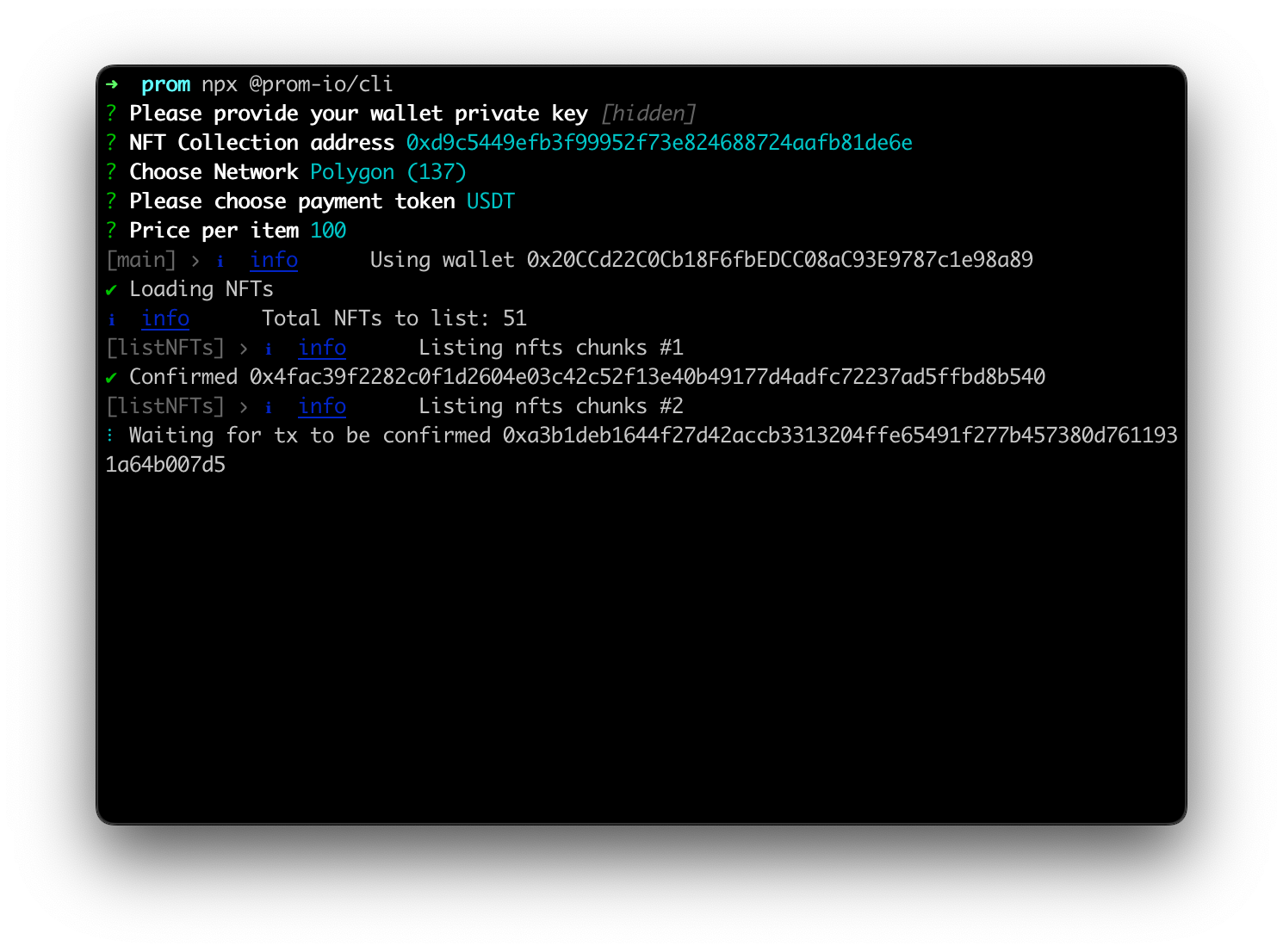
To list NFTs simply run next command and follow the instructions.
npx @prom-io/cliDelisting NFTs
To delist NFTs simply run next command and follow the instructions.
npx @prom-io/cli delistTroubleshooting
If you see message Total NFTs to list: 0 however you're sure that there are NFTs to list run the following command
npx @prom-io/cli clear-cacheDevelopment
Install dependencies
npm installBuild
npm run buildRun
npm run startTest
npm run test