0.1.9 • Published 10 years ago
@redsift/d3-rs-treemap v0.1.9
d3-rs-treemap
d3-rs-treemap A TreeMap visual component made with D3v4
Builds


Example
View @redsift/d3-rs-treemap on Codepen
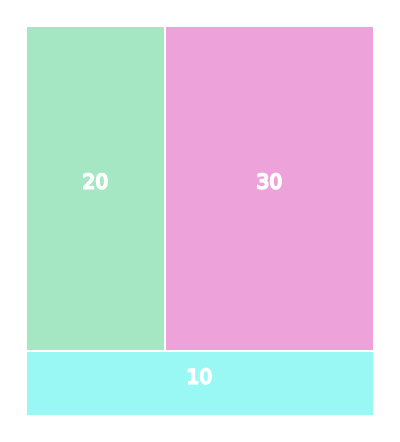
Treemap chart
Usage
Browser
ES6
import { chart } from "@redsift/d3-rs-treemap"; let eml = chart.html(); ...
Require
var chart = require("@redsift/d3-rs-treemap"); var eml = chart.html(); ...
Data layout
Data need to be in a hierarchical form as it is described in d3-hierarchy. The basic criteria is to have the children property. If your data are not in a hierarchical form you can use the stratify method in d3-hierarchy to manipulate them.
{
  name:'root',
  children: [
    {
      l: 'children1',
      v: 10
    },
    {
      l: 'children1',
      v: 10,
      u: 'http://www.google.com/children2'
    }
  ]
}
For this visualization objects inside the children array are expected to have the above layout. The u property is optional, only if you want to display images so you need to provide a link.
Parameters
| Name | Description | Transition |
|---|---|---|
classed | SVG custom class | N |
width, height, size, scale, margin | Integer SVG container sizes | Y |
style | String Custom CSS to inject into chart | N |
fill | String, Array, Function Colour palette for the data. Available options from d3-rs-theme | Y |
theme | String dark or light(default) | |
appendText | Boolean Append a text element inside the rect | |
textValue | String, Function for the value of the text element that will be displayed | |
appendImage | Boolean Append an image element inside the rect | Y |
imageFallbackLink | String Helper link of asset to display as a fall back solution when an image fails to load | |
filter | String Filter to be applied on an image as described in d3-rs-theme#filters e.g. 'emboss', 'greyscale', 'shadow' |