0.0.1 • Published 1 year ago
@sekizlipenguen/react-native-splash-helper v0.0.1



@sekizlipenguen/react-native-splash-helper
A lightweight React Native library to automatically configure splash screens for both Android and iOS platforms. Simplifies the splash screen setup process for developers.
Features
- Automatic Splash Screen Setup: Configures splash screens for both Android and iOS with minimal setup.
- Theme Detection: Automatically detects application and activity themes in
AndroidManifest.xml. - Cross-Platform Support: Works seamlessly on macOS, Linux, and Windows.
- Customizable: Easily define splash image and background color through a simple configuration.
Installation
Install the library using Yarn or npm:
YARN
yarn add @sekizlipenguen/react-native-splash-helper --devNPM
npm install @sekizlipenguen/react-native-splash-helper --save-devNote: The
xml2jspackage is included as a dependency and used internally.
Configuration
Configuration Options
| Option | Platform | Type | Description |
|---|---|---|---|
splashImage | Both | string | Path to the splash image file. |
backgroundColor | Android | string | Background color in HEX format (e.g., #ffffff). |
To configure the splash helper, add a section to your react-native.config.js file:
module.exports = {
  dependencies: {},
  '@sekizlipenguen/react-native-splash-helper': {
    android: {
      splashImage: './assets/splash_image.png' // Path to your splash image
    },
    ios: {
      splashImage: './assets/splash_image.png'  // Path to your splash image
    }
  }
};
Usage
Run the following command to generate the splash screens:
npx @sekizlipenguen/react-native-splash-helper generate-splashWhat It Does
Android:
- Updates
styles.xmlto include theandroid:windowBackgroundproperty for detected themes. - Updates or creates
colors.xmlwith the specified background color. - Generates the drawable resource for the splash screen.
- Updates the
AndroidManifest.xmlto ensure consistency in theme configuration.
- Updates
iOS:
- Updates the
LaunchScreen.storyboardfile with the splash image and background color. - Creates the necessary image assets in the
Images.xcassetsdirectory.
- Updates the
Example
Android Output
- Updates the following in
styles.xml:<style name="AppTheme" parent="Theme.AppCompat.DayNight.NoActionBar"> <item name="android:windowBackground">@drawable/splash_background</item> </style> - Updates or creates
colors.xml:<resources> <color name="splash_background">#ffffff</color> </resources> - Creates
splash_background.xmlindrawable:<layer-list xmlns:android="http://schemas.android.com/apk/res/android"> <item android:drawable="@color/splash_background" /> <item> <bitmap android:gravity="fill" android:src="@drawable/splash_image" /> </item> </layer-list>
iOS Output
- Updates
LaunchScreen.storyboardwith:<document type="com.apple.InterfaceBuilder3.CocoaTouch.Storyboard.XIB" ...> <scene> ... <view key="view" contentMode="scaleToFill"> <color key="backgroundColor" systemColor="systemBackgroundColor" /> <subviews> <imageView contentMode="scaleAspectFill" image="splash_image" ... /> </subviews> </view> </scene> </document>
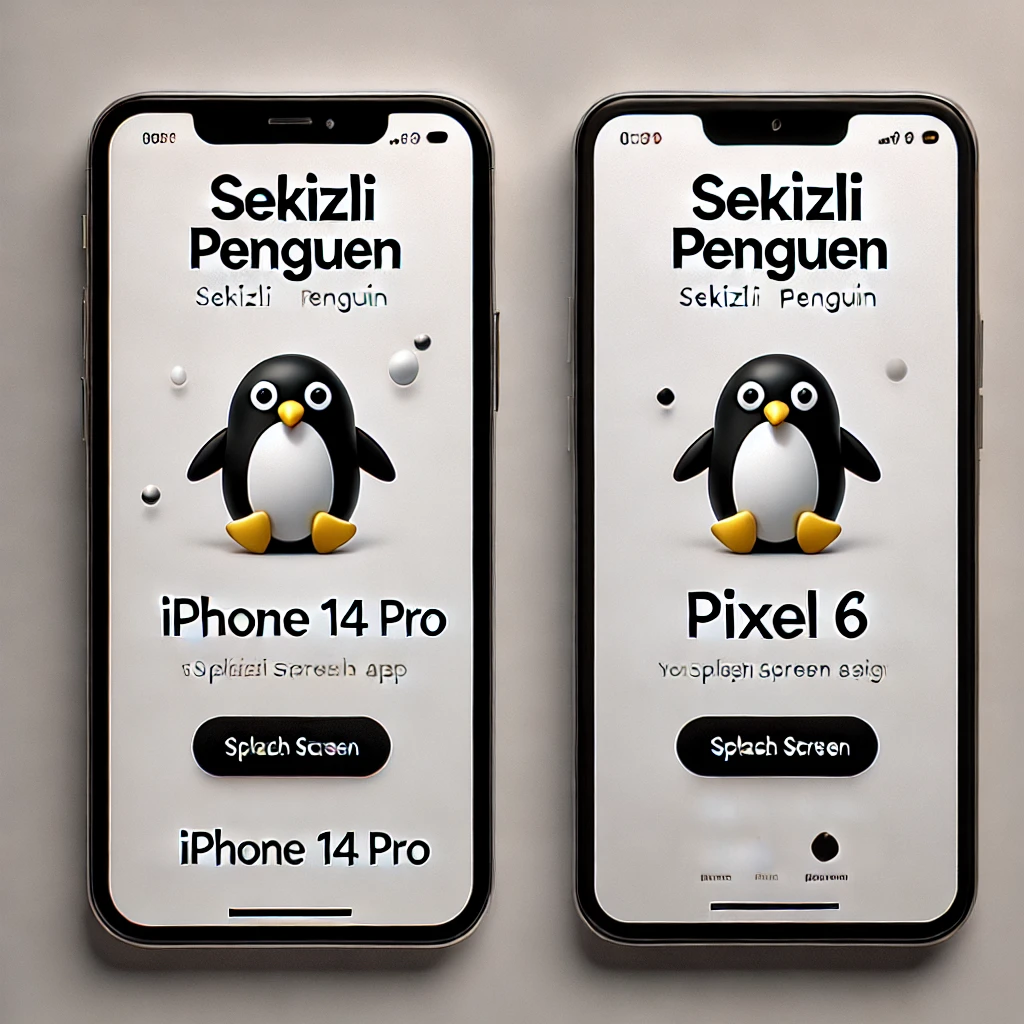
Screenshots
Splash Screen Example
Notes
- Make sure your splash image is available at the specified path.
- If any required file (e.g.,
styles.xml,colors.xml) does not exist, it will be created automatically. - The script is non-destructive and will not overwrite existing configurations unless necessary.
Contributing
Contributions are welcome! Please submit an issue or pull request on the GitHub repository.
License
MIT © Sekizli Penguen
0.0.1
1 year ago