@talltotal/vuepress-plugin-editor
在VuePress文档中做一些简单的富文本操作。
install
yarn add -D @talltotal/vuepress-plugin-editor
# OR npm install -D @talltotal/vuepress-plugin-editor
Usage
在 config.js 中引入
module.exports = {
    plugins: [
        ['@talltotal/vuepress-plugin-editor', { editableInProd: false }]
    ]
}
在 md 文档中使用
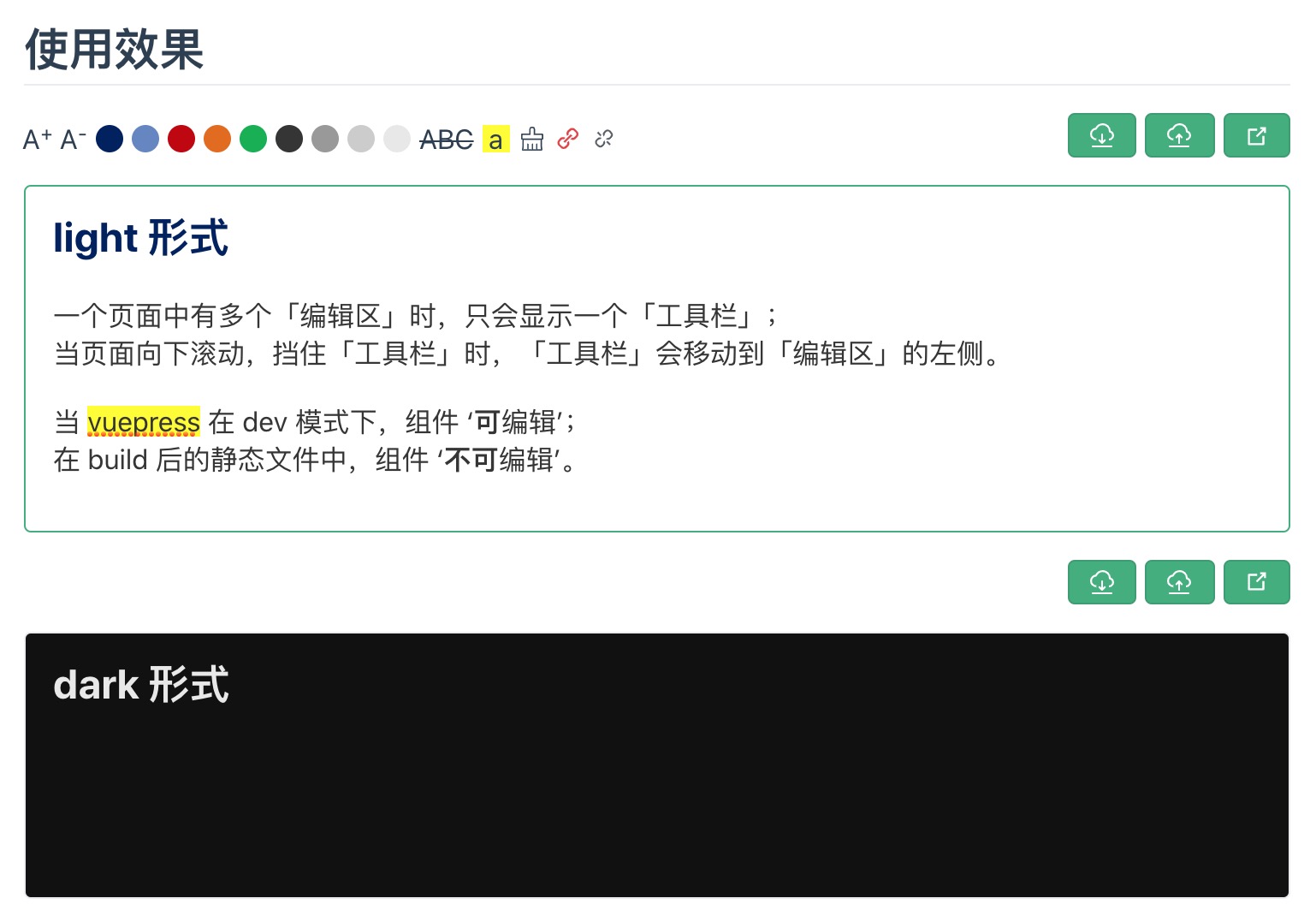
直接在文档中以组件元素的形式使用,接收两个参数:
name模块的名字,需全站唯一type‘light’或‘dark’,主题色hideControls隐藏操作区minArea在组件内划分横向的区域数
<editor name="file-name" />

<editor name="file-name1" type="dark" />
编辑区快捷键
- tab:4个空格
- command+-:字体缩小
- command++:字体放大
- command+s:保存提交
- command+b:加粗
- command+i:斜体