@tiagoboeing/nodejs-github-actions v1.1.0
NodeJS flow to GitHub Actions
Complete CI/CD flow to work with GitHub Actions.
For now the workflows work only for repositories with the master/main branch. If you are working with develop and created something, please send a PR.
This repository it's a template with the configurations for Release It package.
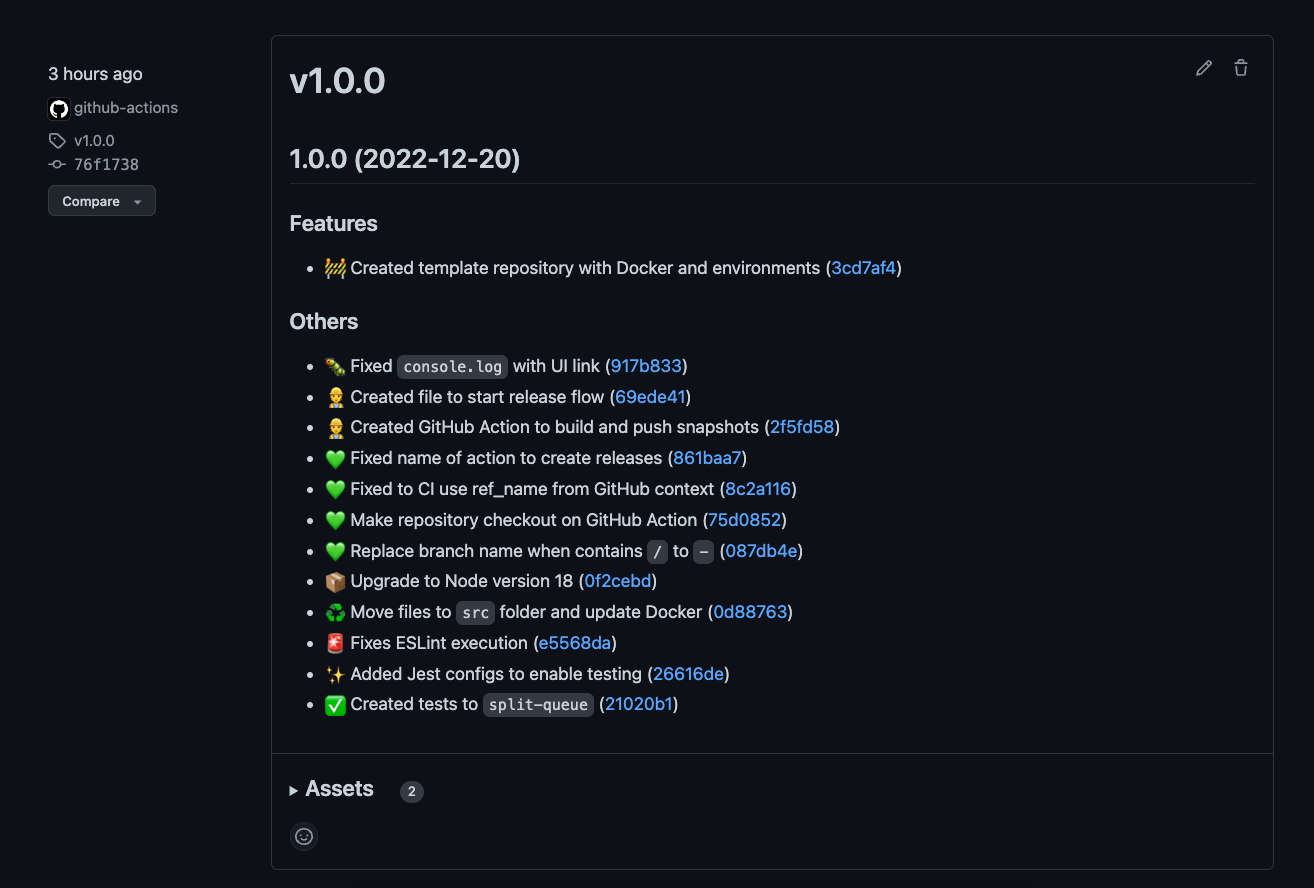
Resources
- Auto generate releases on repository;
- Auto create tags on repository;
- Auto create changelog on repository;
- Auto commit and push changes on repository;
- Handle
versionproperty onpackage.jsonfile; - Build and push Docker image to Docker Hub (you can use Docker or not, remove theses steps on workflow files);
- Publish packages to NPM (disabled by default. You will ned to change some things.)
Workflow files
| Type | File | Description |
|---|---|---|
| Create releases | .github/workflows/release.yml | Create pre-releases and releases. Needs to be dispatch via GitHub interface and fill some fields. Create tag, changelog, release and push image. |
| Snapshots | .github/workflows/snapshot.yml | Create snapshot versions to test changes in any branch/PR. Always triggered. |
| Build | .github/workflows/build.yml | Build and test app, running default NodeJS process steps. |
Examples
Notes
This repository is template with all configurations for the package release-it. Bugs or questions about needs to be opened on the original repository.
Starting
Simply use this template to create a new repository and start working on your project:
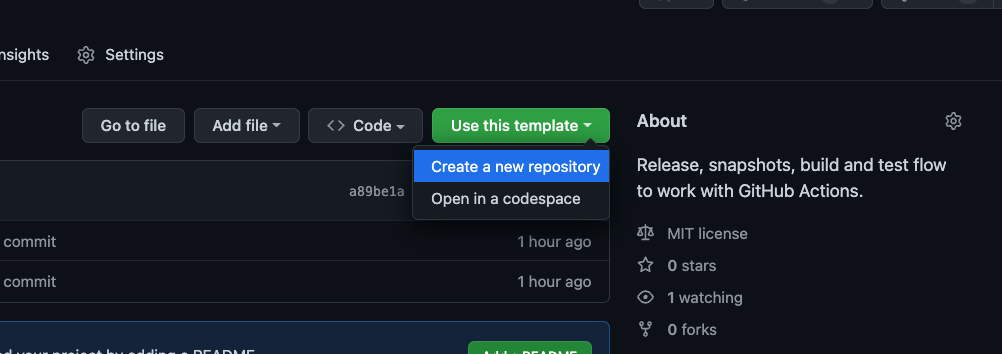 Click on "Use this template > Create a new repository".
- Go to
package.jsonand changeversionproperty to0.0.0;- Change other properties like
repository,author,license, etc.
- Change other properties like
- Change the Docker properties to your project name (or remove the files if you don't need Docker);
- Create two secrets on repository:
DOCKERHUB_USERNAMEandDOCKERHUB_TOKEN(how to create access token docs);
- Create two secrets on repository:
- Create a secret called
NPM_TOKENif you desire to publish your package to NPM; - Go to
.github/workflows/folder and replace with your project settings; - Done ✅
I don't want to use Docker
Remove Dockerfile and docker-compose.yml files and remove the steps on workflow files.
I don't want to publish to NPM
When using Docker + NPM, NPM is responsible by changing version inside package.json. If you don't planning to use NPM anymore, then go to .release-it.json and set the property npm.publish to false:
{
  "npm": {
+   "publish": false
  }
}
For NPM, you can remove NPM login on workflow files.
Troubleshooting
Need skip/delete version
Avoid this! Don't recommended!
If you removed some version from NPM or things like that and need to skip a version (I don't known why, but okay...).
Simply change the version property inside package.json to a previous version.
Example: if you desire to go to 1.0.2, change version property to 1.0.1 and run create release workflow.
License
This project is licensed under MIT License, so it means it's completely free to use and copy.