0.3.7 • Published 2 years ago
@ubique-innovation/ssi-issuer-elements v0.3.7
SSI Issuer Elements
This library provides components that can be used to display a qr code to transfer a proof to the ssimply wallet.
Installation
pnpm install @ubique-innovation/ssi-issuer-elementsUsage
The components can either be included using browser-native web components or with the generated React components. If the components are used in any environment but React, use the native web components. To do so, import the script file for each web component separately.
If you are using React, import the components from @ubique-innovation/ssi-issuer-elements/react.
Setup
Before including any component, be sure to initialize the global configuration:
import { config } from "@ubique-innovation/ssi-issuer-elements";

config.init({ baseUrl: "https://base.url" });
Components
Transfer Proof
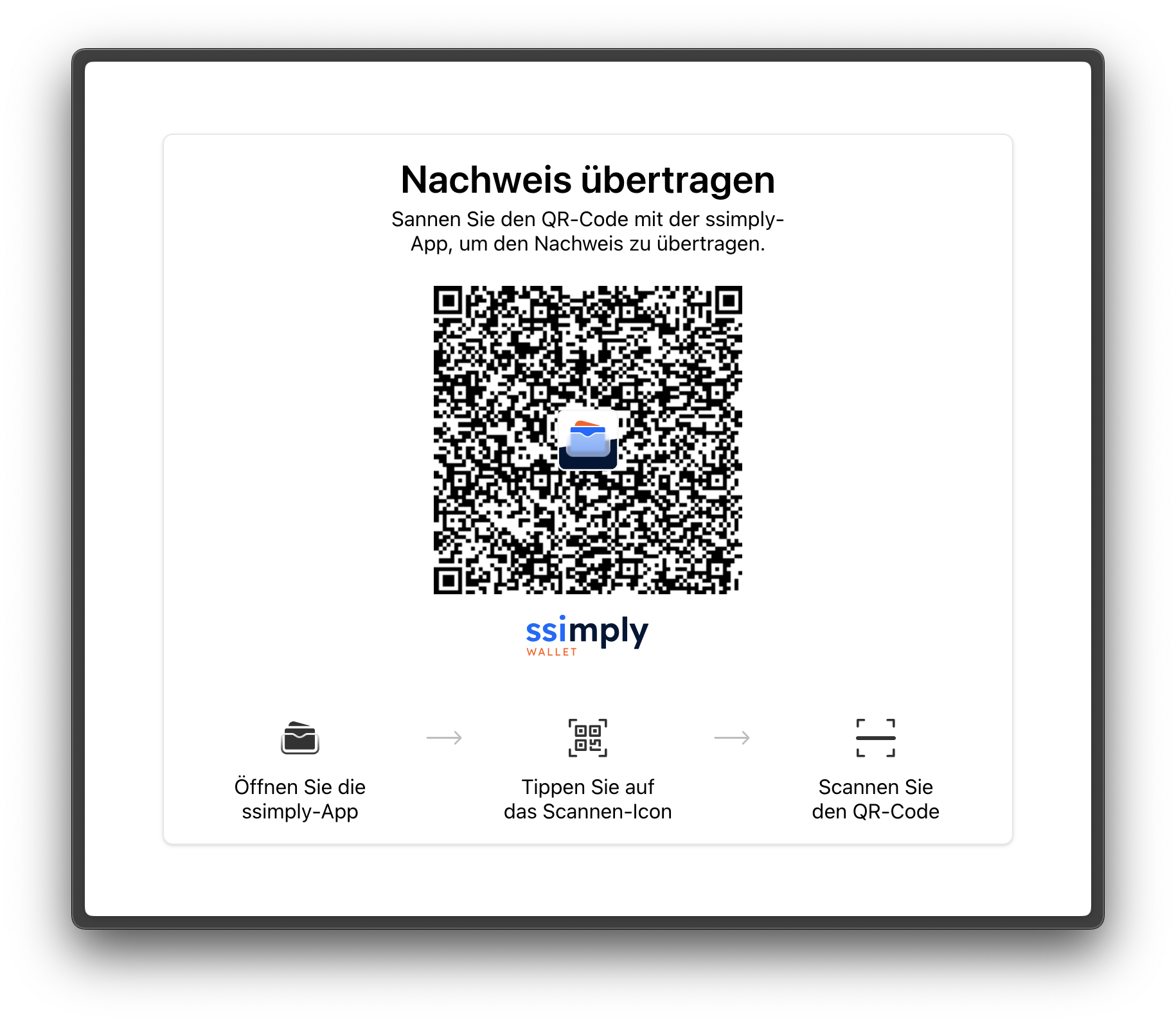
Usage
// web component
import "@ubique-innovation/ssi-issuer-elements/transfer-proof";

<ssi-transfer-proof token="your-token" credentialType="ACAPY">
  <a href="/">
    <button>Fertig</button>
  </a>
</ssi-transfer-proof>;
// react
import { SsiTransferProof } from "@ubique-innovation/ssi-issuer-elements/react";
<SsiTransferProof token="your-token" credentialType="ACAPY">
<a href="/">
<button>Fertig</button>
</a>
</SsiTransferProof>;Attributes
| name | type | default | required | description |
|---|---|---|---|---|
token | string | – | yes | the token that is used to create the invite |
credentialType | "ACAPY" \| "OID4VCI" | "ACAPY" | No | An optional credential type. |
qrCodeLogoSrc | string | ssimply Logo | No | An optional logo src (dataURI or path). |
belowQrCodeSrc | string | ssimply Logo | No | An optional below QR-Code logo src (dataURI or path). |
hideBelowQrCodeImg | boolean | false | No | An optional boolean to hide image below QR-Code |
issuerSlug | string | – | No | An optional issuerSlug. |
walletName | string | "ssimply" | No | An optional wallet name. |
Slot
The children are inserted into the confirmation screen. This slot is intended to show a button that links to some other screen after the proof was transferred successfully.