@vindicia/pretty-quick v1.6.2
pretty-quick
Trigger





Get Pretty Quick
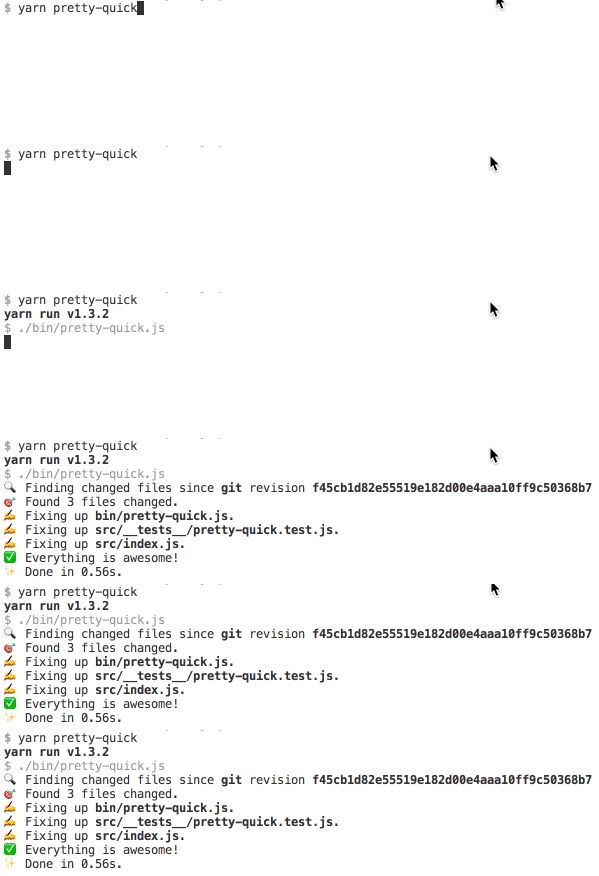
Runs Prettier on your changed files.
Supported source control managers:
- Git
- Mercurial
Install
With yarn:
yarn add --dev prettier pretty-quickWith npm:
npm install --save-dev prettier pretty-quickUsage
With yarn:
yarn pretty-quickWith npx: (No install required)
npx pretty-quickWith npm:
- Add
"pretty-quick": "pretty-quick"to the scripts section ofpackage.json. npm run pretty-quick
Pre-Commit Hook
You can run pretty-quick as a pre-commit hook using husky.
For Mercurial have a look at
husky-hg
yarn add --dev huskyIn package.json's "scripts" section, add:
"precommit": "pretty-quick --staged"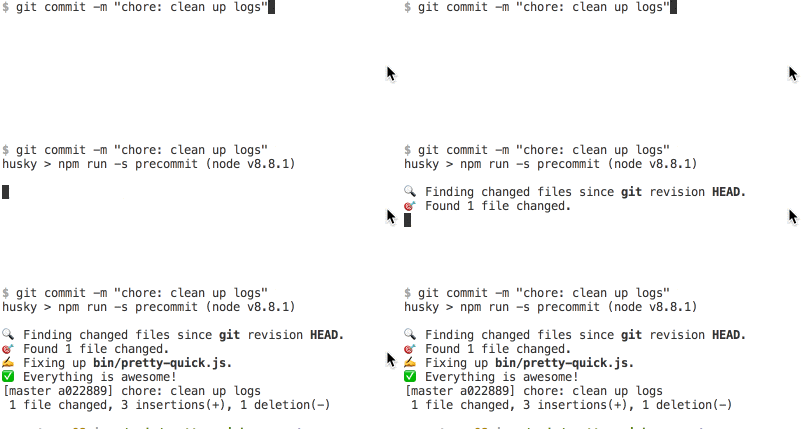
CLI Flags
--staged (only git)
Pre-commit mode. Under this flag only staged files will be formatted, and they will be re-staged after formatting.
Partially staged files will not be re-staged after formatting and pretty-quick will exit with a non-zero exit code. The intent is to abort the git commit and allow the user to amend their selective staging to include formatting fixes.
--branch
When not in staged pre-commit mode, use this flag to compare changes with the specified branch. Defaults to master (git) / default (hg) branch.
Configuration and Ignore Files
pretty-quick will respect your .prettierrc, .prettierignore, and .editorconfig files, so there's no additional setup required. Configuration files will be found by searching up the file system. .prettierignore files are only found from the working directory that the command was executed from.
8 years ago
8 years ago
8 years ago
8 years ago