1.0.5 • Published 6 years ago
@withvoid/make-validation v1.0.5
make-validation
Install
npm i @withvoid/make-validation --saveUsage
const makeValidation = require('@withvoid/make-validation')

const result = makeValidation((types) => {
  return {
    payload: {},
    checks: {},
  };
});

console.log('result', result.success, result.message, result.errors);
Examples
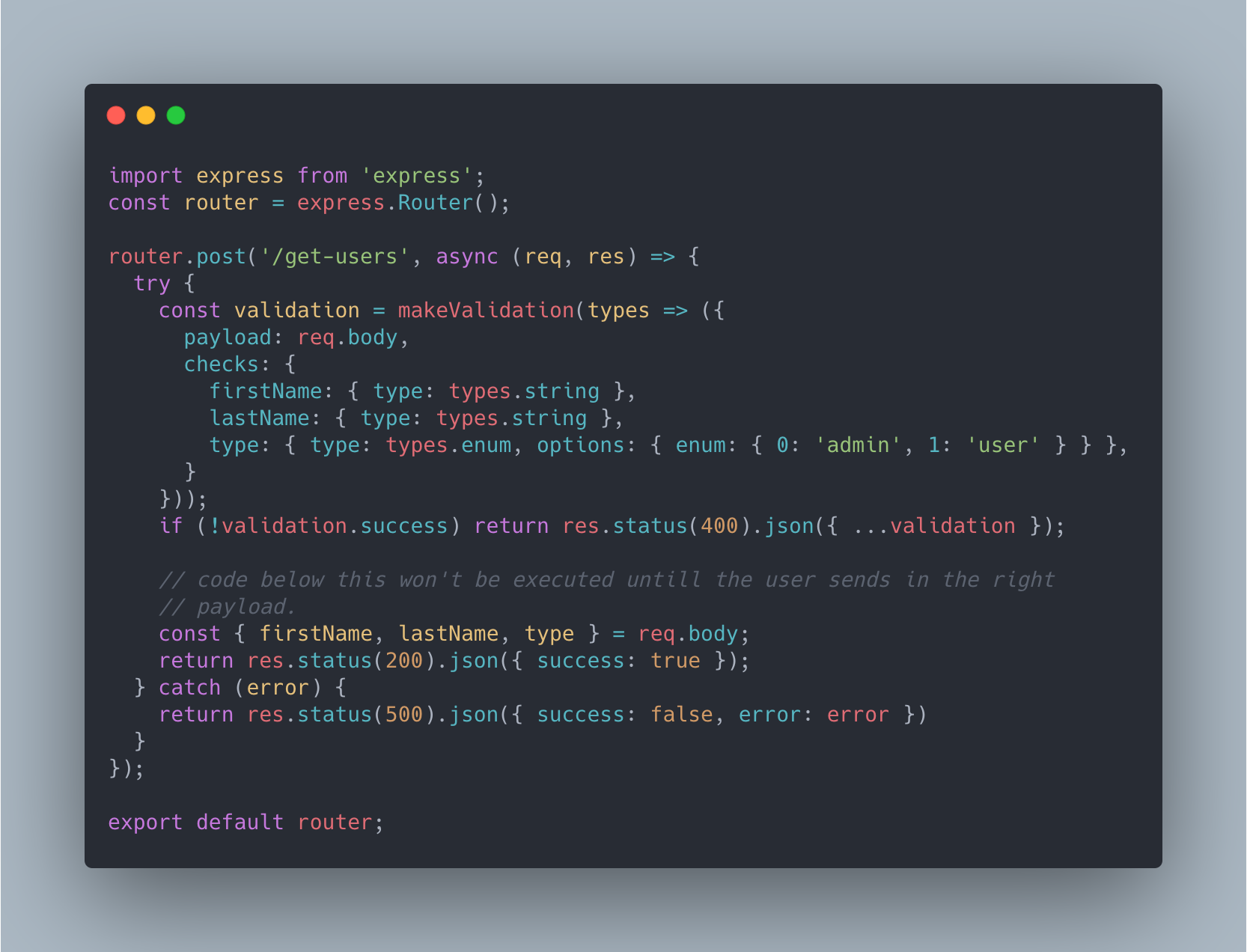
This library was intended to validate user req.body in your node/express projects for example.
See the code version example here
Api
callback
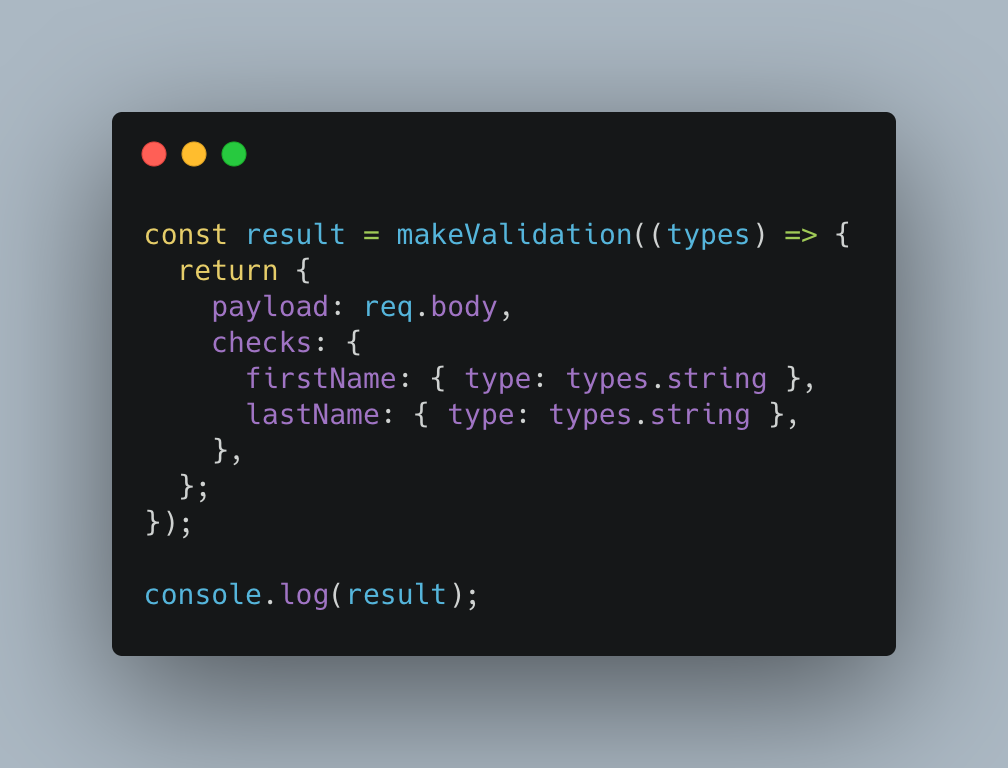
const validation = makeValidation(types => {});makeValidation method returns a callback, the callback has all the valid types of validations available.
payload
const validation = makeValidation(types => {
  return {
    payload: {
      firstName: 'john',
      lastname: 'doe'
    }
  }
});
payload is the actual data you want to verify
checks
const validation = makeValidation(types => {
  return {
    payload: {
      firstName: 'john',
      lastname: 'doe'
    }
    checks: {
      firstName: { type: types.string },
      lastname: { type: types.string },
    }
  }
});
checks will check the data in the payload if they are of the right type.
For every check type there are some options available.
types.string
options.empty(defaultfalse) will check if the string is allowed to be empty''or not.
types.array
options.unique(defaultfalse) will check if the array is unique or notoptions.stringOnly(defaultfalse) will check if the all the values in array are strings or notoptions.empty(defaulttrue) will check if the array is empty allowed or not
types.enum
options.enum(default{}, required: yes) It can be of 2 types string and object.
checks: {
  userType1: { type: types.enum, options: { enum: 'admin user' } },
  userType2: {
    type: types.enum,
    options: {
      enum: { 0: 'admin', 1: 'user' },
    },
  },
},- If
options.enumastringthe enum is seperated by space. - If
options.enumanobjectthe enum are the values in the objects.