1.1.0 • Published 3 years ago
@zegocloud/zego-uikit-prebuilt-video-conference-rn v1.1.0
Overview

If you have any questions regarding bugs and feature requests, visit the ZEGOCLOUD community .
Video Conference Kit is a prebuilt feature-rich component, which enables you to build video conferences into your app in minutes.
And it includes the business logic with the UI, you can add or remove features accordingly by customizing UI components.
| First comer's view | Later comer's view |
|---|---|
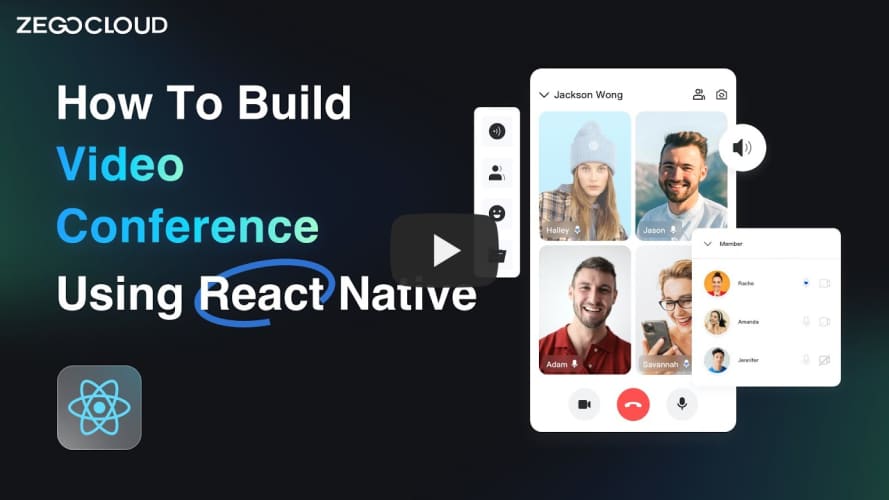
When do you need the Video Conference Kit
- Build apps faster and easier
- Want to prototype video conferences ASAP
- Consider speed or efficiency as the top priority
- Video Conference Kit allows you to integrate in minutes
- Customize UI and features as needed
- Want to customize features based on actual business needs
- Less time wasted developing basic features
- Video Conference Kit includes the business logic along with the UI, allows you to customize features accordingly
Embedded features
- Multi-user audio/video conferences
- Adaptive video layouts
- Real-time sound waves display
- Customizable UI styles
- Device management
- Extendable top/bottom menu bar
- Customizable conference title
- Member list
- Live text chat (coming soon)
- Conference join/leave notifications (coming soon)
Quick start
Integrate the SDK
Import the SDK
- Add the @zegocloud/zego-uikit-prebuilt-video-conference-rn as dependencies.
yarn add @zegocloud/zego-uikit-prebuilt-video-conference-rnOR
npm install @zegocloud/zego-uikit-prebuilt-video-conference-rn- Add other dependencies.
Run the following command to install other dependencies for making sure the @zegocloud/zego-uikit-prebuilt-video-conference-rn can work properly:
yarn add @zegocloud/zego-uikit-rn react-delegate-component zego-express-engine-reactnativeOR
npm install @zegocloud/zego-uikit-rn react-delegate-component zego-express-engine-reactnativeUsing the ZegoUIKitPrebuiltVideoConference component in your project
- Go to ZEGOCLOUD Admin Console, get the
appIDandappSignof your project. - Specify the
userIDanduserNamefor connecting the Video Conference Kit service. - Create a
conferenceIDthat represents the video conference you want to start.
// App.js
import React, { Component } from 'react';
import ZegoUIKitPrebuiltVideoConference from '@zegocloud/zego-uikit-prebuilt-video-conference-rn'

export default function VideoConferencePage(props) {
    return (
        <View style={styles.container}>
            <ZegoUIKitPrebuiltVideoConference
                appID={yourAppID}
                appSign={yourAppSign}
                userID={userID} // userID can be something like a phone number or the user id on your own user system.
                userName={userName}
                conferenceID={conferenceID} // conferenceID can be any unique string.

                config={{
                    onLeave: () => { props.navigation.navigate('HomePage') },
                }}
            />
        </View>
    );
}
Configure your project
- Android:
- Open the
my_project/android/app/src/main/AndroidManifest.xmlfile and add the following:
<uses-permission android:name="android.permission.RECORD_AUDIO" />
<uses-permission android:name="android.permission.CAMERA" />- Open
my_project/android/app/proguard-rules.profile and add the following:
iOS:
Open the
my_project/ios/my_project/Info.plistfile and add the following:<key>NSCameraUsageDescription</key> <string>We need to use the camera</string> <key>NSMicrophoneUsageDescription</key> <string>We need to use the microphone</string>
Run & Test
If your device is not performing well or you found a UI stuttering, run in Release mode for a smoother experience.
- Run on an iOS device:
yarn iosOR
npm run ios- Run on an Android device:
yarn androidOR
npm run android