0.0.12 • Published 10 years ago
AnimIt v0.0.12
AnimIt
AnimIt 是一个可扩展的补间(插值)动画库,你可以借助它轻松实现牛逼的动画效果.
初体验
var animation = anim({
    tween: new AnimIt.TweenReference({
        target: el.style,
        setter: {
            opacity: new AnimIt.TweenNumber({
                from: window.getComputedStyle(el).opacity,
                to: 0.2,
                curve: AnimIt.Easings.outBack
            })
        }
    }),
    delay: 1000,
    duration: 1000
});

animation();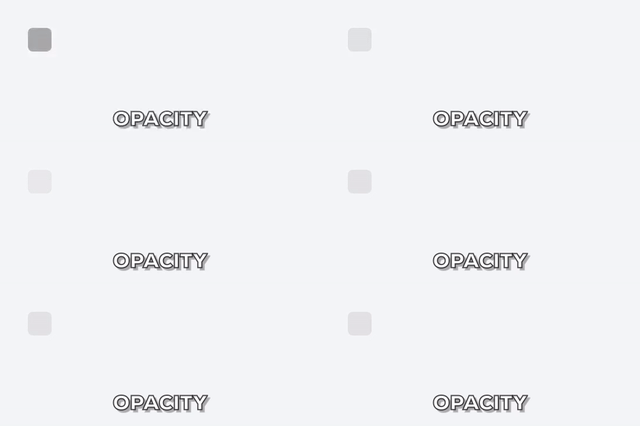
安装
npm install --save animit使用
生命周期函数
var animation = anim({
    tween: new AnimIt.TweenNumber({
        from: 0,
        to: innerWidth - 100,
        curve: AnimIt.Easings.outBounce
    }),
    duration: 1000,
    onUpdate: function(value) {
        cubeEl.style.left = value+'px';
    },
    onComplete: function() {
        cubeEl.style.backgroundColor = 'red';
    }
});

animation();
你可以定下动画的初始值和终值,然后在 onUpdate 函数里获取插值,并将插值赋给动画对象.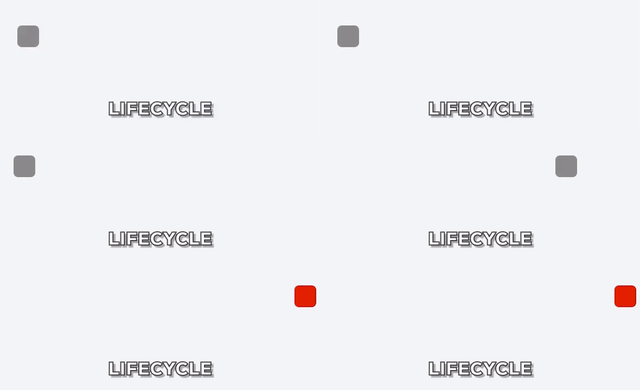
Live example on JSFiddle
不仅仅对 Number 插值,通过使用不同的 Tween 类,可对任何类型的值做插值动画.
插值 CSS Transform 动画
var animation = anim({
    tween: new AnimIt.TweenReference({
        target: cubeEl.style,
        setter: {transform: new TweenCSSTransform.default({
            to: {
                translate: [innerWidth - 200, 0, 0],
                rotate: [0, 0, Math.PI * 10]
            },
            curve: AnimIt.Easings.outBack
        })}
    }),
    duration: 1000,
    delay: 1000
});

animation();
使用内置的 TweenCSSTransform,可以把类似 {translate, rotate, skew, scale} 形式的 Transform 对象转换成浏览器接受的 CSS Transform 字符串.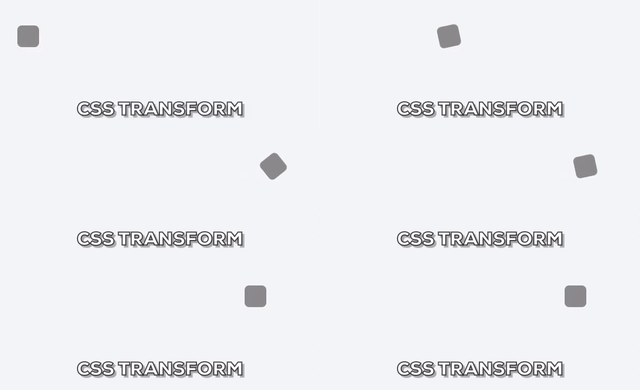
Live example on JSFiddle
使用标准 Promise 依次播放动画.
var animation = anim({
    tween: new AnimIt.TweenReference({
    target: cubeEl.style,
        setter: {transform: new TweenCSSTransform.default({
            to: {
                translate: [innerWidth - 200, 0, 0],
                rotate: [0, 0, Math.PI * 10]
            },
            curve: AnimIt.Easings.outBack
        })}
    }),
    duration: 1000
});

var animation2 = anim({
    tween: new AnimIt.TweenReference({
        target: cube2El.style,
        setter: {transform: new TweenCSSTransform.default({
            to: {
                translate: [innerWidth - 200, 0, 0],
                rotate: [0, 0, Math.PI * 10]
            },
            curve: AnimIt.Easings.outBack
        })}
    }),
    duration: 1000,
    delay: 100
});

animation().then(animation2);
anim 函数返回一个标准 Promise,可以借助 Promise API 写出优雅的动画序列.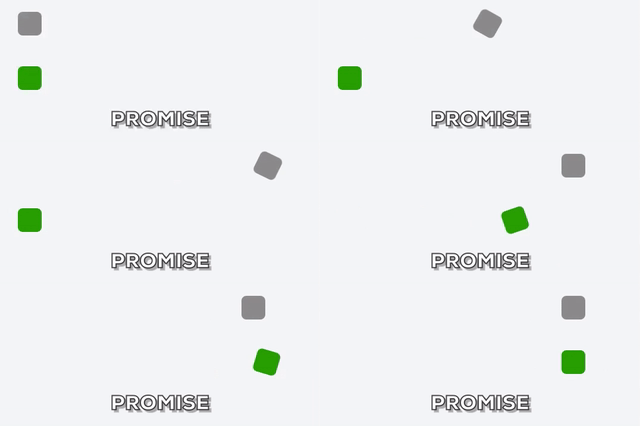
Live example on JSFiddle
通过自定义 Tween 扩展,轻松实现任何你想要的动画效果.
function TweenConcatStr(str) {
    this.str = str;
    this.get = function(progress) {
        progress = progress > 1 ? 1 : progress;
        progress = progress < 0 ? 0 : progress;
        return this.str.slice(0, Math.round(this.str.length * progress));
    };
}

anim({
    tween: new TweenConcatStr(str),
    duration: 10000,
    onUpdate: function(value) {
        area.value = value;
    }
})();
动手实现一个 Tween 扩展非常简单,只要保证你的 Tween 类有一个 get(progress) 函数即可.
get(progress) 函数接受一个 progress 参数,该参数代表当前动画执行的进度(0, 1),并返回根据进度计算出的插值.
可以看到我们仅使用相当少的代码便实现了打字机效果.
Live example on JSFiddle
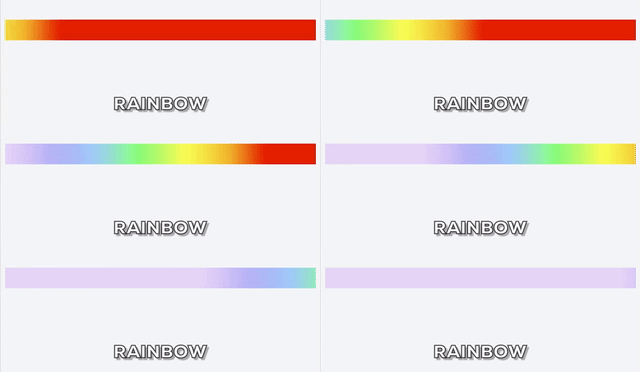
想象我们还能做到什么
依赖
AnimIt 兼容 AMD, CMD 规范,你也可以以全局变量的形式将 ./dist/anim-it.js 直接引入 Html 中. 它不依赖任何第三方库,但是会用到一些较新的 Api,你可能需要为此引入相应的 Polyfill:
requestAnimationFrame (没用过别人的 polyfill ,就不放链接了,防止坑人,可自行实现或搜索,并欢迎推荐靠谱的实现)
Object.assign (同上)
License
The MIT License.