a-mail-signature v1.1.0
a-mail-signature








Generate and modify Apple Mail E-Mail signatures via npx.
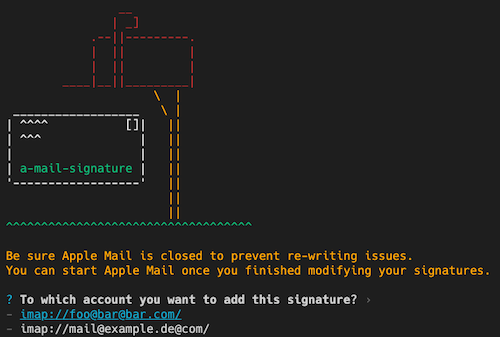
IMPORTANT NOTE: Currently this tool works just if your Apple Mail base directory is located in
~/Library/Mail. However Apple started to containerize the App and on some machines Apple Mail is now part of an app container located in~/Library/Containers/com.apple.mailand cannot be modified (at least I don't know how yet). I am working on finding out a way to achive modifying the signatures even in the containerized installation..
Usage
Be sure Apple Mail is closed before updateing the signatures
simply execte the a-mail-signature CLI by using npx:
npx a-mail-signature <option>For example:
npx a-mail-signature create "My Default Signature" template.html
npx a-mail-signature modify "My Default Signature" template2.html
npx a-mail-signature delete "My Default Signature"
You can also install the CLI globally and execute a-mail-signature after that:
npm i -g a-mail-signature
a-mail-signature <option>
E-Mail signatures will be defined as HTML.
Note: all CSS styles must be either inlined or provided inside the
<style></style>tag. An external reference to a stylesheet using<style href="style.css">is not supported.
To check if the template has been added successfully, just open Apple Mail and go to Mail > Preferences... > Signatures.
Options
All options are described in the help prompt:
npx a-mail-signature --helpDevelopment
To run an test the app locally, simply run npm start.
Building
You can build the app by running: npm build.
To clean the build directory run npm run clean
6 years ago
6 years ago
6 years ago
6 years ago
6 years ago
6 years ago
6 years ago
6 years ago
6 years ago
6 years ago
6 years ago
6 years ago
6 years ago
6 years ago
6 years ago
6 years ago
6 years ago
6 years ago
6 years ago
6 years ago
6 years ago
6 years ago
6 years ago