0.1.2 • Published 8 years ago
apkmirror2fdroid v0.1.2
apkmirror2fdroid
Mirror packages from apkmirror.com to your F-Droid Repo
Setup
You need:
- mongodb
- redis
- nodeJS
- fdroidserver
First create the repo by running mkdir repo && cd repo && fdroid init
Then install apkmirror2fdroid using npm i -g apkmirror2fdroid
Now create a config for the repo: apkmirror2fdroid genconf > config.json
Now you need to edit the repo_url and archive_url in the F-Droid repo config.py and the fdroidRepoPath in the config.json.
You may also want to change the default admin password in config.json
After that launch apkmirror2fdroid using apkmirror2fdroid launch ./config.json
Screenshots
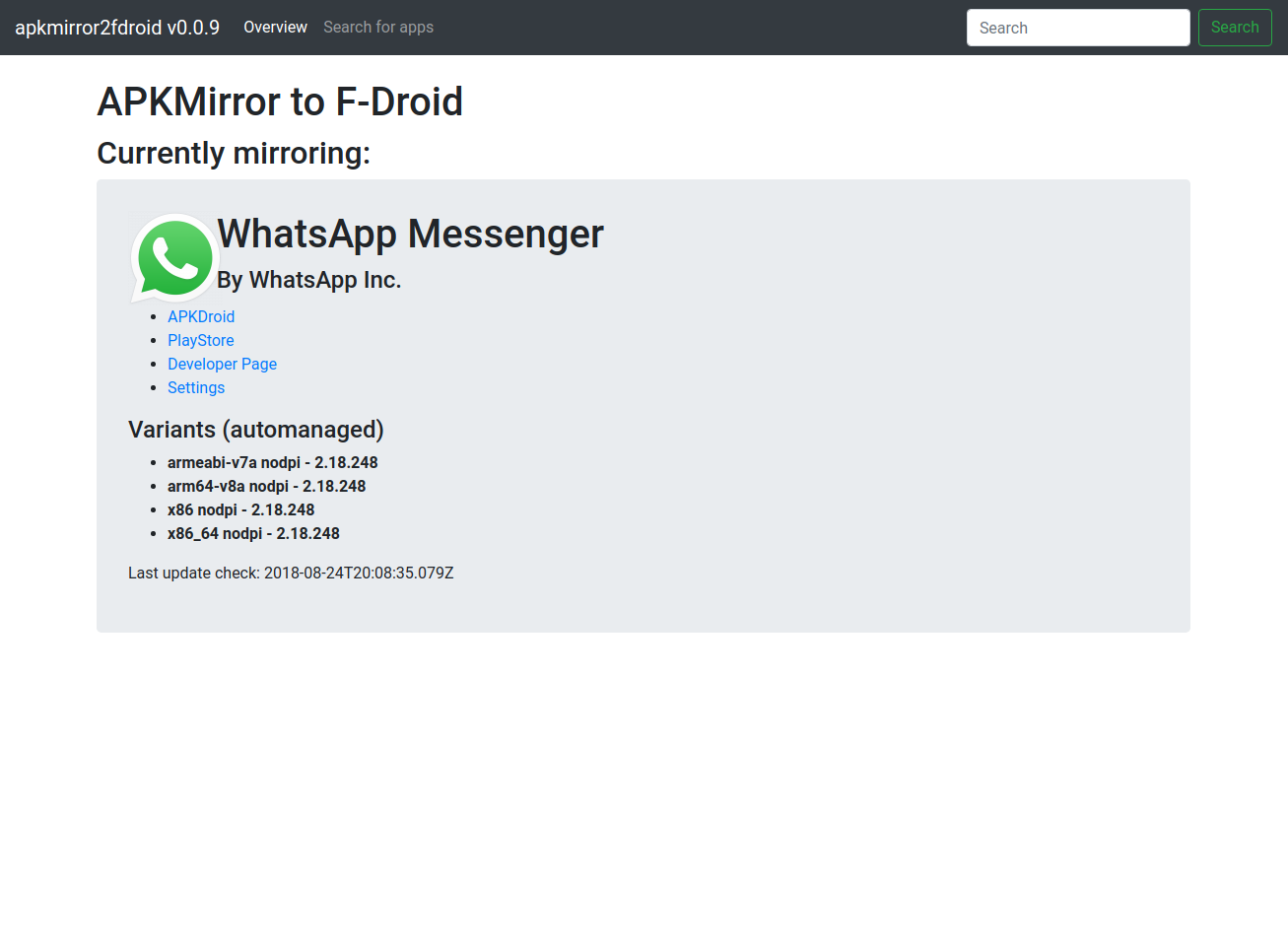
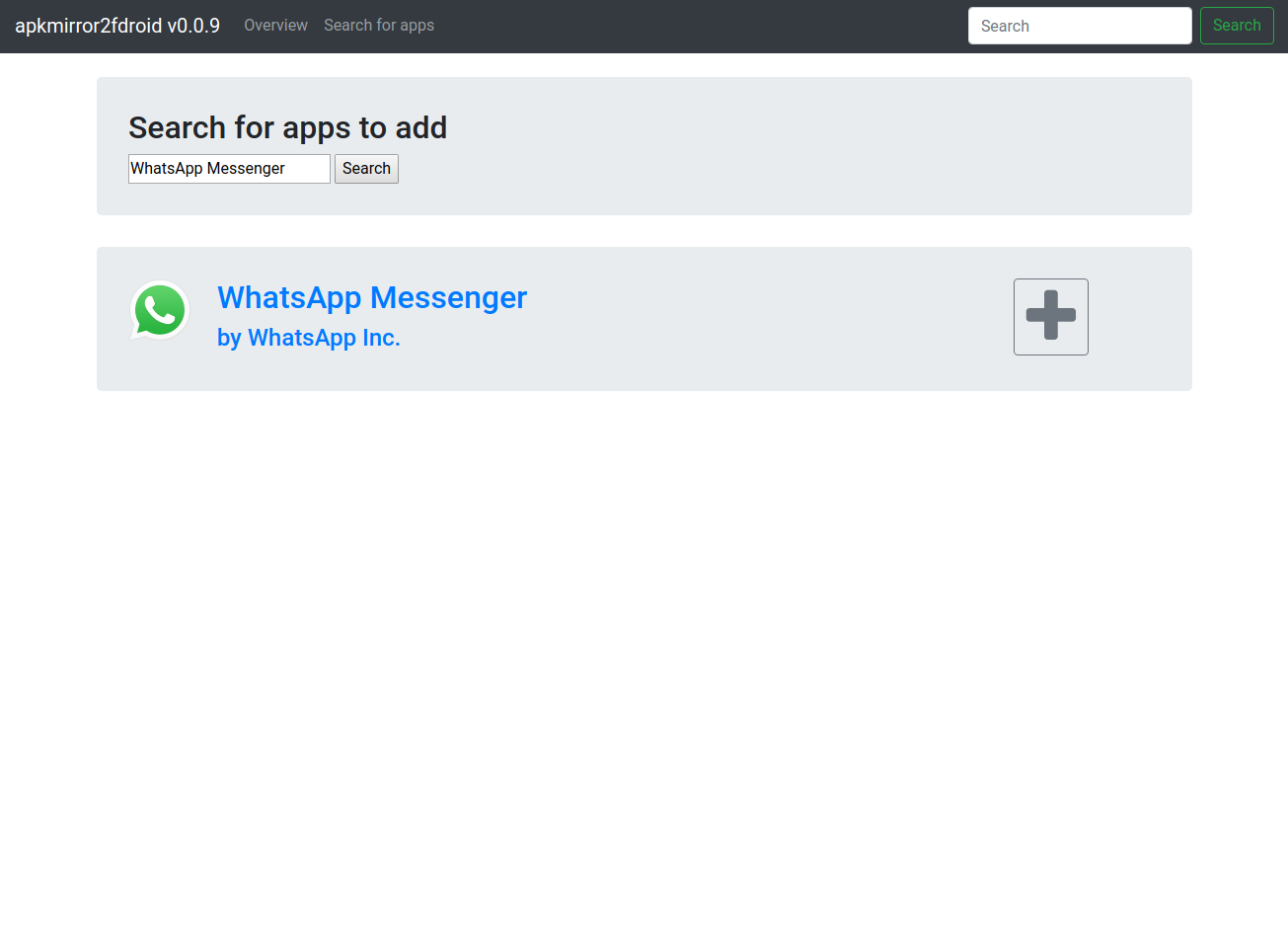
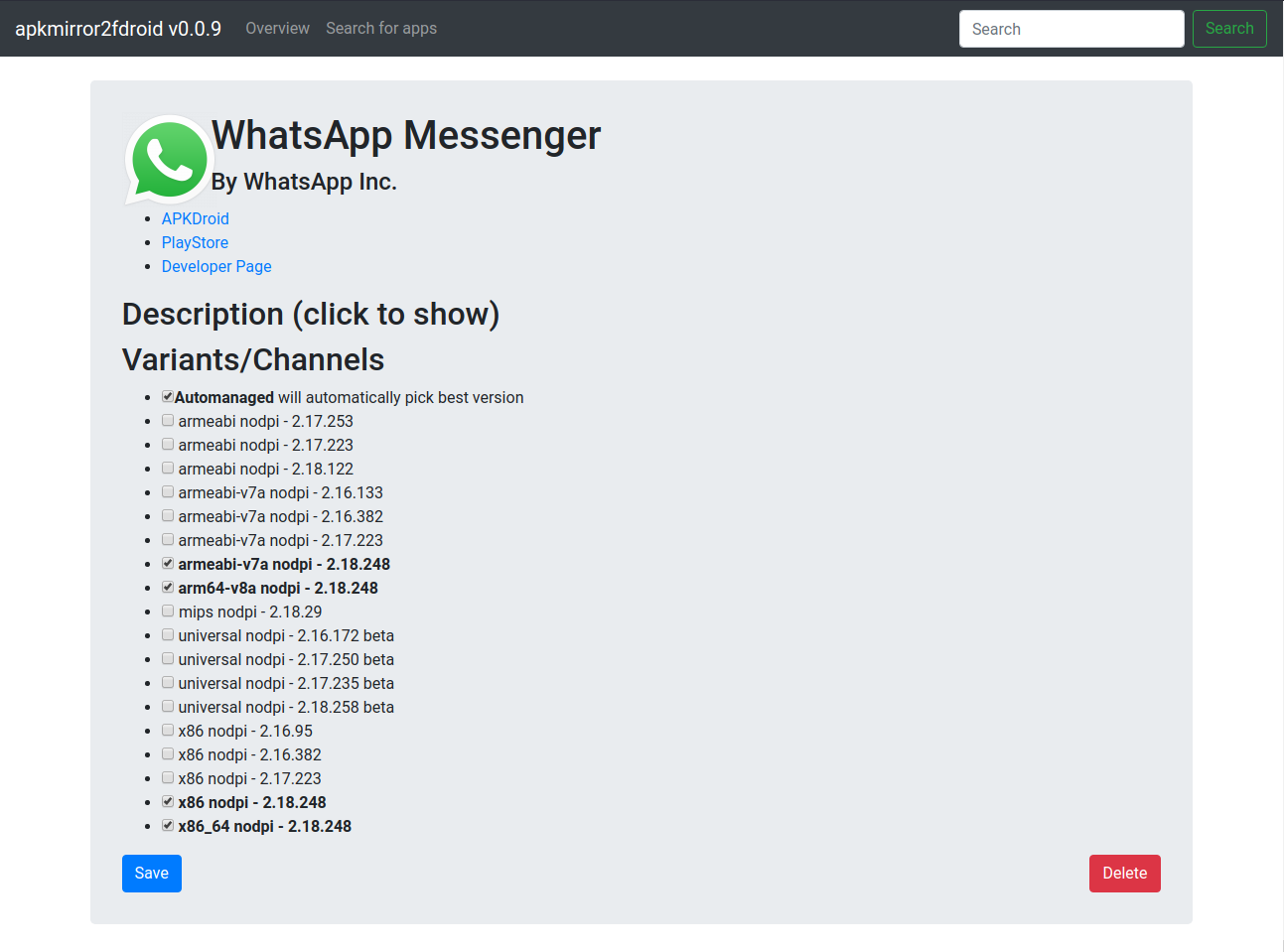
ToDos
- Adding Apps
- Repo settings
- Update checks
- Download apps
- Update repo
- Write metadata to repo