beautify-scroll v1.0.3

Beautify Scroll - Animate elements on scroll
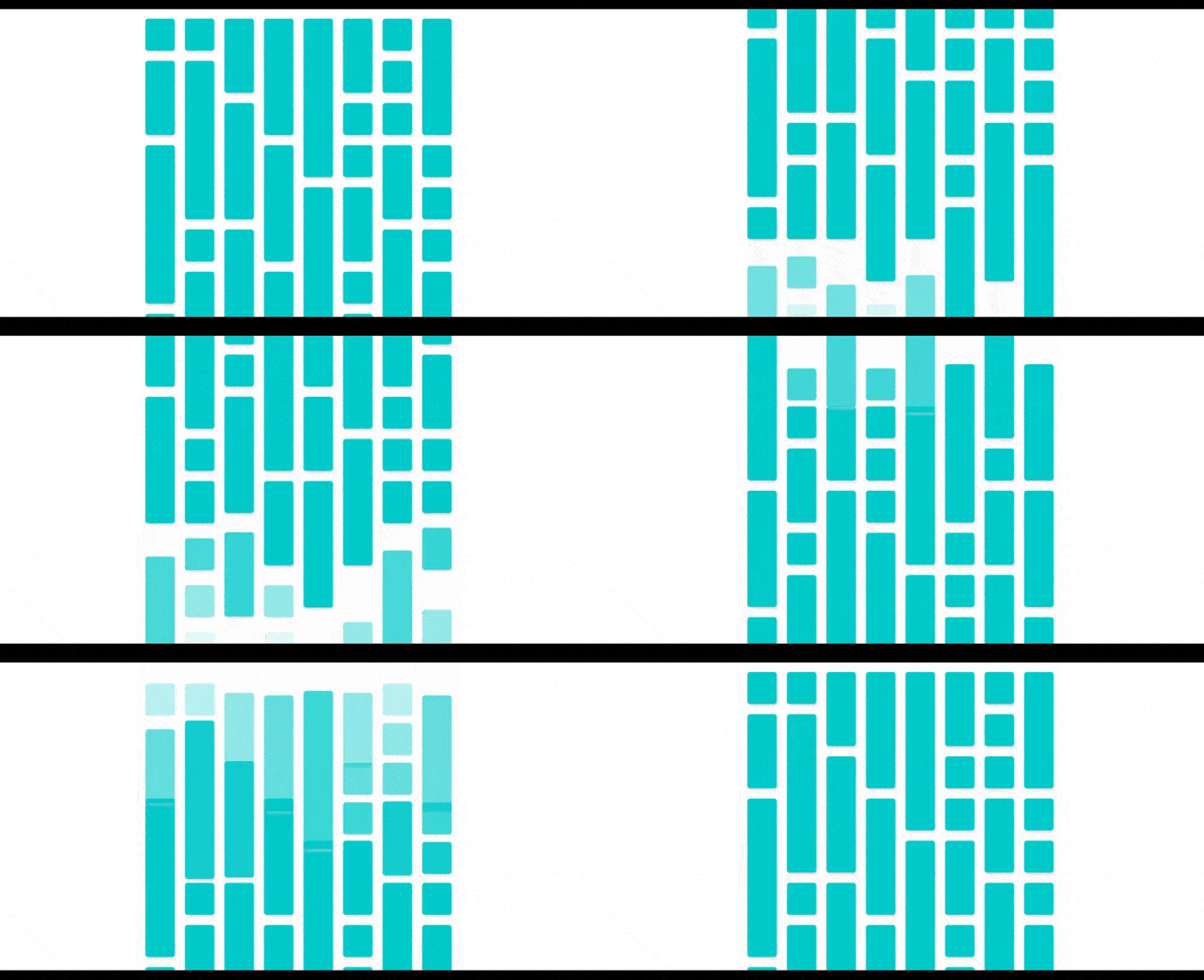
A simple library that allows you to animate elements when they enter the viewport
Installation
npm i beautify-scroll --save-devUsage
Basic
BeautifyScroll.init({
    selector: '.items'
})
By default, this will wrap items in a <span> and then watch
viewport for intersecting elements.
When an element leaves the viewport a class is added to it,
it's this one that will be used for our transition, by default it's .scroll-animated.
You are free to define the transition used, here is the demo transformations :
.scroll-animated {
    opacity: 0;
    transform: translate3d(0, 50%, 0);
}
Don't forget to add a transition for your items, here is the demo transition :
.items {
    transition: all .5s linear;
}
Advanced
const bs = BeautifyScroll.init({
    selector: '.items'
})
Listen to ready event :
bs.on('ready', () => {
    doSomething()
})
Reset the observer when adding new items to the container, useful to refresh transitions :
bs.on('update', () => bs.reset())Options
| Option | Type | Defaut | Informations |
|---|---|---|---|
selector | CSS Class | null | ex: .items |
margin | integer | 0 | Observer margin |
wrapItems | boolean | true | true due to an issue during some transitions |
callback | fn | null | Callback when items are intersecting viewport |
threshold | integer | 0 | IntersectionObserver threshold |
animationClassName | string | scroll-animated | Transition class name |
Methods
init({opts}) Initialize an instance with options
reset() Reset observer to refresh transitions
Events
ready instance is ready
update items added to parent container
Live
I use this package on one of my websites, if you want to see a live version.
A demo is also available in the package : npm run watch at http://localhost:8080/demo/