
binance-historical
Utility to retrieve historical data from Binance
Installation
Via Homebrew (macOS/Linux)
brew install maxgfr/tap/binance-historicalVia npm
npm install -g binance-historicalDownload binary
Download the latest binary for your platform from the releases page.
Usage
CLI
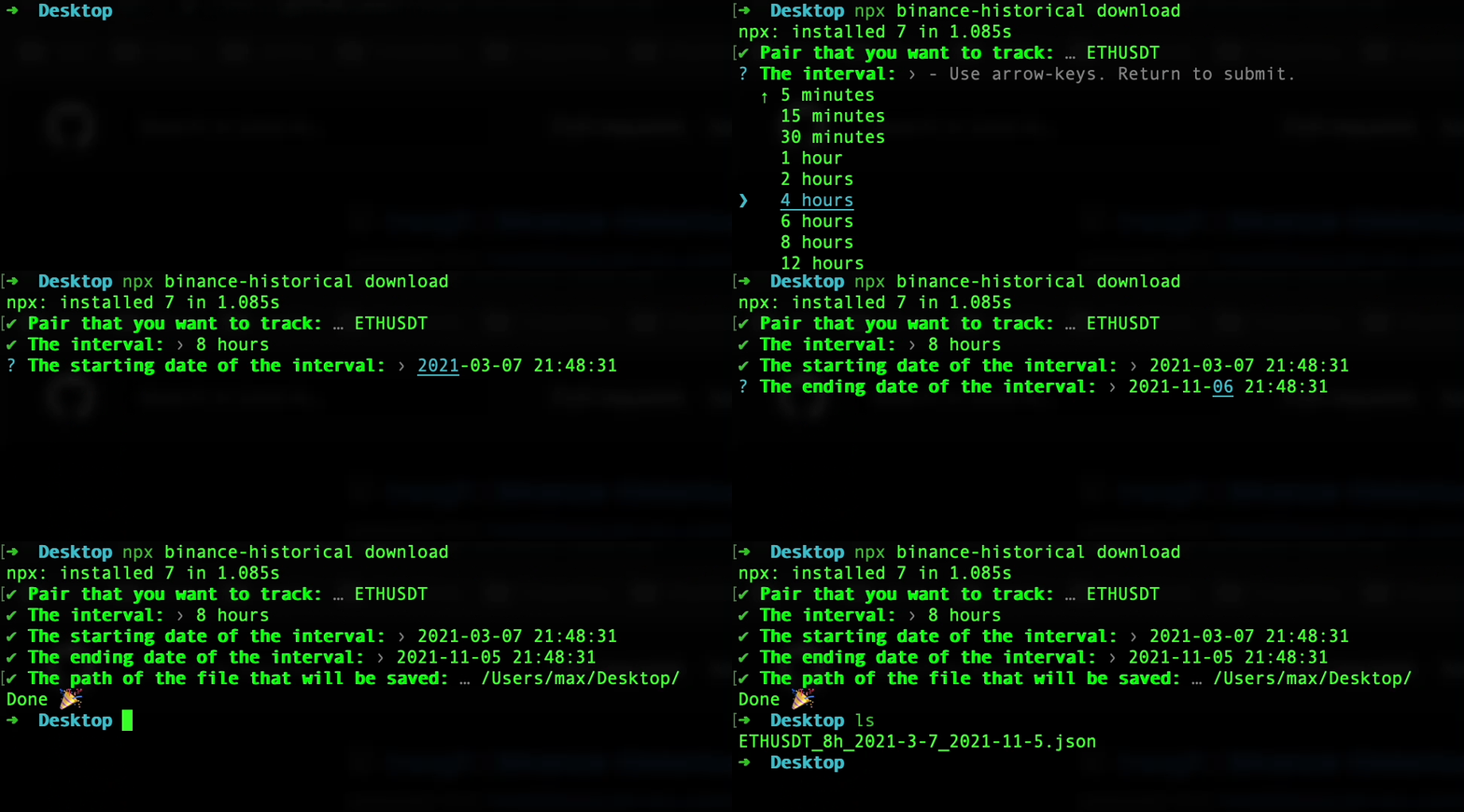
Interactive mode
binance-historical downloadNon-interactive mode
Pass all options as arguments:
binance-historical download \
  --pair BTCUSDT \
  --interval 4h \
  --start 2024-01-01 \
  --end 2024-12-31 \
  --output ./data/ \
  --format json
Export as CSV:
binance-historical download \
  --pair ETHUSDT \
  --interval 1h \
  --start 2024-01-01 \
  --end 2024-01-31 \
  --output ./data/ \
  --format csv
CLI Options
| Option | Alias | Description |
|---|---|---|
--pair <symbol> |
-p |
Trading pair (e.g., BTCUSDT, ETHUSDT) |
--interval <interval> |
-i |
Kline interval (1m, 3m, 5m, 15m, 30m, 1h, 2h, 4h, 6h, 8h, 12h, 1d, 3d, 1w) |
--start <date> |
-s |
Start date (YYYY-MM-DD or ISO 8601) |
--end <date> |
-e |
End date (YYYY-MM-DD or ISO 8601) |
--output <path> |
-o |
Output directory path (filename is auto-generated) |
--format <format> |
-f |
Output format (json or csv, default: json) |
--help |
-h |
Display help |
--version |
-V |
Display version |
Hybrid mode
You can also provide some options and be prompted for the rest:
binance-historical download --pair ETHUSDT --interval 1h # Then you will be prompted for start date, end date, and output pathLibrary
import { getKline, Kline } from 'binance-historical';

const result: Array<Kline> = await getKline(
  'ETHUSDT',
  '4h',
  new Date('01-09-2020'),
  new Date('01-12-2021'),
);

console.log(result);
// [
//   ...,
//   {
//     openTime: 1579953600000,
//     open: '159.30000000',
//     high: '161.00000000',
//     low: '158.70000000',
//     close: '160.41000000',
//     volume: '25015.67605000',
//     closeTime: 1579967999999,
//     quoteAssetVolume: '4001959.95527980',
//     trades: 14330,
//     takerBaseAssetVolume: '13000.12296000',
//     takerQuoteAssetVolume: '2079824.44045350',
//     ignored: '0'
//   },
//   ...
// ]