choo-cli v2.1.0
choo-cli 


This is a tool for generating choo apps.
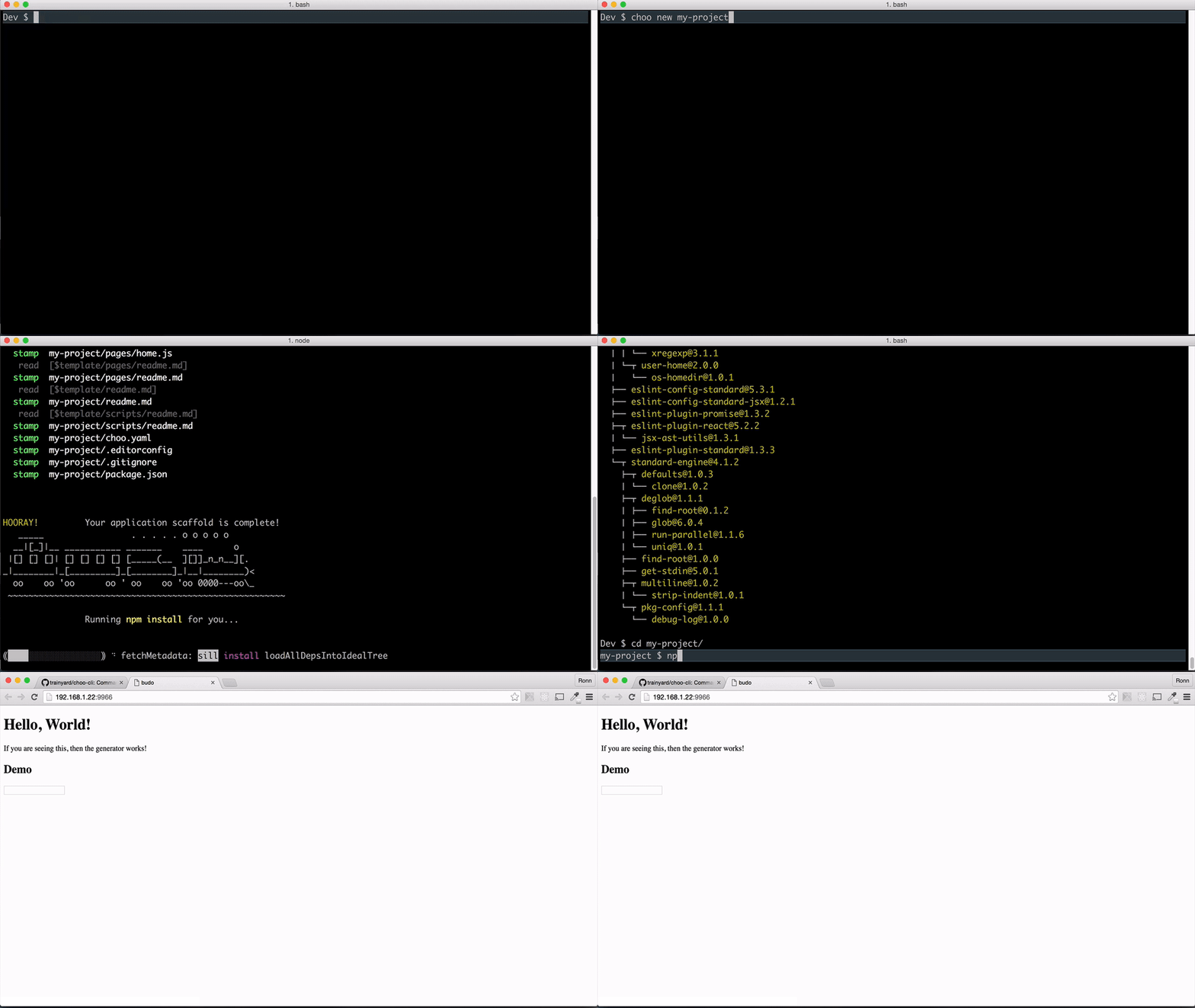
To Install (you'll need at least node v6):
npm install choo-cli -gUsing choo-cli will scaffold out a project and help generate additional files like models, pages, and elements. It also generates common scripts you can use to build/test/serve your choo app.
# generate a new project folder,
# comes with package.json, readme, and recommended structure
choo new my-new-project

# using yarn?
choo new my-new-project --yarn

# generate a new page
choo generate page my-new-page

# generate a new model
choo generate model my-new-model

# generate a new element
choo generate element my-new-element

# run your app at localhost:8080
npm start

# build your app for production
npm run build:prod

# test your app
npm test
Usage
Choo-cli runs off of node and npm, you can install choo-cli globably with the following command:
The basic signature of a choo-cli command look like this:
$ choo <command> <name> [options]For example to create a new project skeleton we can run:
$ choo new my-projectYou can now cd into my-project
$ cd my-projectChoo-cli will create a directory structure that for slim applications and reusability.
assets/        images and fonts, if you have any
elements/      standalone application-specific elements
lib/           generalized components, should be moved out of project later
models/        choo models
pages/         views that are directly mounted on the router
scripts/       shell scripts, to be interfaced with through `npm scripts`
client.js      main application entry; programmatic manifest file
package.json   manifest file
Custom templates
You can also install custom templates from Github, like this
$ choo new <project> from <github-user>/<github-repo>Custom templates must have ejs templating syntax.
Using yarn
You can have the choo-cli use yarn over npm, like this
$ choo new <project> from <github-user>/<github-repo> --yarn
# or
$ choo new <project> --yarn
# or
$ choo new <project> --yarn from <github-user>/<github-repo>
Debug mode
Choo-cli uses debug - a popular logging framework.
Enable debug mode by adding an environment DEBUG to have choo-cli* as its value
DEBUG=choo-cli* choo new ...Generators
You can use choo-cli to generate pieces of your project as you are developing. For example you can generate
Pages
$ choo generate page my-pageModels
$ choo generate model my-modelElements
$ choo generate element my-elementnpm scripts
Choo-cli was made for generating choo projects and code, and leverages npm scripts for certain project task. So in our project a set of npm scripts have already been generated that perform various tasks such as testing/serving/building/etc.
At any time you can review the complete list of npm scripts available by viewing
package.json or by running the following command:
$ npm runHere is complete list the the commands and their function
- start - start dev server at localhost:8080
- build:prod - builds your project to deploy to a server
- test - runs unit tests, for now it will just run linting.
- lint - runs eslint against your code
So for example you can run npm start to start a dev server. You can now see your
app running at localhost:8080
first time this will pull in your node deps and start a budo server
License
MIT ©
9 years ago
9 years ago
9 years ago
10 years ago
10 years ago
10 years ago
10 years ago
10 years ago
10 years ago
10 years ago
10 years ago
10 years ago
10 years ago
10 years ago
10 years ago
10 years ago
10 years ago
10 years ago
10 years ago
10 years ago
10 years ago
10 years ago