
Color Picker Svelte




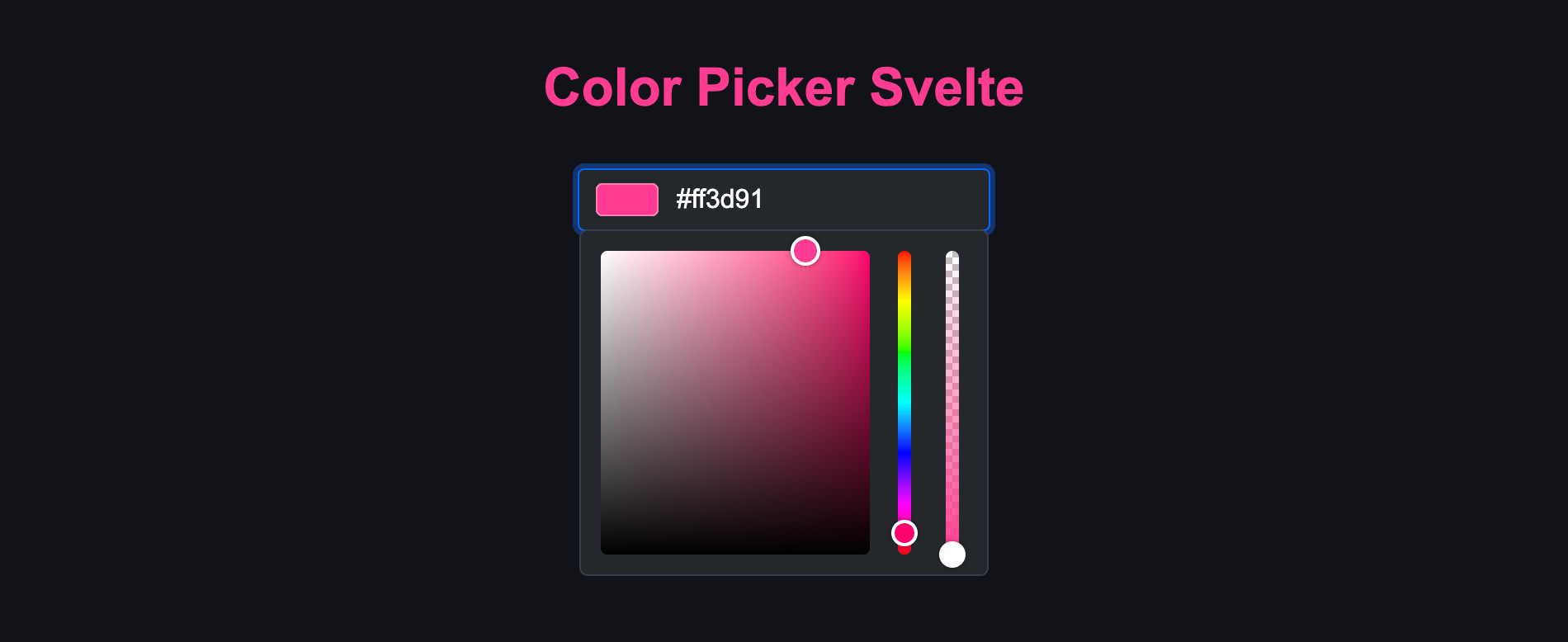
Color picker for Svelte
Install
npm install color-picker-svelteUsage
<script>
  import { Color, ColorInput } from 'color-picker-svelte'

  let color = new Color('#ff3d91')
</script>

<ColorInput bind:color title="Color" />
Dev instructions
Get started
- Install Node.js
- Run
npm install
Commands
npm run dev: Start in dev modenpm run build: Buildnpm run lint: Lintnpm run format: Format
Publish new version
- Update
CHANGELOG.md - Check for errors
npm run lint - Bump the version number
npm version --no-git-tag <version> - Generate the package
npm run package - Publish the package
npm publish - Commit with a tag in format "v#.#.#"
- Create GitHub release with release notes