1.3.4 • Published 9 years ago
create-npm-package-scaffold v1.3.4


create-npm-package
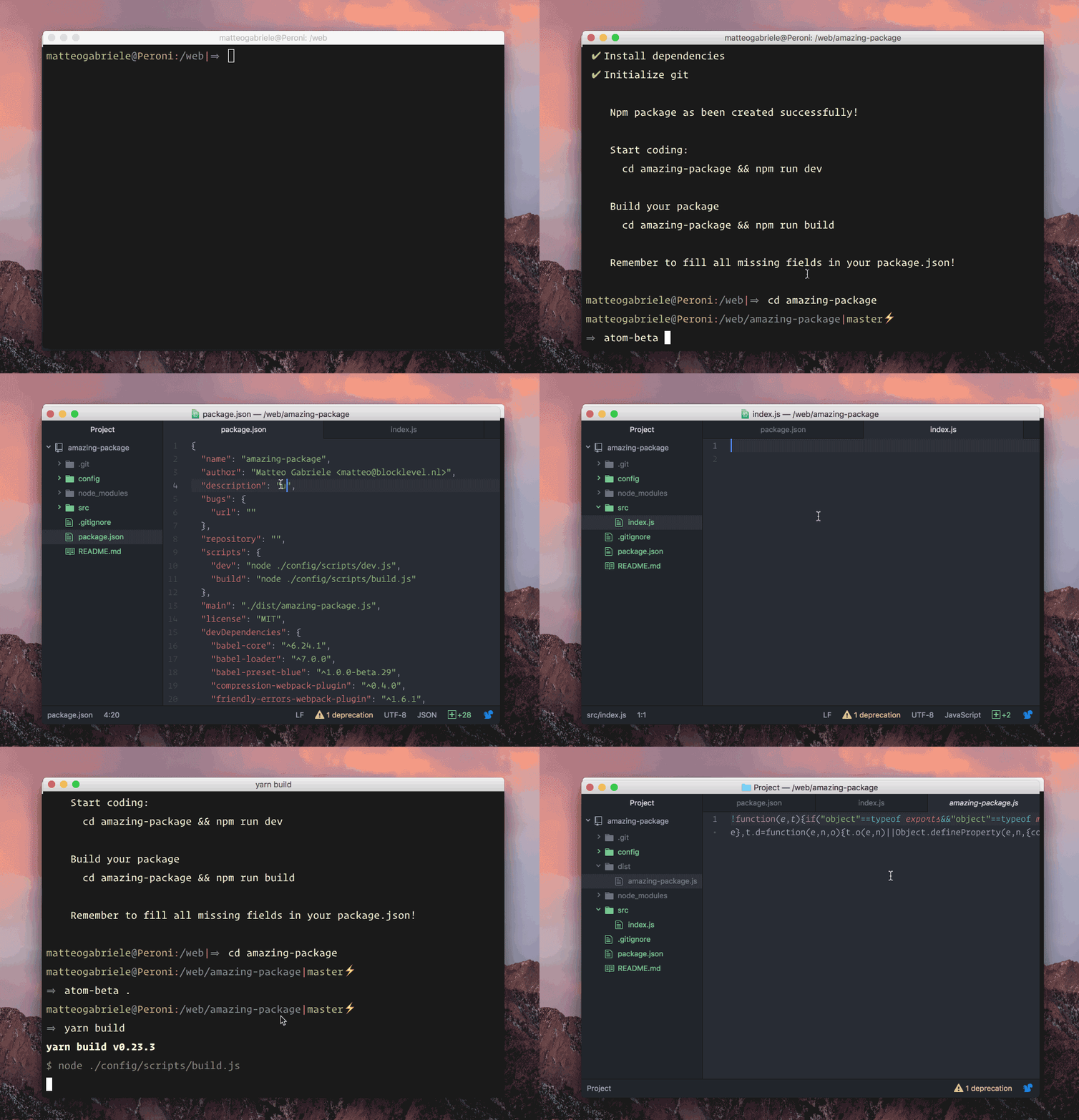
Creates an npm package boilerplate that you don't have to write again.
Install
$ npm install -g create-npm-packageUsage
Create new package
$ create-npm-package my-packageSkip the npm name check
The existance of the package name is checked automatically, but you can skip it!
$ create-npm-package my-package --skip-checkSkip git initialization
Git is initialized on package creation, but you can skip it!
$ create-npm-package my-package --skip-gitUse Yarn to install dependencies
$ create-npm-package my-package --yarnGit configuration
To be able to grab your git global data and add them to the package.json automatically, you need to
$ git config --global user.name 'your name'$ git config --global user.email 'your@email'and if you want to add also the repository url, just run
$ git config --global user.url 'https://github.com/your_account_name'Issues and features requests
Please drop an issue, if you find something that doesn't work, or a feature request at https://github.com/MatteoGabriele/create-npm-package/issues
Follow me on twitter @matteo_gabriele