

Documentation
╰┈ Quick Start
npm install cropifyconst { cropImage } = require('cropify');
const fs = require('fs');
// Basic cropping
const result = await cropImage({
imagePath: 'input.jpg',
width: 800,
height: 600,
cropCenter: true
});
fs.writeFileSync('output.png', result);≪ ◦ ✦ ◦ ≫
╰┈ API Reference
Main Function cropImage(options: CropifyOptions)
Crops and manipulates an image based on the provided options. Parameters:
options- Configuration object with the following properties:
Basic Options
{
    imagePath: string | Buffer | URL;  // Input image path or buffer
    x?: number;                        // X coordinate (default: 0)
    y?: number;                        // Y coordinate (default: 0)
    width?: number;                    // Output width (default: original)
    height?: number;                   // Output height (default: original)
    borderRadius?: number;             // Rounded corners radius
    circle?: boolean;                  // Circular crop
    cropCenter?: boolean;              // Center the crop
}
Advanced Options
{
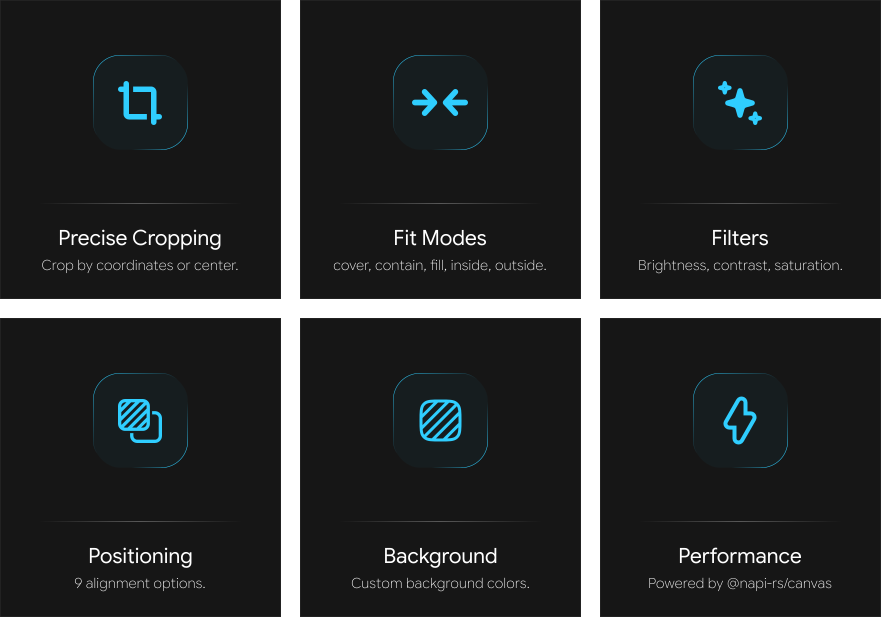
    fit?: 'cover' | 'contain' | 'fill' | 'inside' | 'outside';
    position?: 'center' | 'top' | 'bottom' | 'left' | 'right' | 'top-left' | 'top-right' | 'bottom-left' | 'bottom-right';
    background?: string;               // Background color (CSS color)
}
Shape Options
{
    shape?: {
        type: 'rectangle' | 'circle' | 'polygon' | 'star' | 'custom';
        sides?: number;                // For polygon/star (3+)
        points?: Array<{x: number, y: number}>; // For custom shapes (%)
        customPath?: string;           // SVG path (planned)
    }
}
Filter Options
{
    filters?: {
        brightness?: number;           // -100 to 100
        contrast?: number;             // -100 to 100
        saturation?: number;           // -100 to 100
        blur?: number;                 // 0 to 20
        grayscale?: boolean;           // Convert to grayscale
        sepia?: boolean;               // Apply sepia tone
        invert?: boolean;              // Invert colors
        hue?: number;                  // Hue rotation (0-360)
    }
}
Output Options
{
    output?: {
        format?: 'png' | 'jpeg' | 'webp';
        quality?: number;              // 0-100 (JPEG/WebP only)
        progressive?: boolean;         // Progressive JPEG (planned)
        adaptiveQuality?: boolean;     // Adaptive quality (planned)
    }
}
≪ ◦ ✦ ◦ ≫
Support Server