cumulocity-kitchensink v1.1.1
cumulocity-kitchensink



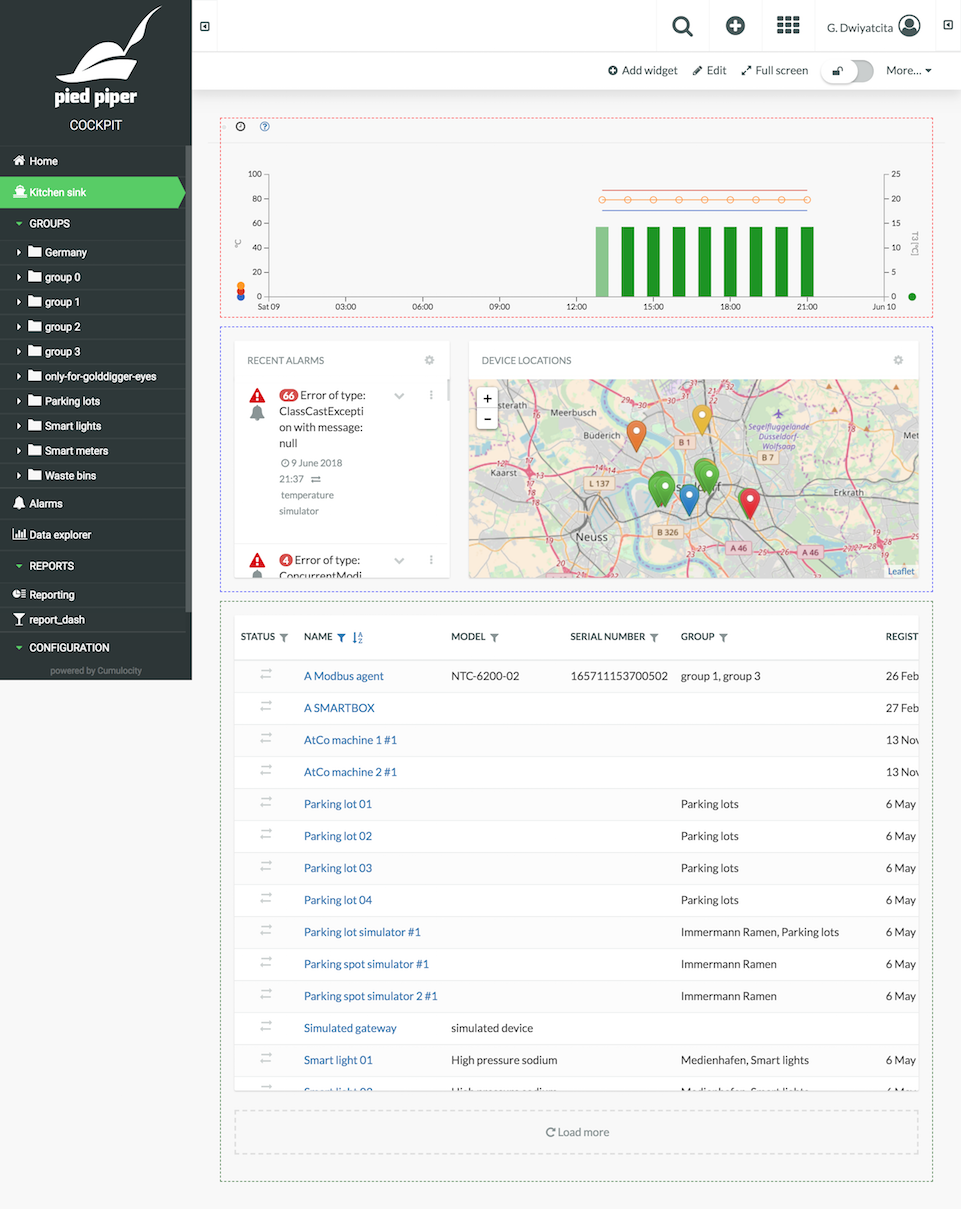
A Cumulocity "kitchen sink" container app for showcasing the usage of some rather "advanced" Cumulocity UI services and components, as well as revealing the mechanics to extend/adapt the default applications.
Why?
Make less effort to answer repeated questions. Care less about that "pebbles and sands" bombardment. Come to the office later, go home sooner. Travel places, give more meaning to life, fill my obituary with the values that truly matter.
Installation
Make sure you have Node.js LTS installed and npm from its website, or better even, use nvm.
Install yarn.
Install cumulocity-tools.
Clone the repo,
cdto your project directory.Adapt the UI build version you want to develop against:
$ c8y install [ui_build_version]- Install dependencies:
$ yarn install:cleanUsage
Create new plugins or update existing ones under
pluginsdirectory.In the target file, plugins can be added, removed, or replaced from the default applications (i.e. Administration, Device management, and Cockpit) by using
addImports,removeImports, andreplaceImportsrespectively.Start your development server by using either of the two following commands:
c8y server -k -t kitchensink -u <your_tenant_url>.yarn start <your_tenant_url>.
Find the running kitchen sink (extended Cockpit) app at: https://localhost:9000/apps/cockpit/#/kitchensink.
Build
$ c8y build:target kitchensinkUnit testing
Not provided. BAD dog. 🐶📛
$ yarn testAuthor
Glenn Dwiyatcita (@dwiyatci)
License
MIT.
See LICENSE.txt.