1.0.4 • Published 6 years ago
gallery-scroller v1.0.4
a light-weight React full screen gallery Scroller Component.
NEW VERSION
- automatically adapt browser window size
- rotate if you add duration field
Enjoy
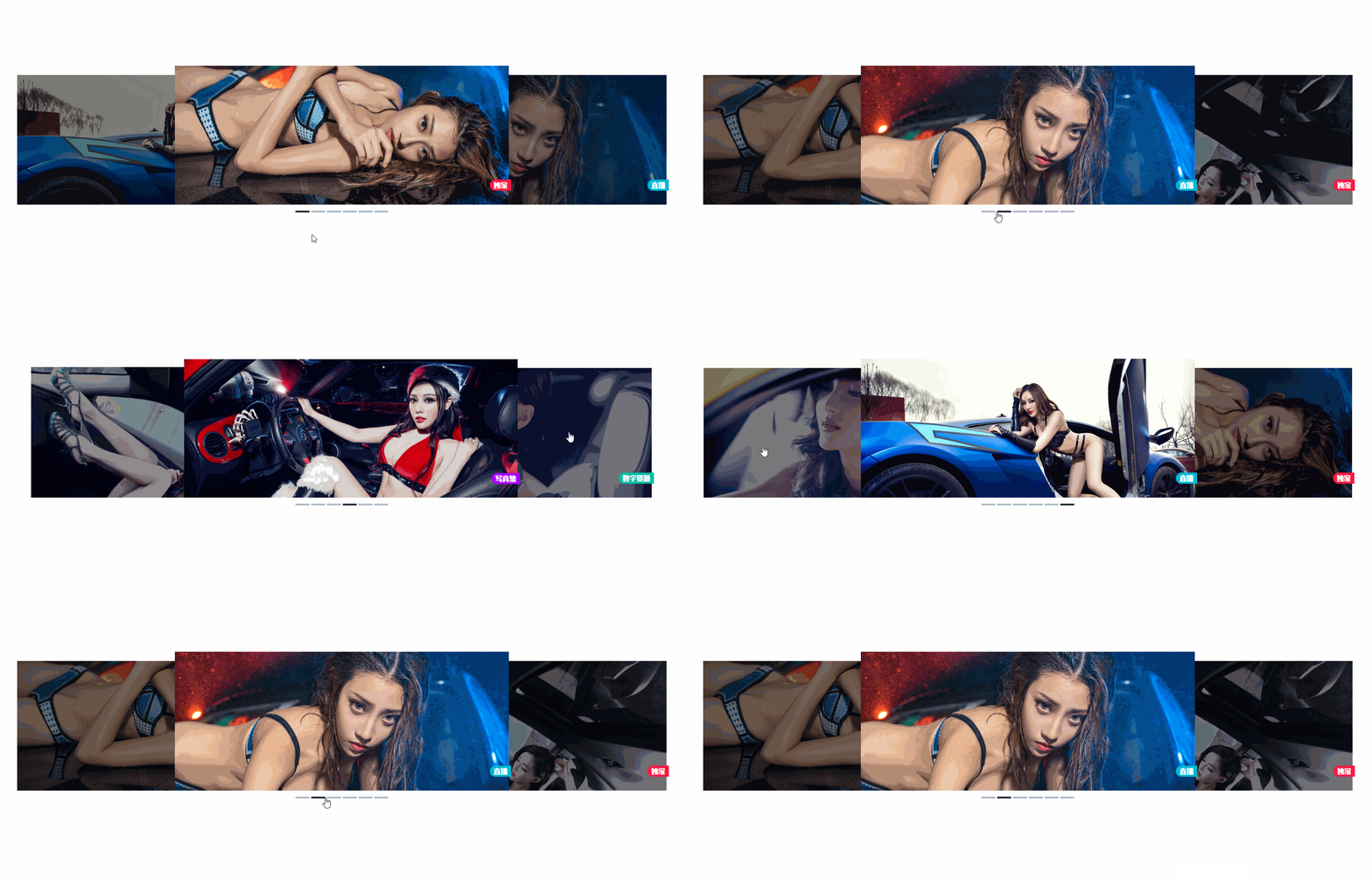



Installation
npm i gallery-scrollerDemo
npm startbefore that you should put your images into ./resources/demoImg or wherever path your code can catch them ,it's up to your convenience.have fun.
Usage
old version
import GalleryScroller from 'gallery-scroller';

const resourcespropsList = [{...},{...},{...},{...},{...},{...},]
// resourcespropsList is Array about the Gallery Object.
// you can rename it to whatever you want.
const MyGalleryList = () => {
    <GalleryScroller list={resourcespropsList}/>
}
new version
- automatically adapt browser window size
- rotate if you add duration field
import SelfAdaptionGalleryScroller from 'gallery-scroller';

const resourcespropsList = [{...},{...},{...},{...},{...},{...},]
// resourcespropsList is Array about the Gallery Object.
// you can rename it to whatever you want.
const MyGalleryList = () => {
    <SelfAdaptionGalleryScroller list={resourcespropsList}/>
}
API
| param | detail | type | require* |
|---|---|---|---|
| list | Gallery object list (only available for images) | GalleryObject | true |
CardList - Example
old version
const resourcespropsList = [{...},{...},{...},{...},{...},{...},]

const MyGalleryList = () => {
    <GalleryScroller list={resourcespropsList}/>
}
new version
const resourcespropsList = [{...},{...},{...},{...},{...},{...},]

const MyGalleryList = () => {
    <SelfAdaptionGalleryScroller list={resourcespropsList}/>
}
GalleryObject
| param | detail | type | require* |
|---|---|---|---|
| img | import object for image which each 'div' box display via relative url | object | true |
| marker | the label about img you want to display(categray or the info) | string | true |
| color | the background color for the marker | string | true |
| onClick | onClick Event handler(use it to route to the detail of the page) | function | false |
| duration | duration of rotate the gallery photos, default for 3000ms only in new version for SelfAdaptionGalleryScroller | number | false |
CardObject - Example
old version
import Img from '../resources/demoImg/9.jpg';
{
        img: Img,
        marker: '直播',
        color: '#00b8d4',
        onClick:()=>{
            console.log('go to 7.jpg 直播 #00b8d4')
        }
}
new version
import Img from '../resources/demoImg/9.jpg';
{
        img: Img,
        marker: '直播',
        color: '#00b8d4',
        duration: 5000,
        onClick:()=>{
            console.log('go to 7.jpg 直播 #00b8d4')
        }
}