1.3.3 • Published 7 years ago
gas-repl v1.3.3
gas-repl - Remote REPL for Google Apps Script (npm)
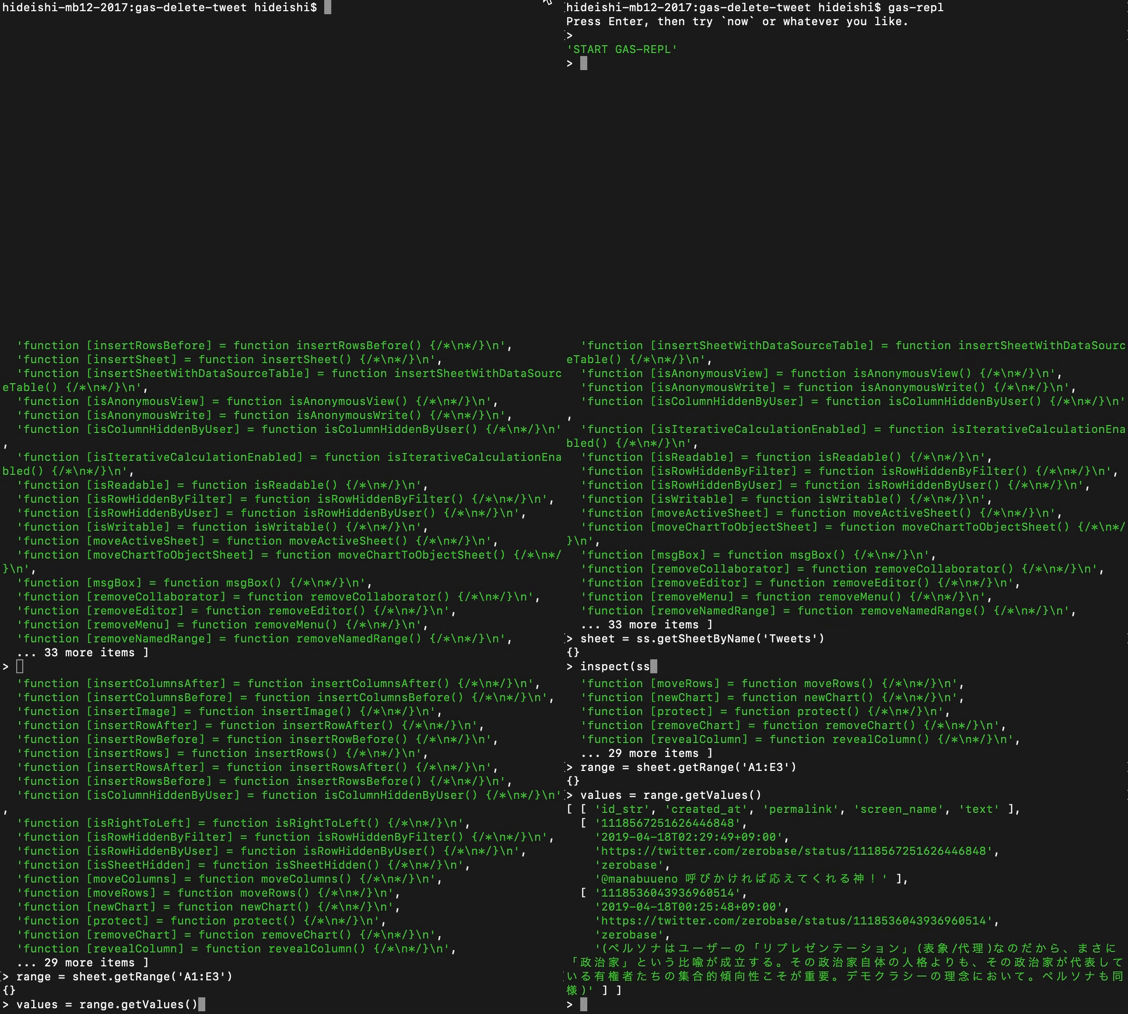
Interacting with remote objects gets your programming easier.
Installation
npm install --save-dev gas-replPrerequisite
Your GAS project should be set up for clasp run. Follow the instruction below:
- Find Project ID from https://console.cloud.google.com/home/dashboard and Script ID from https://script.google.com/home/my, then paste it into
.clasp.json. - Open https://console.developers.google.com/apis/credentials, create an OAuth Client ID (Other), then download as
.claspcreds.json. clasp login --creds .claspcreds.json.- Put the global function of
gas-repl -pto your project. - Build your project and
clasp push. clasp run GAS_REPLwill returnHello from Apps Script ID: ******if it is working right.
Now you can use gas-repl to interact with remote objects.
Troubleshooting
If you have Exception: ScriptError Authorization is required to perform that action. [], try clasp login.