1.0.1 • Published 6 years ago
gifroller v1.0.1
gifroller
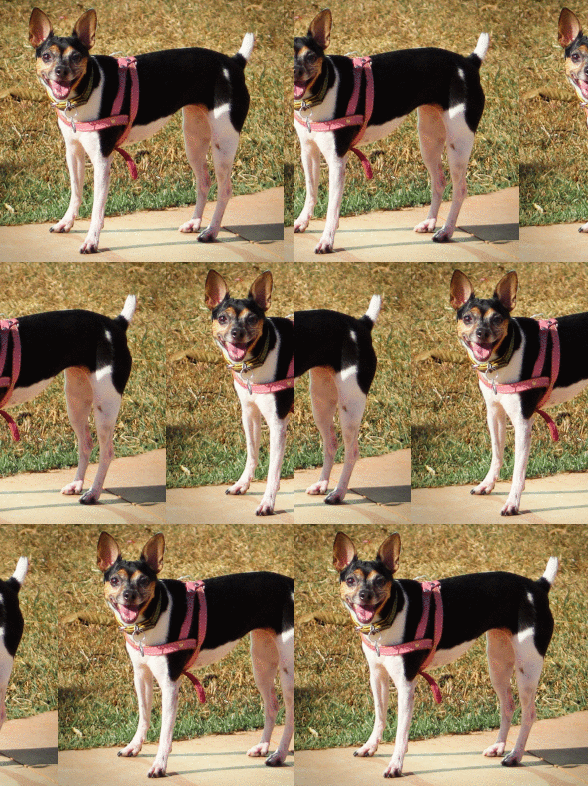
gifroller is both a command line utility and a JavaScript library for Node.js that converts static images into animated gifs like this:
Pre-Requisites
Before using gifroller, you will need the graphicsmagick library installed on your system.
On Ubuntu, use apt:
sudo apt install graphicsmagickOn Mac OS X, use Homebrew:
brew install graphicsmagickInstalling
To install gifroller globally on the system (useful if you want it as a command line app), use:
npm i -g gifrollerTo install it only in your project, use:
npm i --save gifrollerCommand line app
Usage: gifroller [OPTIONS] INPUT OUTPUT

Options:
    --vstep=X    Vertical step size = X (default=0)
    --hstep=X    Horizontal step size = X (default=0)

    --vframes=X  Number of frames in vertical roll (overrides vstep)
    --hframes=X  Number of frames in horizontal roll (overrides hstep)

    --delay=N   Duration of each frame in hundreths of a second (default=10)
    --reverse    Invert the standard loop direction
The order of the arguments does not matter (except for input and output).
For example, the animation on top of this page was generated with:
npx gifroller ./input.png example.gif --hframes=30 --reverse --delay=8Node.js library
To use gifroller in your Node.js code, just import gifroller and call it using an options object. The parameters on this object are the same as the ones in the command line utility.
const gifroller = require('gifroller');

gifroller({
    input: 'input.png',
    output: 'example.gif',
    hframes: 30,
    reverse: true,
    delay: 8
});